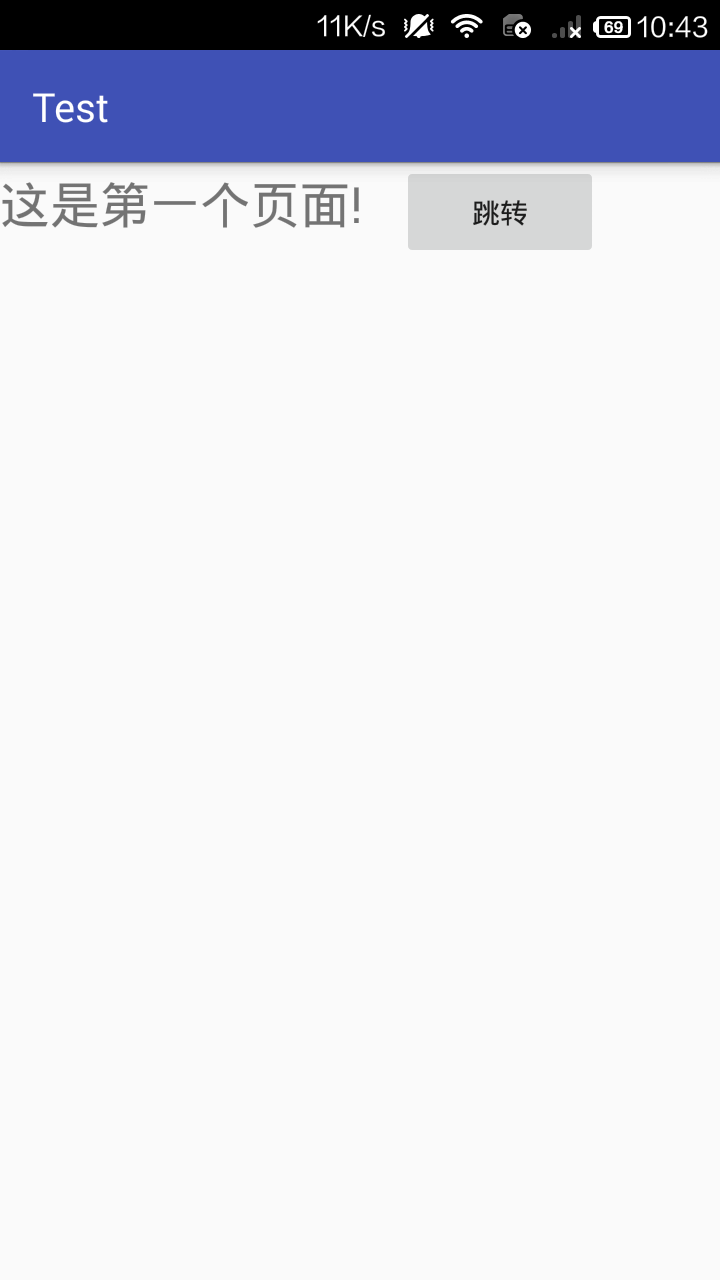
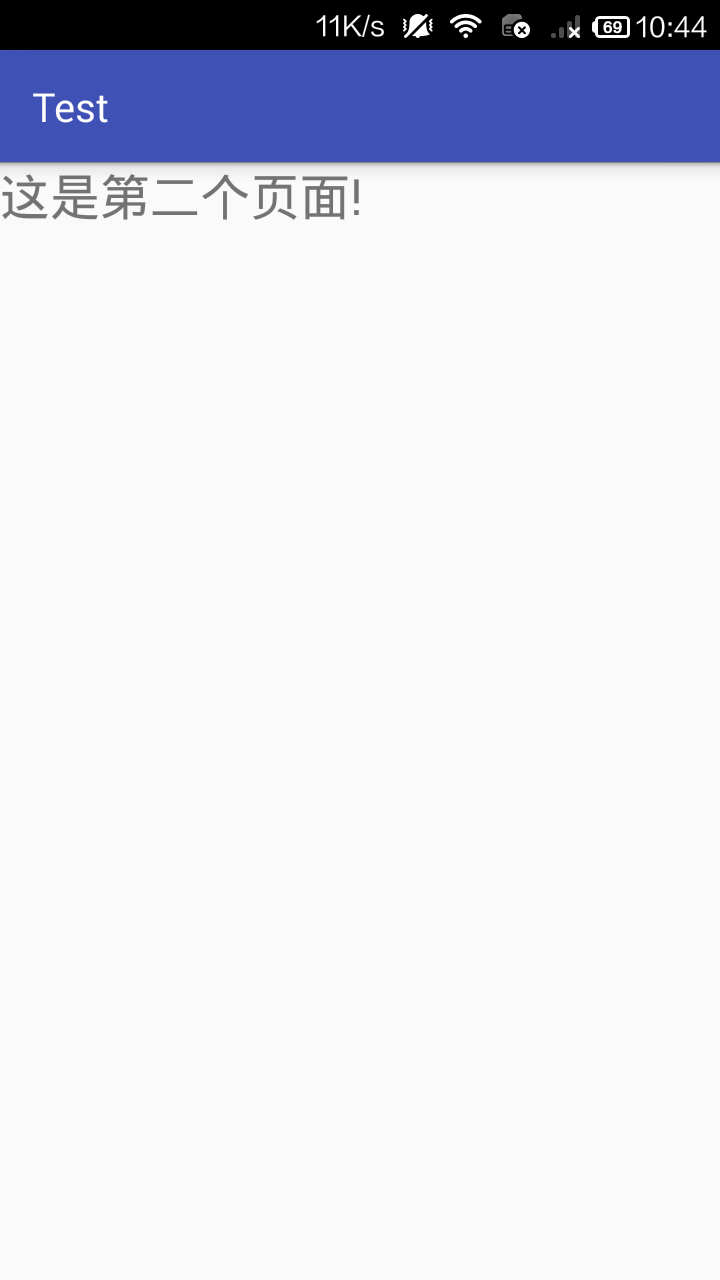
主界面
activity_main.xml
<?xml version="1.0" encoding="utf-8"?>

<LinearLayout xmlns:android="http://schemas.android.com/apk/res/android"

    xmlns:app="http://schemas.android.com/apk/res-auto"

    xmlns:tools="http://schemas.android.com/tools"

    android:layout_width="match_parent"

    android:layout_height="match_parent"

    tools:context="com.example.m.test.MainActivity">


    <TextView

        android:id="@+id/one"

        android:layout_width="200dp"

        android:layout_height="100dp"

        android:text="这是第一个页面!"

        android:textSize="25dp"

        android:layout_centerInParent="true"

        />

    <Button

        android:id="@+id/button"

        android:layout_width="100dp"

        android:layout_height="50dp"

        android:text="跳转"

        />


</LinearLayout>
MainActivity.java
package com.example.m.test;


import android.support.v7.app.AppCompatActivity;

import android.os.Bundle;

import android.view.View;

import android.widget.Button;

import android.content.Intent;


public class MainActivity extends AppCompatActivity {


    @Override

    protected void onCreate(Bundle savedInstanceState) {

        super.onCreate(savedInstanceState);

        //设置界面布局

        setContentView(R.layout.activity_main);

        //获取按钮控件

        Button button = (Button)findViewById(R.id.button);

        //添加按钮点击事件的监听器

        button.setOnClickListener(new View.OnClickListener() {

            @Override

            public void onClick(View view) {

                //实现界面跳转

                Intent intent = new Intent();

                intent.setClass(MainActivity.this,AnotherWindow.class);

                startActivity(intent);

            }

        });

    }


}
创建跳转的界面
activity_another.xml
<?xml version="1.0" encoding="utf-8"?>

<LinearLayout xmlns:android="http://schemas.android.com/apk/res/android"

    android:layout_width="match_parent"

    android:layout_height="match_parent">

    <TextView

        android:id="@+id/two"

        android:layout_width="200dp"

        android:layout_height="100dp"

        android:text="这是第二个页面!"

        android:textSize="25dp"

        android:layout_centerInParent="true"

        />

</LinearLayout>
AnotherWindow.java
package com.example.m.test;


import android.os.Bundle;

import android.support.v7.app.AppCompatActivity;

/**

 * Created by m on 2022/8/12.

 */


public class AnotherWindow extends AppCompatActivity {

    @Override

    protected void onCreate(Bundle savedInstanceState) {

        super.onCreate(savedInstanceState);

        //设置界面布局

        setContentView(R.layout.activity_another);

    }

}
在manifests->AndroidManifest.xml中添加创建的跳转的界面的activity
<?xml version="1.0" encoding="utf-8"?>

<manifest xmlns:android="http://schemas.android.com/apk/res/android"

    package="com.example.m.test">


    <application

        android:allowBackup="true"

        android:icon="@mipmap/ic_launcher"

        android:label="@string/app_name"

        android:roundIcon="@mipmap/ic_launcher_round"

        android:supportsRtl="true"

        android:theme="@style/AppTheme">

        <activity android:name=".MainActivity">

            <intent-filter>

                <action android:name="android.intent.action.MAIN" />


                <category android:name="android.intent.category.LAUNCHER" />

            </intent-filter>

        </activity>

        <!-- 添加AnotherWindow -->

        <activity android:name=".AnotherWindow"/>

    </application>


</manifest>
结果