HTTrack
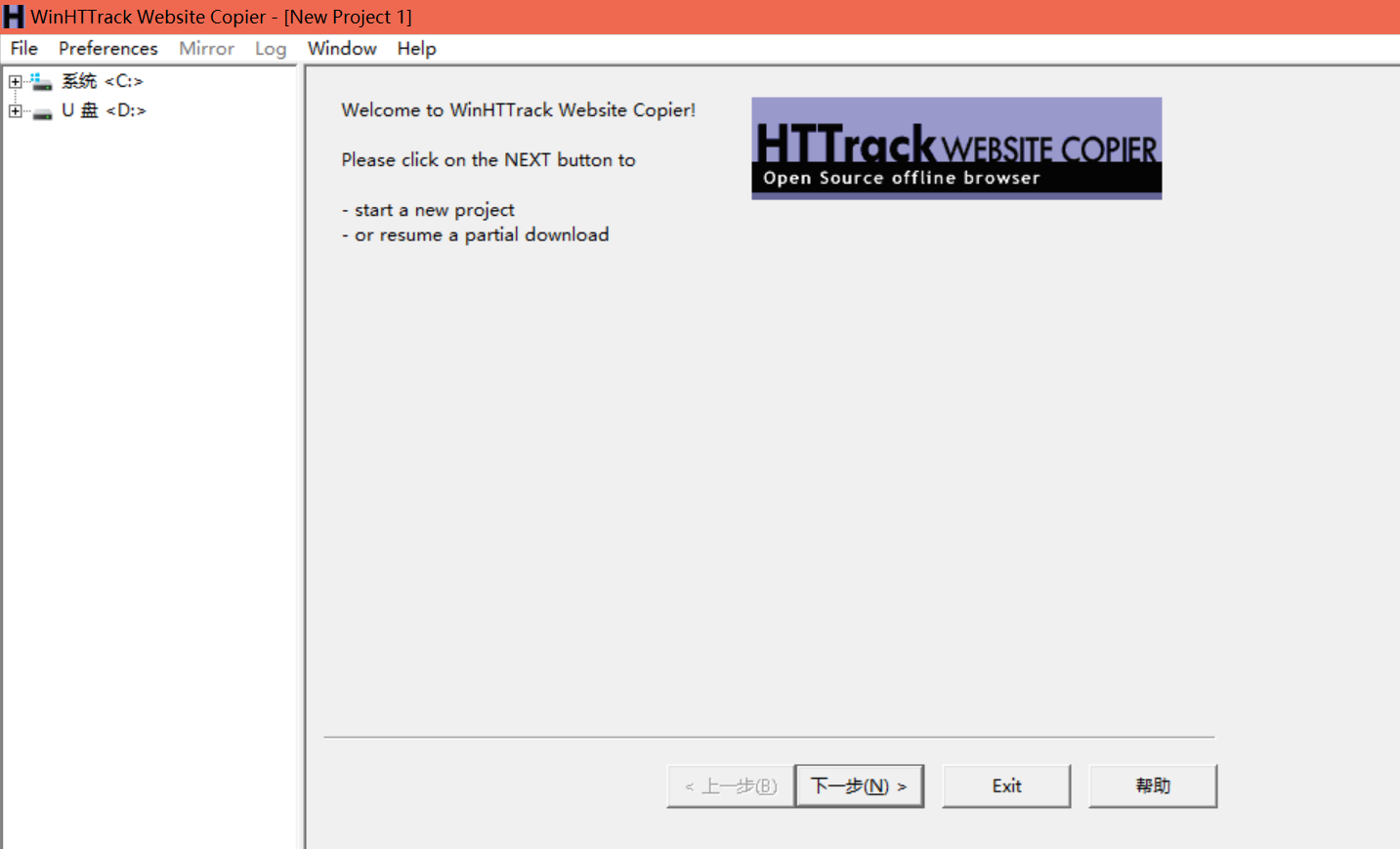
HTTrack is a free (GPL, libre/free software) and easy-to-use offline browser utility.
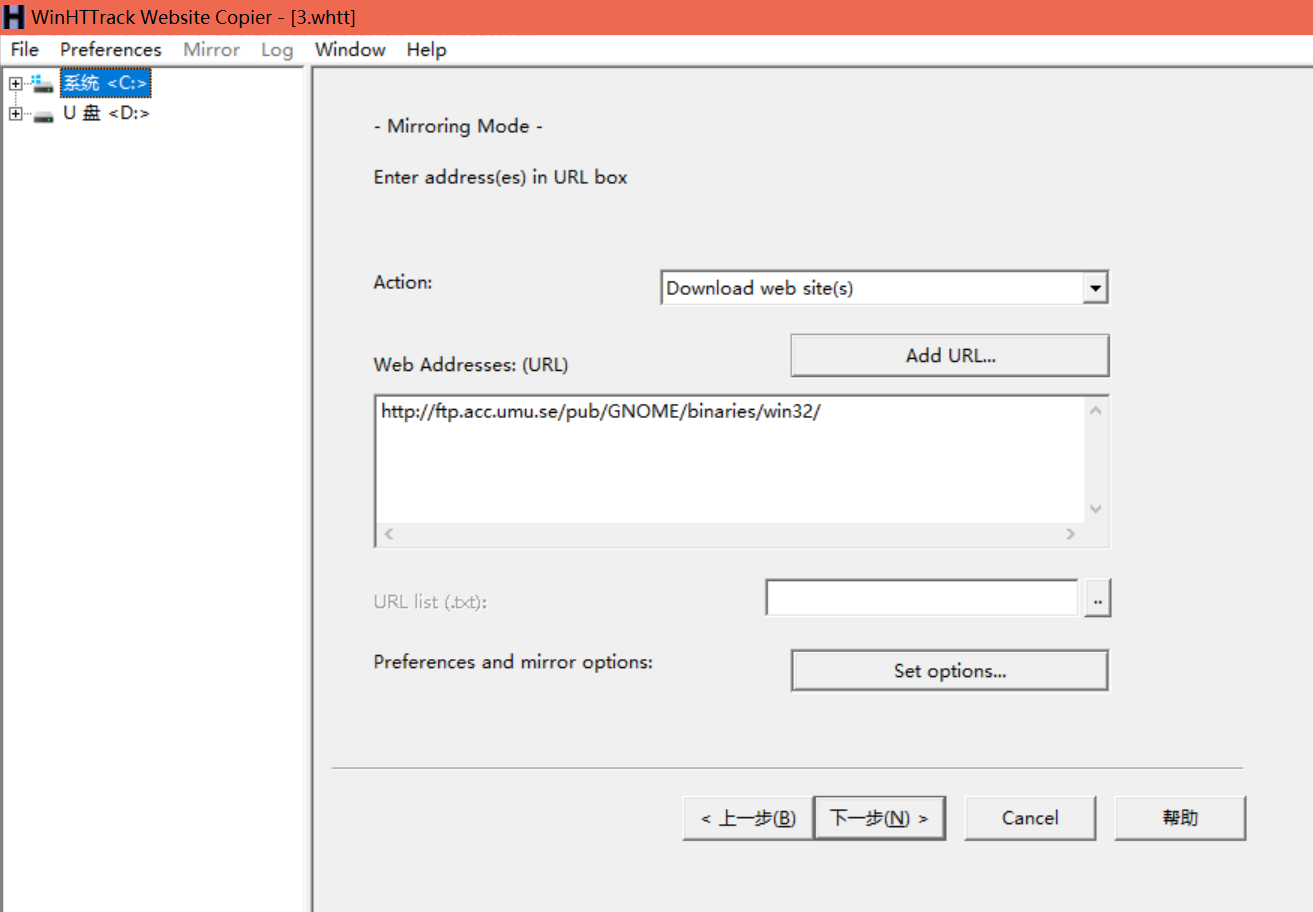
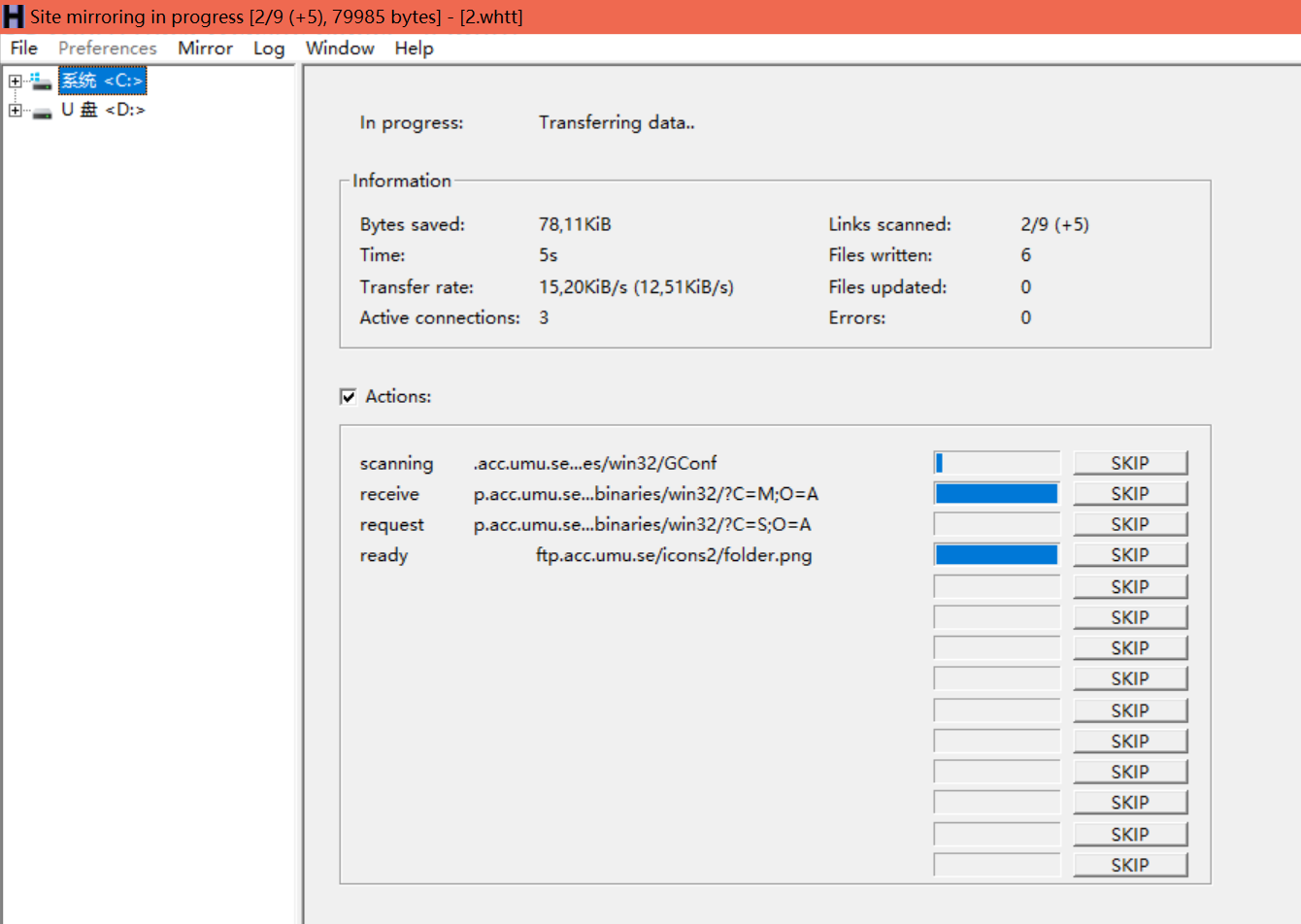
It allows you to download a World Wide Web site from the Internet to a local directory, building recursively all directories, getting HTML, images, and other files from the server to your computer. HTTrack arranges the original site's relative link-structure. Simply open a page of the "mirrored" website in your browser, and you can browse the site from link to link, as if you were viewing it online. HTTrack can also update an existing mirrored site, and resume interrupted downloads. HTTrack is fully configurable, and has an integrated help system.
wget
wget windows
https://eternallybored.org/misc/wget/releases/old/
镜像一个网站的命令:
wget -c -m -np -p -k -E -P YourDirectory http://www.server-world.info/en/

  -c    断点叙传

  -np   不下载站外连接

  -p    下载网页需要的元素,如css,img等

  -k    转换为本地的链接

  -E    将‘text/html’文档以html扩展名保存

  -P YourDirectory  保存所有文件和目录到指定文件夹下

  -m/--mirror   等价于-r -N -l inf -nr

  -r    递归下载整个网站,下载对应链接的内容,如果有站外链接也会一起下载,慎用

  -l    最大递归深度,inf或0代表无穷

  -nr   不移走‘listing’文件

  -N    不要重新下载文件,除非比本地文件新

  -i/--input-file=FILE 下载在FILE文件中出现的URLs

  http://www.server-world.info/en/  要下载的网站链接,可以是其他网站


-w 等待间隔(s)

--waitretry= 获取文件的重试期间等待 1..SECONDS 秒。

-o, --output-file=FILE

记录下载日志,并将日志信息写入 FILE。

-U, --user-agent=AGENT

标识为 AGENT 而不是 Wget/VERSION。比如使用Chrome流量器的Agent “Mozilla/5.0 (Macintosh; Intel Mac OS X 10_11_4) AppleWebKit/537.36 (KHTML, like Gecko) Chrome/55.0.2883.95 Safari/537.36”,这样可以避免被对方网站。

--connect-timeout

请求超时时间。


-t, --tries=NUMBER

设置重试次数为 NUMBER (0 代表无限制)。


--limit-rate

控制下载速度,如:


--limit-rate=100k

-b, --background

按照后台模式运行,启动后转入后台。


-P, --directory-prefix=PREFIX

将下载的所有文件保存在 PREFIX 目录中。


-R, --reject=LIST

屏蔽某类扩展名的文件,用逗号分隔。比如不下载gif如图片:


--reject=gif

--reject-regex=REGEX

以正则表达式的方式屏蔽某些url。


-e robots=off

不遵循robots协议。默认情况下wget遵循robots协议。


-I, --include-directories=LIST

允许抓取的目录列表,逗号分隔,可以使用通配符“*”。


-X, --exclude-directories=LIST

排除目录的列表,逗号分隔,可以使用通配符“*”。
我要下载
http://ftp.acc.umu.se/pub/GNOME/binaries/win32/
的所有gz,zip,exe,msi格式的文件,保存至E:\GNOME-binarys-win32
wget -c -r -k -p -np -l 4 -e robots=off --connect-timeout=30 -t 0 -A gz,zip,exe,msi -P E:\GNOME-binarys-win32 http://ftp.acc.umu.se/pub/GNOME/binaries/win32/
将一个页面的所有zip和exe资源下载
wget -r -np -A.zip -A.exe https://downloads.zzz.org/ --no-check-certificate