1. 前言
如果你想根据HTC的官方固件,提取并制作一款纯净的自定义的rom卡刷包,如何制作呢?
需要你有一定linux基础,简单的了解一些刷机脚本
使用HTC one m7(801e)欧版制作刷机rom为例子
2. 制作过程
2.1 获取刷机固件
首先从官方RUU固件提取rom.zip并且解密,具体过程参考在我的相近的另一个文章,你可以在网站内搜索htc或者ruu有关标题就能找到
2.2 工具准备
准备工具:Android-Kitchen-0.224
Android-Kitchen是XDA大神dsixda制作的一款安卓rom自定义制作工具。
This is a tool for those who want to start learning how to make custom ROMs, or who just want to save some time with their ROM customization.
My goal is to make your life easier, and, at the same time, help you learn about the Android OS.
The kitchen will not automatically turn you into a developer. You are not programming anything or building a ROM from the ground up.
The kitchen merely presents a user-friendly interface to hide all the rough details. However, this may be the push that gets you into development in the future.
A little bit of prior UNIX command-line knowledge would be useful to get started with the kitchen, but the help guides should be enough for a newbie. Knowledge of command lines is always important if you ever want to get involved in Android or development.
下载地址:
[KITCHEN] Android Kitchen, v0.224 [Linux / Mac / Windows]
下载完成后解压
2.3 制作ROM
1.准备安装有linux系统的虚拟机,如果你的电脑就是linux那就当我没说
2.将htc固件解密后的system.img和boot.img文件拷贝到Android-Kitchen的original_update目录下
3.将Android-Kitchen拷贝到linux系统中
4.linux系统中打开终端,切换到Android-Kitchen目录下
5.切换到root用户
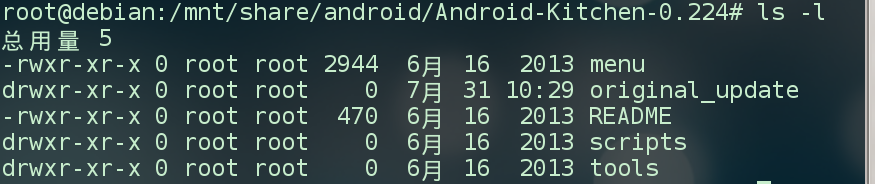
输入
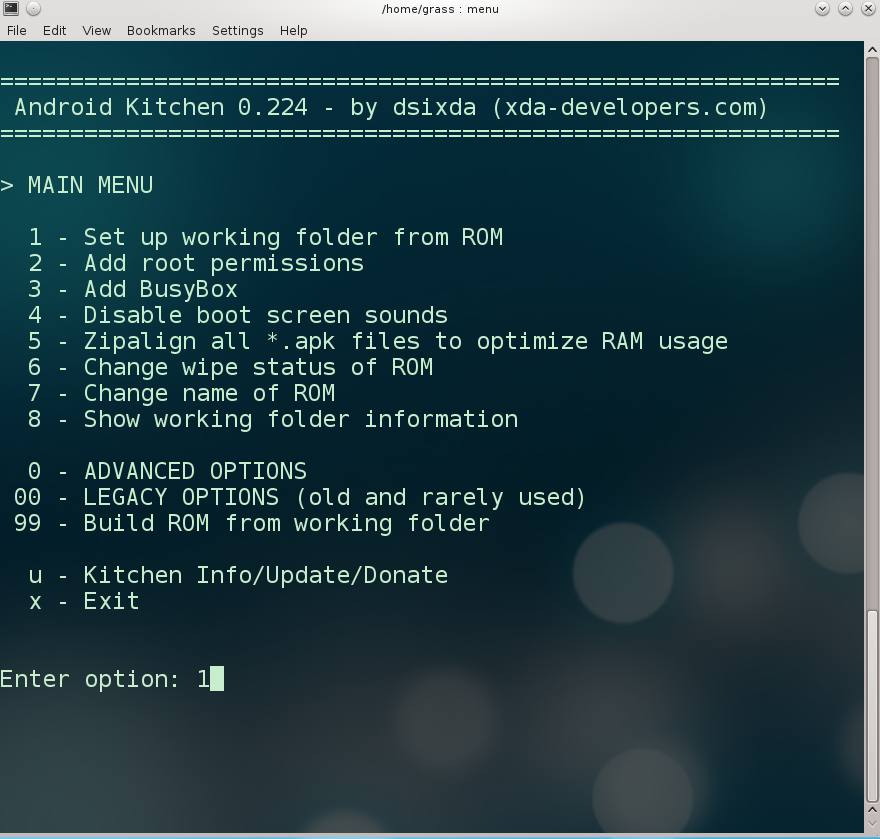
输入1,设置工作目录
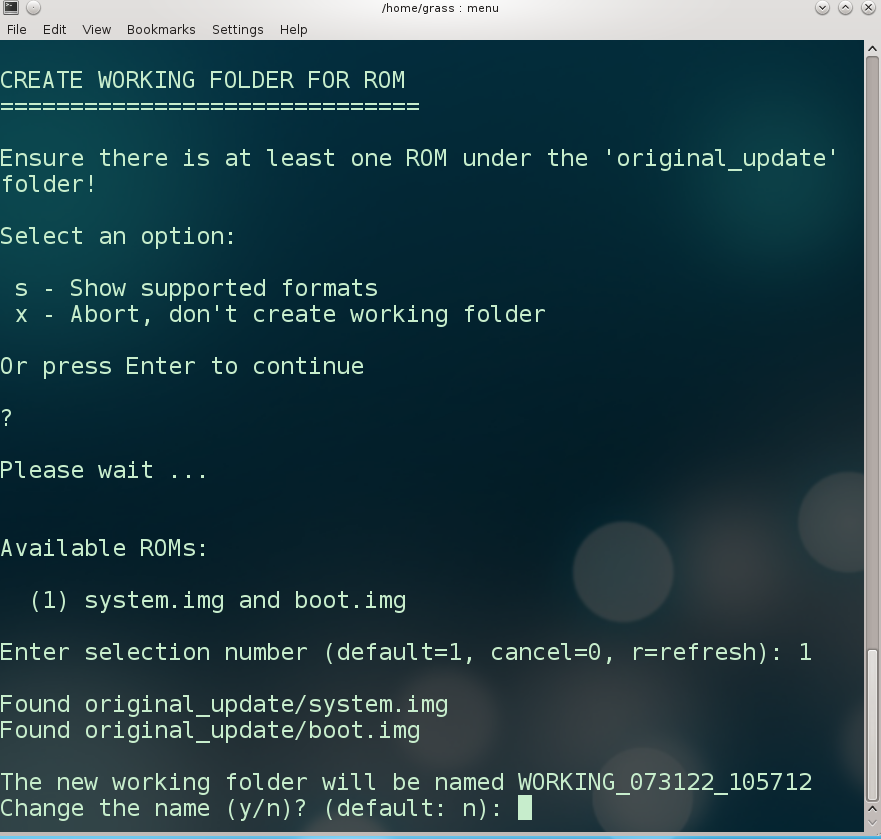
询问其它选项,输入回车掠过,之后系统检测到可用的rom(system.ing和boot.img),输入1选择,回车,询问是否改工作目录名字,输入回车忽略
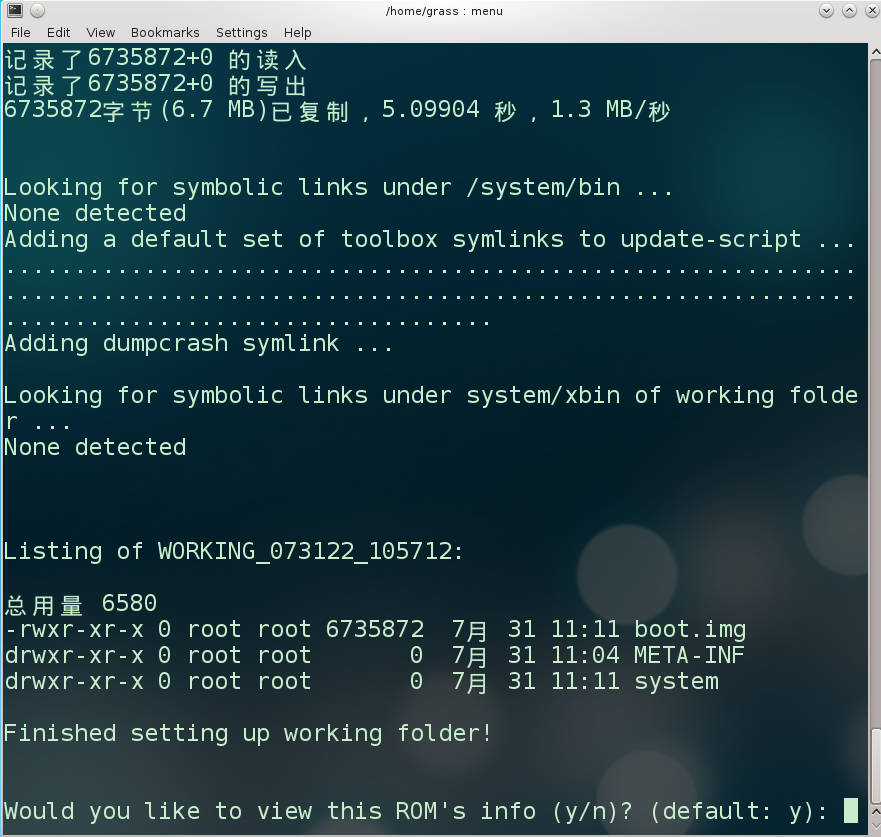
工作目录设置完成,输入回车可以查看rom信息
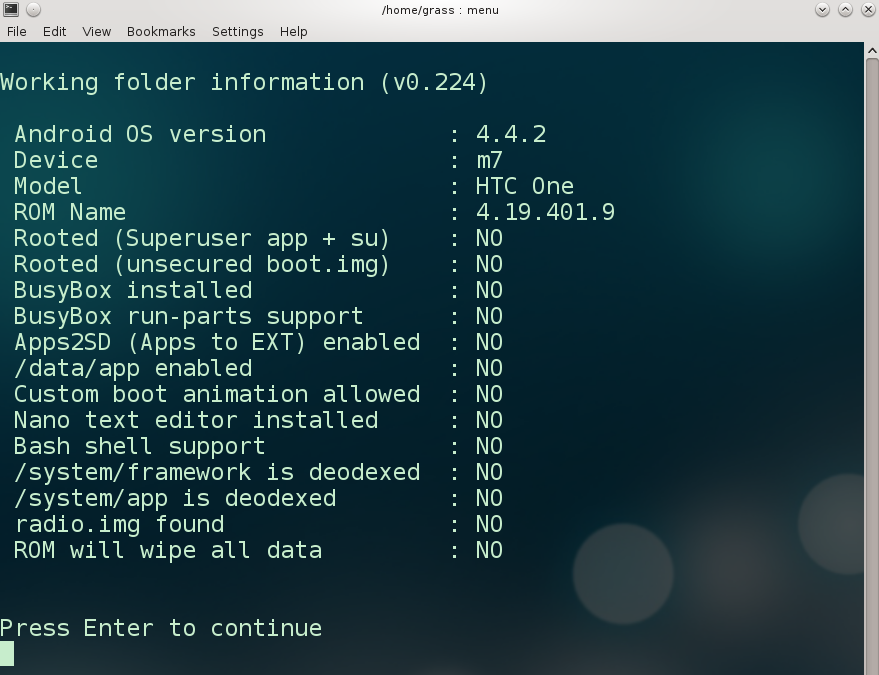
输入回车返回主菜单,此时可以根据需要进行root,预装busybox等选项,和一些其它高级选项,输入99是开始制作生成rom
询问你生成选项,默认1,会询问你是否进行zipaligning优化,是否签名等,如果你嫌麻烦,直接选2,程序自动选择
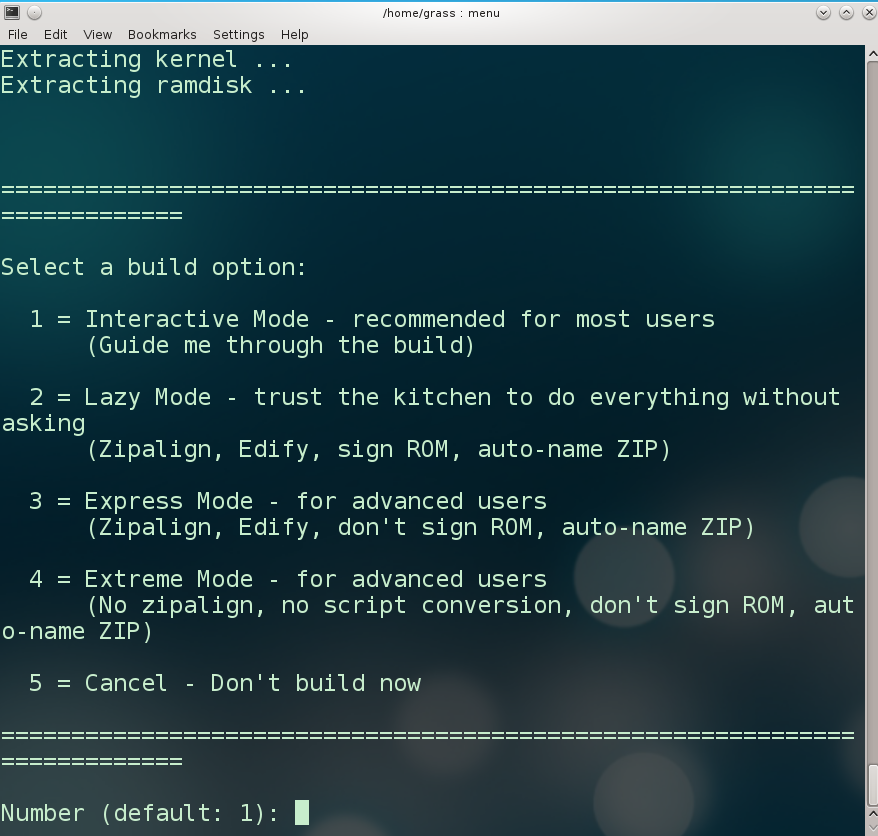
如果你选择不对rom签名,之后可以在工具的高级选项中进行签名,或者卡刷时在recovery中关闭签名验证进行刷入。
Select a build option:


  1 = Interactive Mode - recommended for most users

      (Guide me through the build)


  2 = Lazy Mode - trust the kitchen to do everything without asking

      (Zipalign, Edify, sign ROM, auto-name ZIP)


  3 = Express Mode - for advanced users

      (Zipalign, Edify, don't sign ROM, auto-name ZIP)


  4 = Extreme Mode - for advanced users

      (No zipalign, no script conversion, don't sign ROM, auto-name ZIP)


  5 = Cancel - Don't build now


==========================================================================


Number (default: 1):


Would you like to optimize the APK files by zipaligning them (y/n)? (default: y): n


NOTE: This device (m7) requires an updater-script


--------------------------------------------------------------------------


Converting to updater-script, please wait ...


- Initial formatting ...

- copy_dir ...

- set_perm_recursive ...

- set_perm ...

- run_program ...

- package_extract_file ...

- show_progress ...

- set_progress ...

- sleep ...

- delete/delete_recursive ...

- symlink ...

- write_raw_image ...

- format and mount ...

- unmount ...

scripts/convert_update_script:行660: updater-script: 权限不够

- Final formatting ...


Device name in kitchen, or variant of: m7


Please ensure these device mount statements are correct:

--------------------------------------------------------------------------

mount("ext4", "EMMC", "/dev/block/mmcblk0p35", "/system");

--------------------------------------------------------------------------


Copying update-binary ...

"../../../../../tools/update_files/emmc-update-binary" -> "update-binary"


--------------------------------------------------------------------------


An updater-script has been created under META-INF/com/google/android of

your working folder. Please review it and make any necessary changes. An

update-binary has also been added.


DO NOT delete any of the files under META-INF/com/google/android.


Proceed with the change (y/n)?


  y = Proceed; updater-script and update-binary will be used in the ZIP

      file; update-script will remain in working folder.

  n = Cancel; updater-script and update-binary will be deleted and not

      used.


? (default: y):


Making update.zip ...


update.zip created


It is recommended that you sign your ROM.

Sign it (y/n)? (default: y): n


The new ROM will be named m7_unsigned_073122_112726.zip

Change the name (y/n)? (default: n): n


Creating folder OUTPUT_ZIP ...


==========================================================================


Congratulations ... your ROM is here:


----> OUTPUT_ZIP/m7_unsigned_073122_112726.zip


Copy this to your device and flash from custom recovery menu.


==========================================================================


NOTE 1: Remember to do a factory reset or data/cache wipe if necessary!


NOTE 2: Always refer to the Android Kitchen FAQ @ xda-developers.com for

common issues such as:


 - Errors during flashing (e.g. Status 0)

 - Non-booting ROM after flashing ZIP file


NOTE 3: You will need to disable signature checks in the recovery

menu to flash this ROM!  If you wish to sign this ROM later, please use

the Sign ZIP option in the Advanced menu of the kitchen.


Good luck!


Press Enter to continue
制作完成后输入x退出,刷机包在OUTPUT_ZIP/目录下

2.4 刷入ROM
刷入过程比较简单,只需要将制作好的rom包导入手机,并且在第三方recovery中刷入就可以了。但是我在刷入时遇到以下问题:
刷入时报错
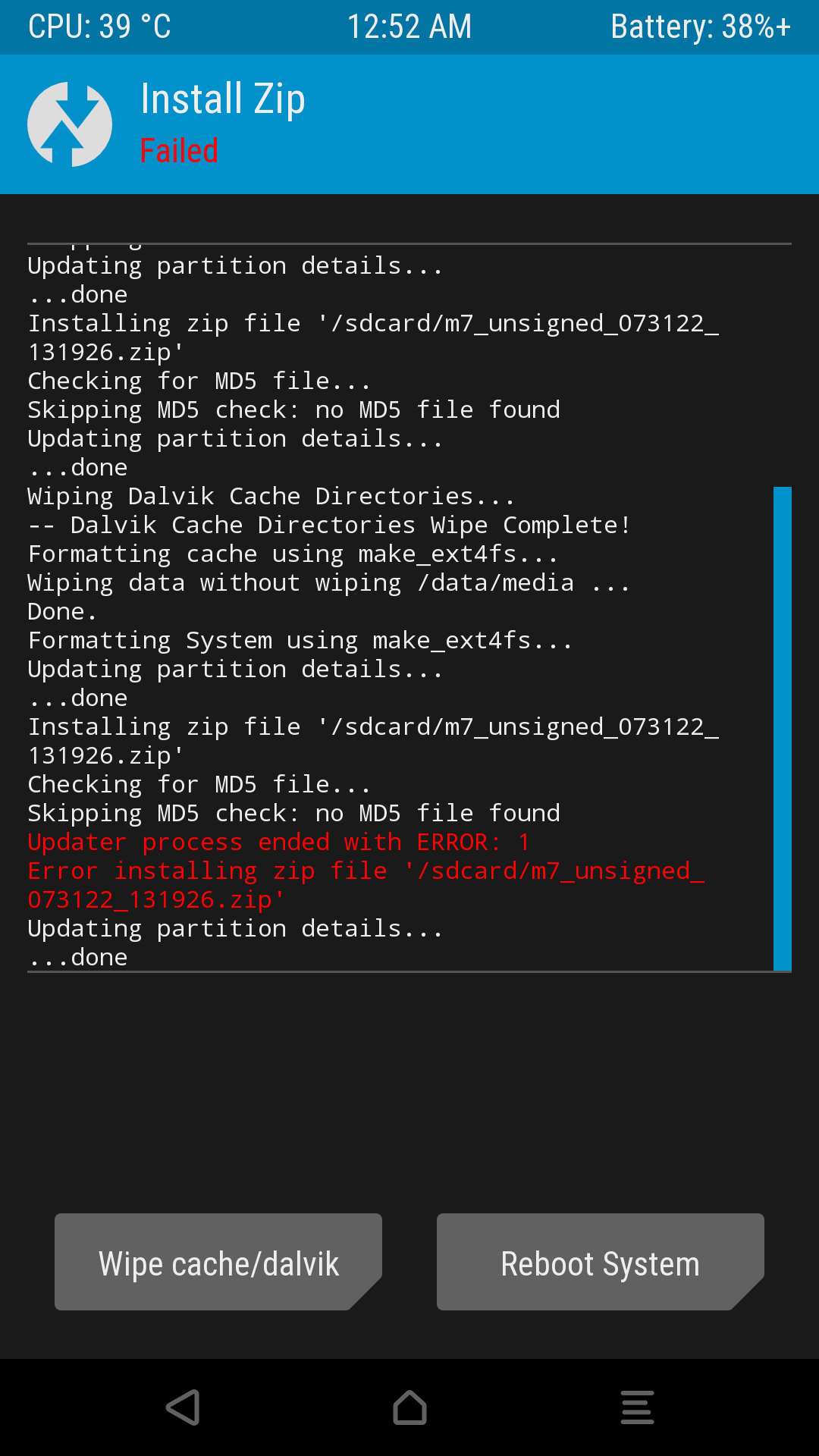
大概是对于非YAFFS文件系统的支持问题:

对于rom包的目录:
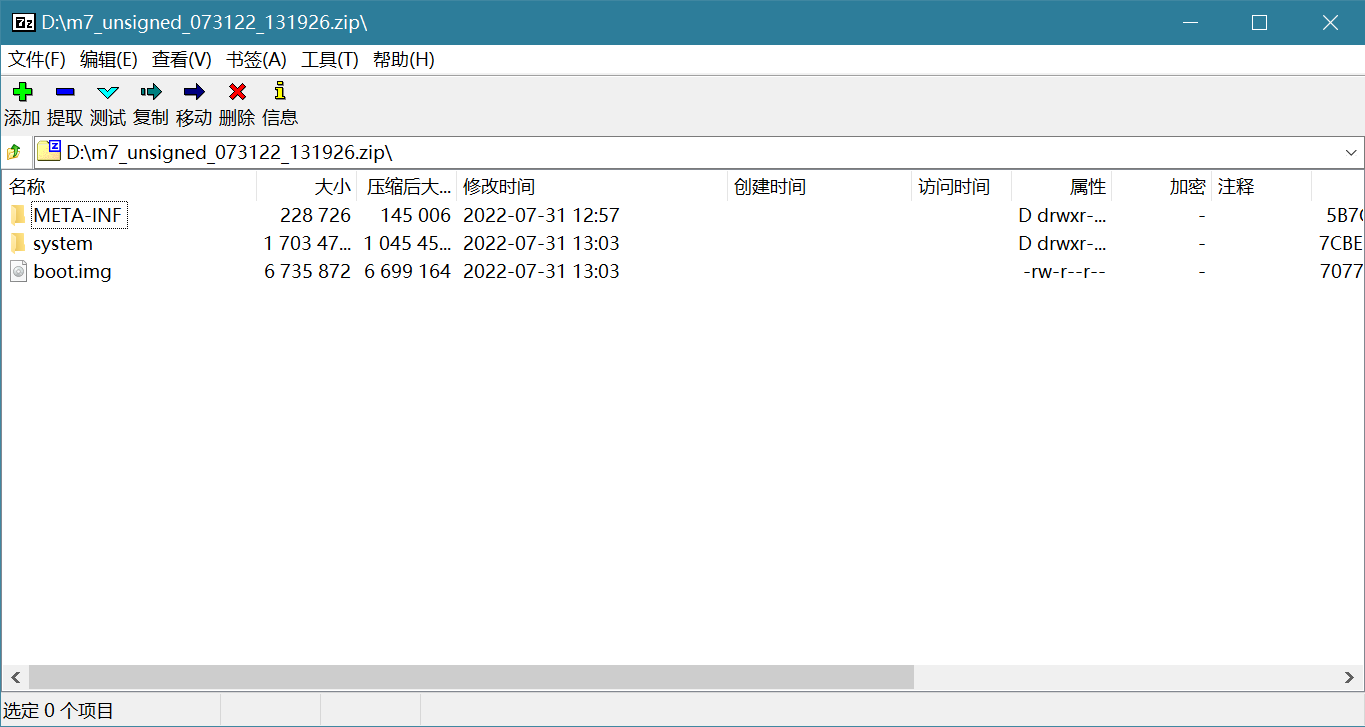
检查它的刷机脚本updater-script,位于m7_unsigned_073122_131926.zip\META-INF\com\google\android\
其中挂载系统分区的语句
format("ext4", "EMMC", "/dev/block/mmcblk0p35");

mount("ext4", "EMMC", "/dev/block/mmcblk0p35", "/system");
改为
run_program("/sbin/umount", "/system");

run_program("/sbin/mke2fs", "-t", "ext4", "-m", "0", "/dev/block/mmcblk0p35");

run_program("/sbin/mount", "/system");
另外,
package_extract_file("boot.img", "??");
会刷入boot分区吗?
如果刷机后无法正常启动,将其改成
assert(package_extract_file("boot.img", "/tmp/boot.img"),run_program("/sbin/dd", "if=/tmp/boot.img", "of=/dev/block/mmcblk0p33"));
之后更新压缩包内容就可以了
3. 总结
这款工具不再更新,并且大概只支持Samsung、sony、LG、HTC的一些比较老旧的机型,对于新型手机只能碰运气了,毕竟没有一款工具是永不过时的!
如果你会修改刷机脚本,使用recovery,可以把它当作一款辅助工具
4. 刷机成功的效果
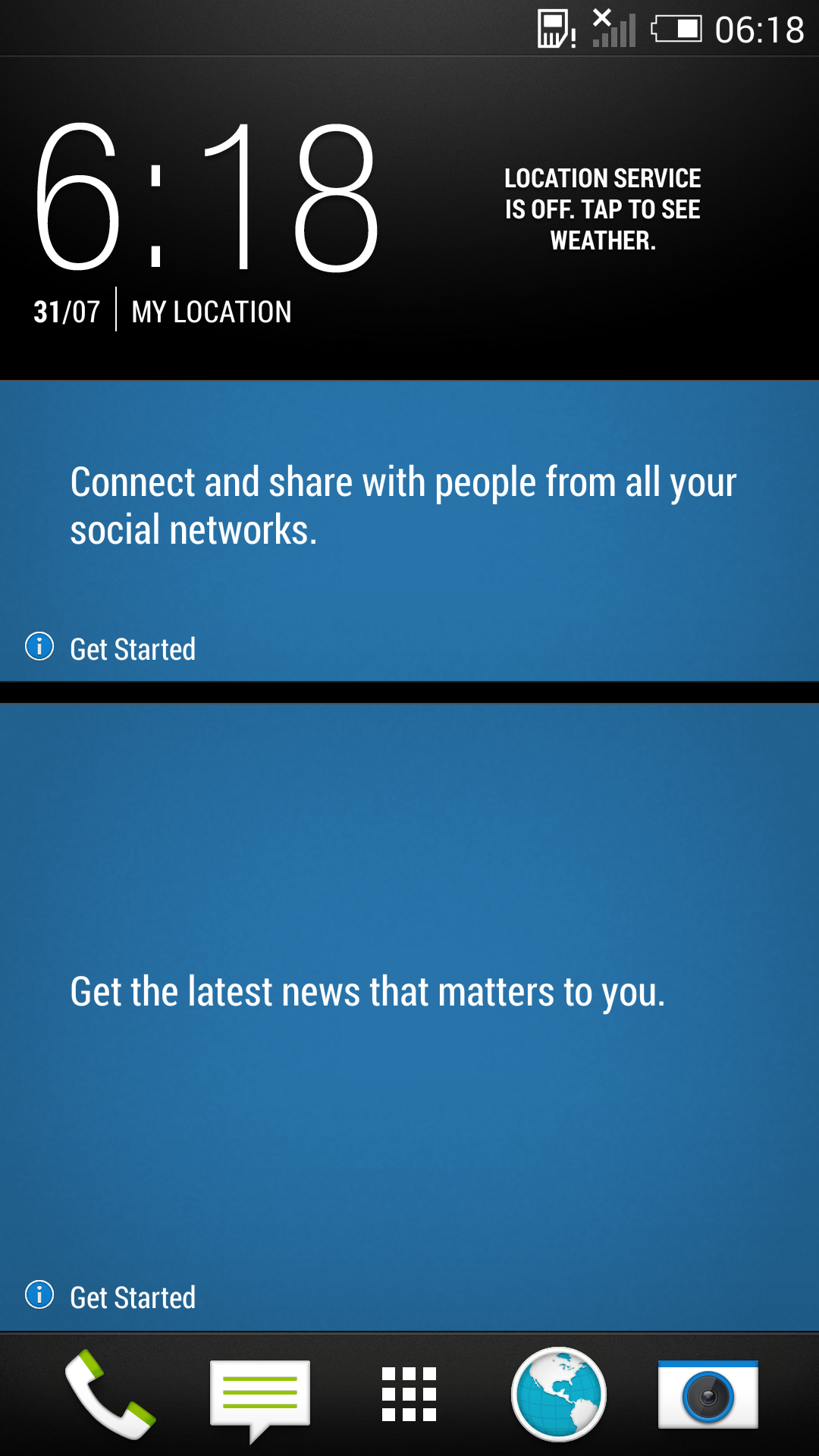
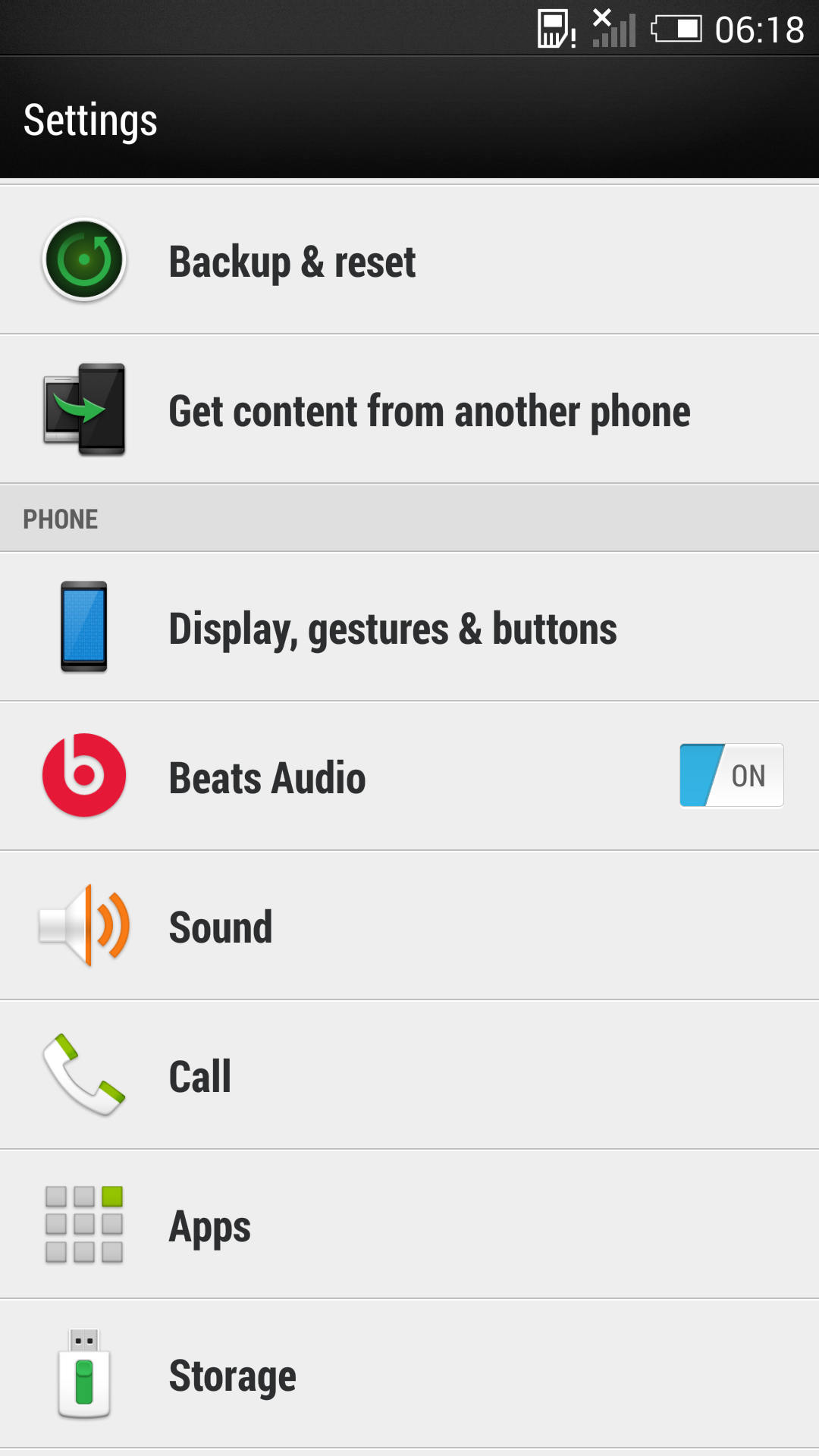
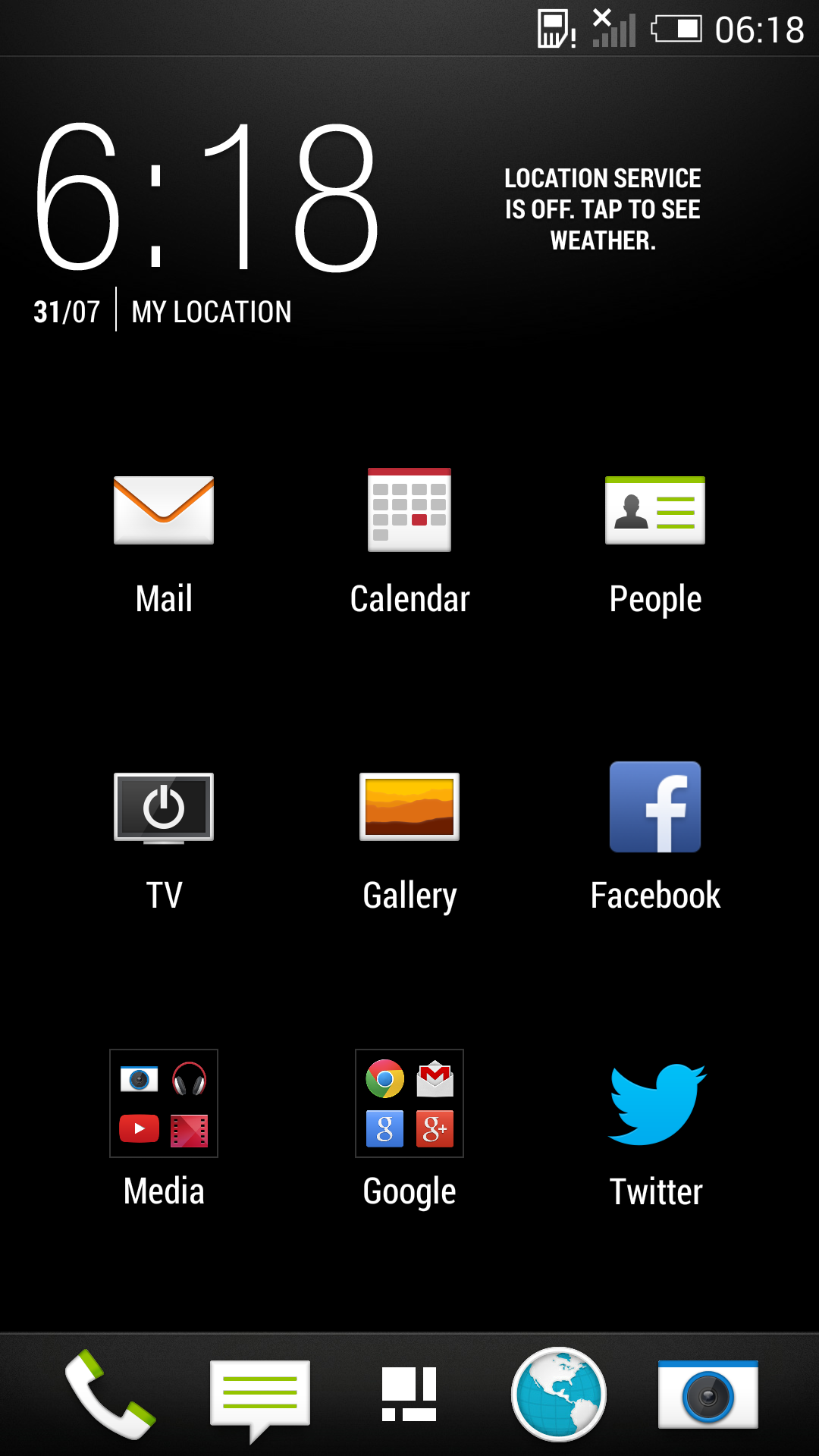
对于htc,只要取得官方解锁。就可以刷入recovery。如果想要用特定版本的原版系统,没有s-off,就无法使用ruu进行降级低版本,但是此方法却可以刷入任意低版本的ruu系统