
Geany是一个功能强大、稳定且轻量级的程序员文本编辑器,它提供了大量有用的功能,而不会阻碍您的工作流程。它运行在Linux、Windows和macOS上,被翻译成40多种语言,并内置支持50多种编程语言。
特点:
快速和小型
伟大的社区支持
高度自定义
多种文件类型支持
多种插件支持
下面在Linux系统中使用源码编译的方式安装Geany
安装intltool
sudo apt-get install intltool
安装gtk+-2.0开发环境
sudo apt-get install gtk+-2.0-dev
源码下载地址:https://www.geany.org/download/releases/
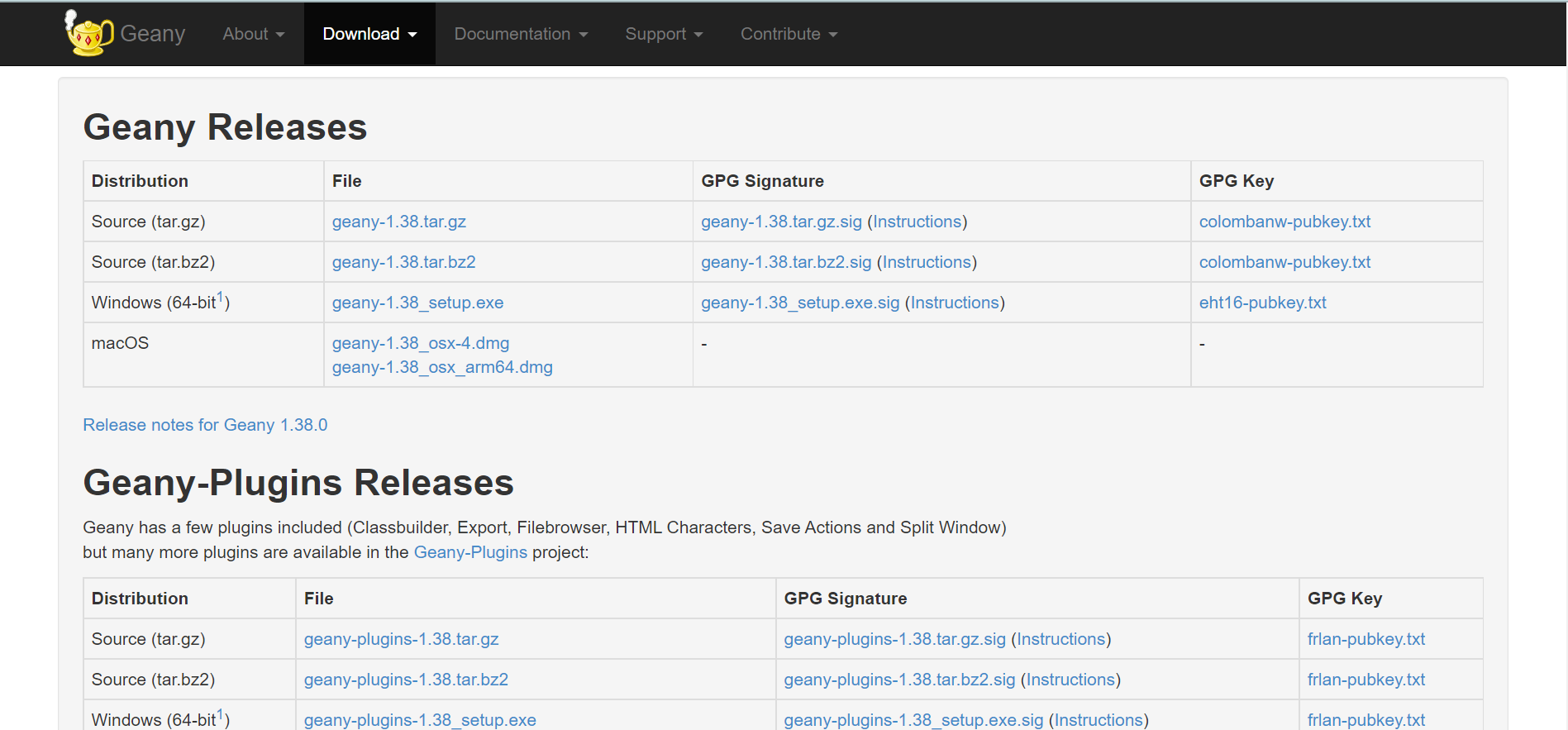
将下载的源码解压
tar -xzvf geany-1.29.tar.bz2
进入源码目录,配置、编译、安装
cd geany-1.29

./configure

make

make install
启动
geany
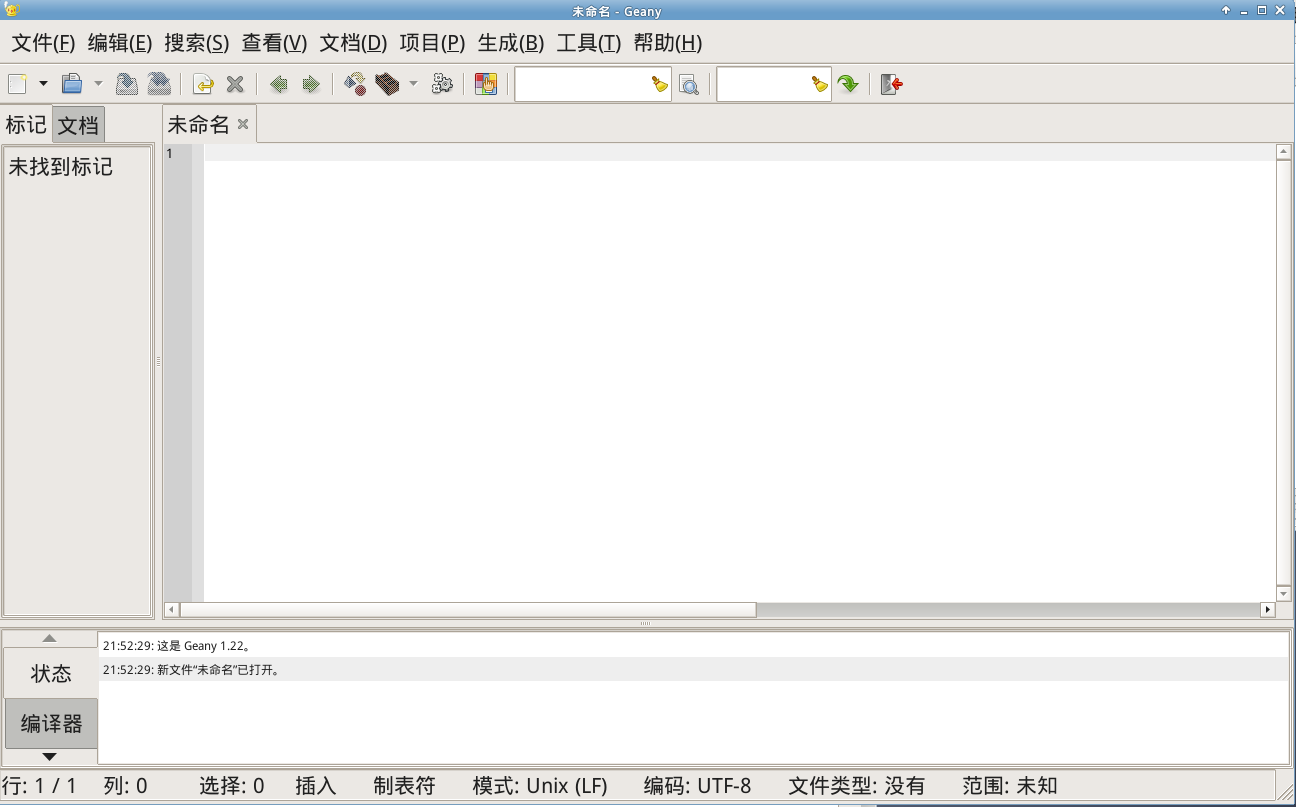
主题:
geany的默认界面单调,但是,由于开源软件的高度自定义特性,我们可以给他添加不同的主题配色
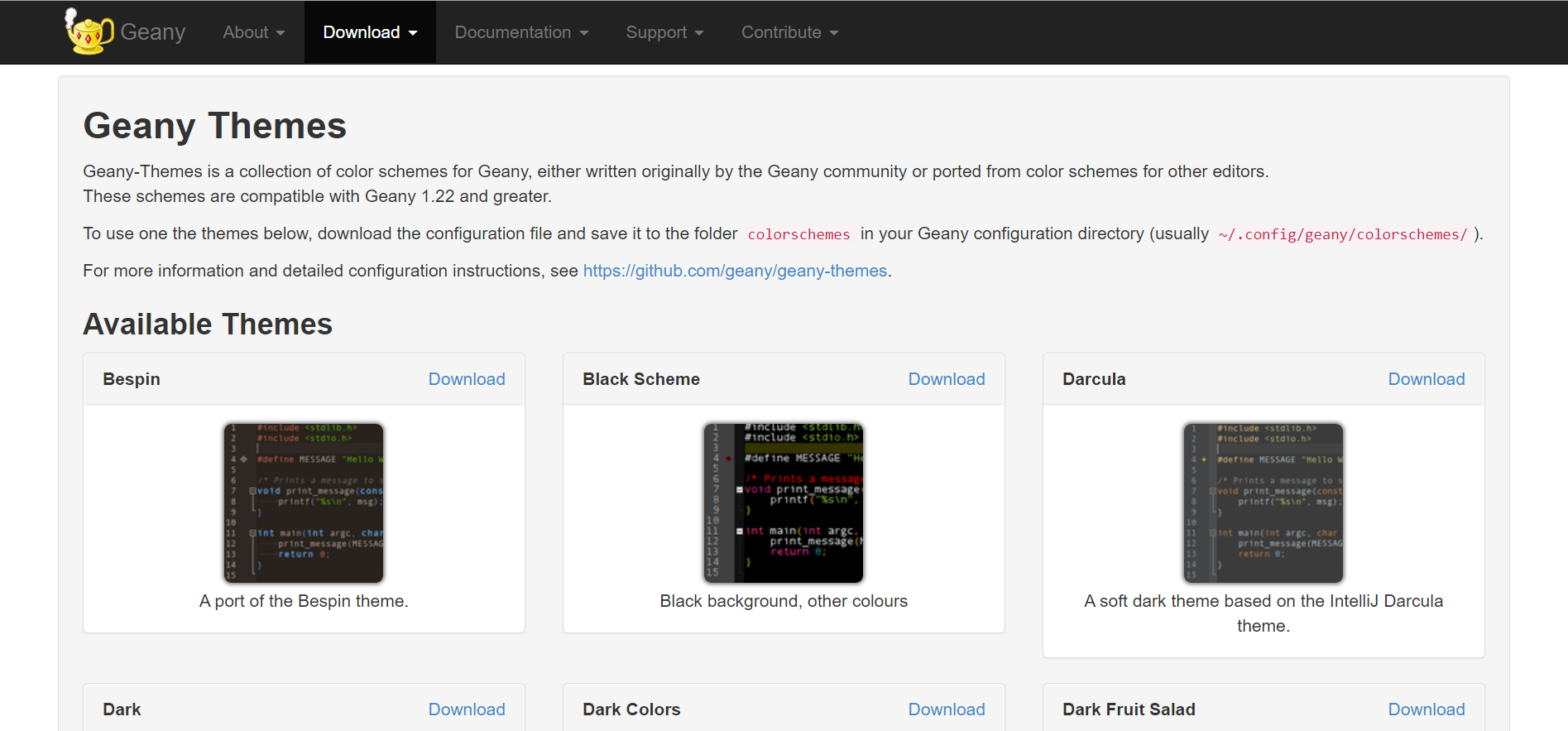
Geany Themes是Geany的配色方案集合,最初由Geany社区编写,或从配色方案移植到其他编辑。
这些方案与Geany 1.22及更高版本兼容。
要使用以下主题之一,请下载配置文件并将其保存到Geany配置目录中的colorschemes文件夹(通常为~/.config/Geany/colorschemes/)。
有关更多信息和详细配置说明,请参阅 https://github.com/geany/geany-themes.
主题使用方法:
主题文件下载地址:https://www.geany.org/download/themes/
我下载了Delt Dark这款主题,他是一个文本文件,内容如下
#

# This file was generated from a textmate theme named Bespin

# with tm2gtksw2 tool. (Alexandre da Silva)


# This library is free software; you can redistribute it and/or

# modify it under the terms of the GNU Library General Public

# License as published by the Free Software Foundation; either

# version 2 of the License, or (at your option) any later version.


# This library is distributed in the hope that it will be useful,

# but WITHOUT ANY WARRANTY; without even the implied warranty of

# MERCHANTABILITY or FITNESS FOR A PARTICULAR PURPOSE. See the GNU

# Library General Public License for more details.


# You should have received a copy of the GNU Library General Public

# License along with this library; if not, write to the

# Free Software Foundation, Inc., 59 Temple Place - Suite 330,

# Boston, MA 02111-1307, USA.

#

# Ported to Geany by Matthew Brush <matt(at)geany(dot)org>

#


[theme_info]

name=Bespin

description=A port of the Bespin theme.

# incremented automatically, do not change manually

version=1225

author=Alexandre da Silva (tm2gtksw2)

url=https://github.com/gmate/gmate/blob/master/styles/Bespin.xml

# list of each compatible Geany release version

compat=1.22;1.23;1.23.1;1.24


[named_styles]


default=#baae9e;#28211c;false;false

error=#f8f8f8;#4a2947


# Editor styles

#-------------------------------------------------------------------------------


selection=#baae9e;#4c4a49;true;true

current_line=#000;#2e2723;true

brace_good=#00f;#2e2723;true;false

brace_bad=#df4545;#2e2723;true;false

margin_line_number=#baae9e;#2e2723

margin_folding=#baae9e;#2e2723

fold_symbol_highlight=#2e2723

indent_guide=#40342c

white_space=#40342c;#fff;true;false

caret=#a7a7a7;#000;false

marker_line=#000;#ff0;

marker_search=#000;#0000f0;

marker_mark=#000;#b8f4b8;

call_tips=#c0c0c0;#fff;false;false


# Programming languages

#-------------------------------------------------------------------------------


comment=#666;;;true

comment_doc=comment

comment_line=comment

comment_line_doc=comment_doc

comment_doc_keyword=comment_doc,bold

comment_doc_keyword_error=comment_doc,italic


number=#cf6a4c

number_1=number

number_2=number_1


type=#9b859d;;true

class=type

function=#937121

parameter=function


keyword=#5ea6ea;;true

keyword_1=keyword

keyword_2=type

keyword_3=keyword_1

keyword_4=keyword_1


identifier=default

identifier_1=identifier

identifier_2=identifier_1

identifier_3=identifier_1

identifier_4=identifier_1


string=#54be0d

string_1=string

string_2=string_1

string_3=default

string_4=default

string_eol=string_1,italic

character=string_1

backticks=string_2

here_doc=string_2


scalar=string_2

label=default,bold

preprocessor=#cf6a4c

regex=#e9c062

operator=#5ea6ea

decorator=string_1,bold

other=#ddf2a4


# Markup-type languages

#-------------------------------------------------------------------------------


tag=#ac885b

tag_unknown=#ac885b

tag_end=#ac885b

attribute=#937121

attribute_unknown=#937121

value=string_1

entity=default


# Diff

#-------------------------------------------------------------------------------


line_added=#f8f8f8;#253b22

line_removed=#f8f8f8;#420e09

line_changed=#f8f8f8;#4a410d
需要做的就是将它保存成主题名.conf格式的文件,比如DeltDark.conf
将此文件复制到~/.config/geany/colorschemes/文件夹下,如果没有该文件夹则手动创建。从主题目录来看,该主题文件应该只对当前用户有效
重启geany,点击查看,编辑器,配色方案,选择添加的主题即可
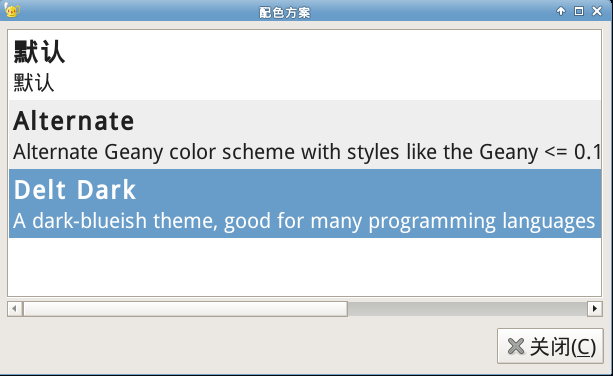
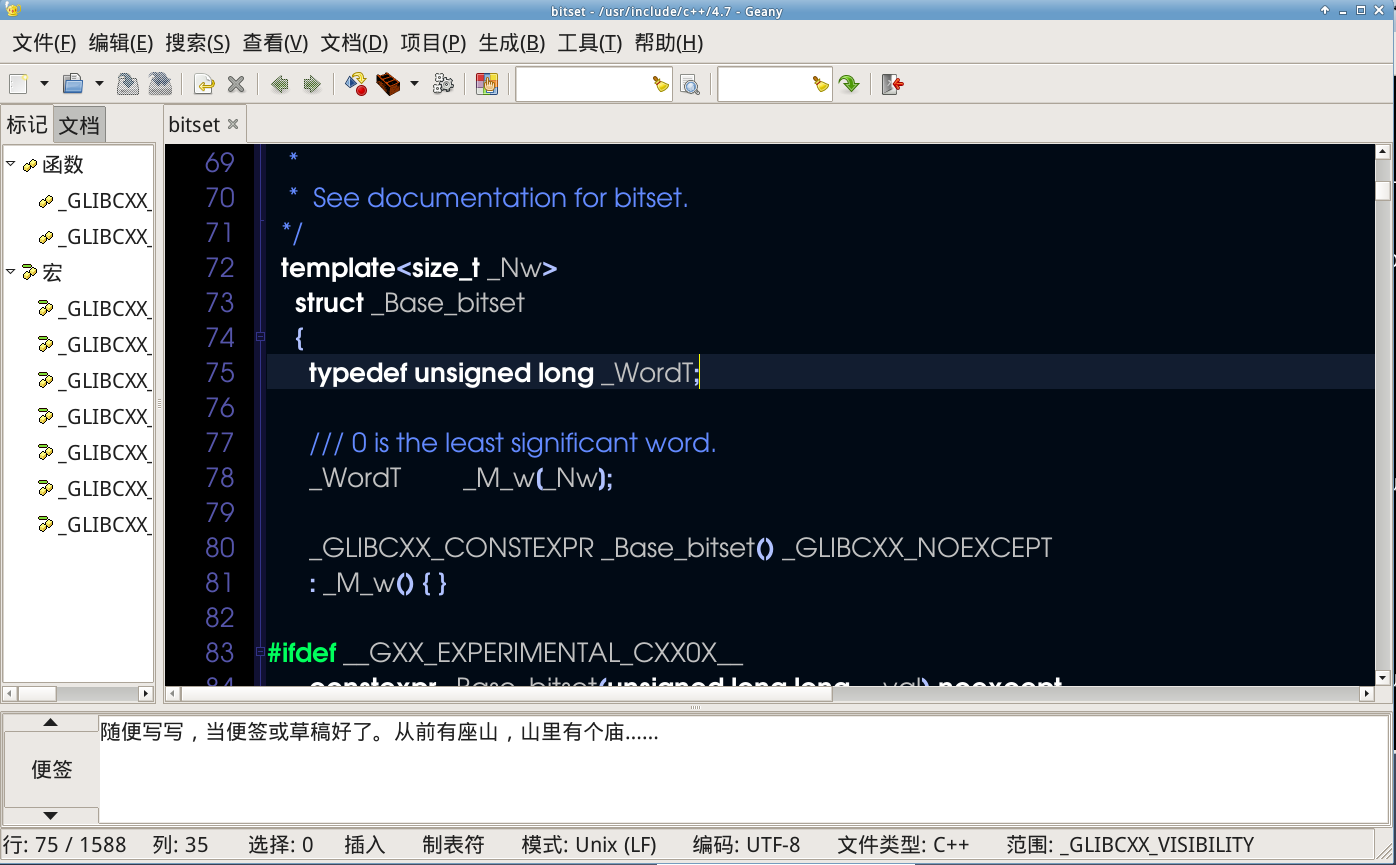
效果
geany支持代码补全功能,但是需要设置,点击编辑,首选项,编辑器,自动完成,键入多少字符启动自动完成,设置成1
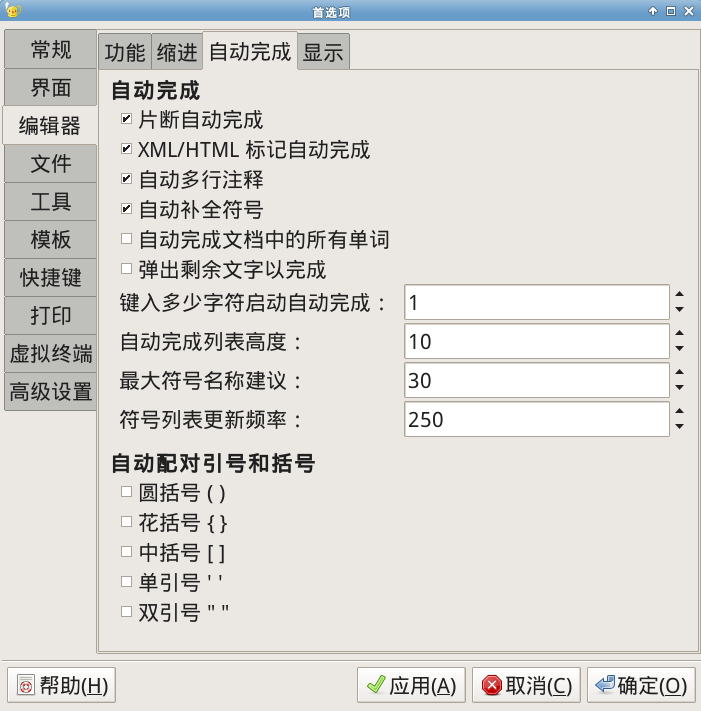
效果:安装Geany教程/d3a813062659ad03d9a7d2abd9df30c8.png)
对于以源码形式编译安装的程序,卸载时进入到源码目录,执行以下命令
make uninstall