安装mailx
对于debian,修改/etc/nail.rc,对于ubuntu,修改/etc/s-nail.rc
假设我的邮箱地址是abcd@outlook.com,密码是123456,应该这样配置,在rc文件的最后加上
set from=abcd@outlook.com

set smtp=smtp.office365.com:587

set smtp-auth=login

set smtp-auth-user=abcd@outlook.com

set smtp-auth-password=123456

set smtp-use-starttls

set ssl-verify=ignore

set nss-config-dir=/home/grass/nssconfig
保存后退出,因为指定配置文件夹set nss-config-dir=/home/grass/nssconfig,所以创建文件夹/home/grass/nssconfig
mail命令:
-s  给邮件追加主题

-a  发送邮件附件,多个附件使用多次-a选项即可

-b  指定密件抄送的收信人地址

-c  指定抄送的收信人地址
测试:
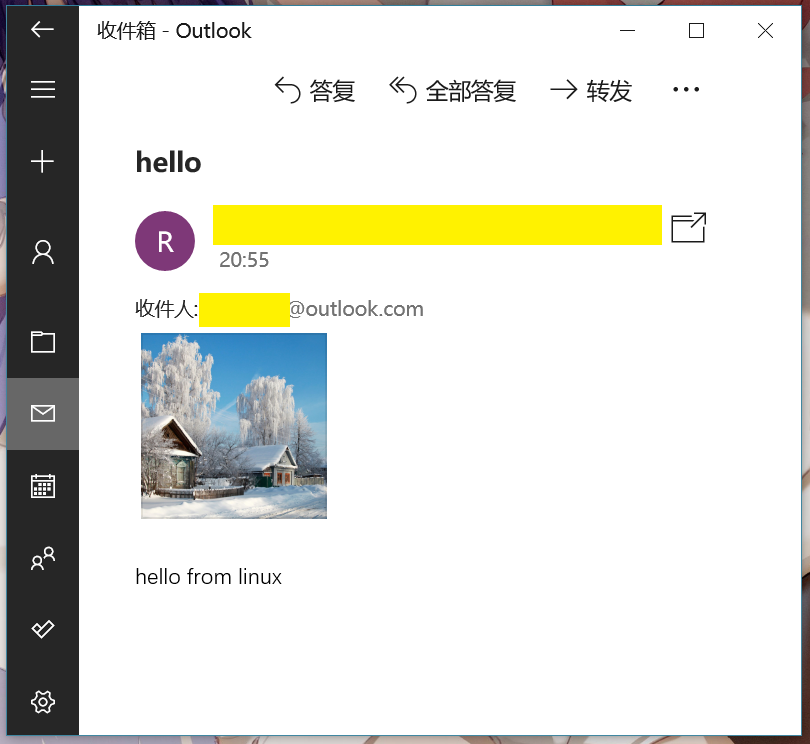
"hello from linux"是邮件内容
“hello“是邮件主题
~/addition.png 是附件
xxx@outlook.com 是对方邮件地址
Windows系统邮件提示了!