libqrencode介绍
Libqrencode is a fast and compact library for encoding data in a QR Code symbol, a 2D symbology that can be scanned by handy terminals such as a mobile phone with CCD. The capacity of QR Code is up to 7000 digits or 4000 characters and has high robustness.
Libqrencode accepts a string or a list of data chunks then encodes in a QR Code symbol as a bitmap array. While other QR Code applications generate an image file, using libqrencode allows applications to render QR Code symbols from raw bitmap data directly. This library also contains a command-line utility outputs QR Code images in various formats.
我看到源码目录有CMakeLists.txt,说明可以使用cmake工具进行编译。于是使用cmake+mingw编译libqrencode
编译工具下载
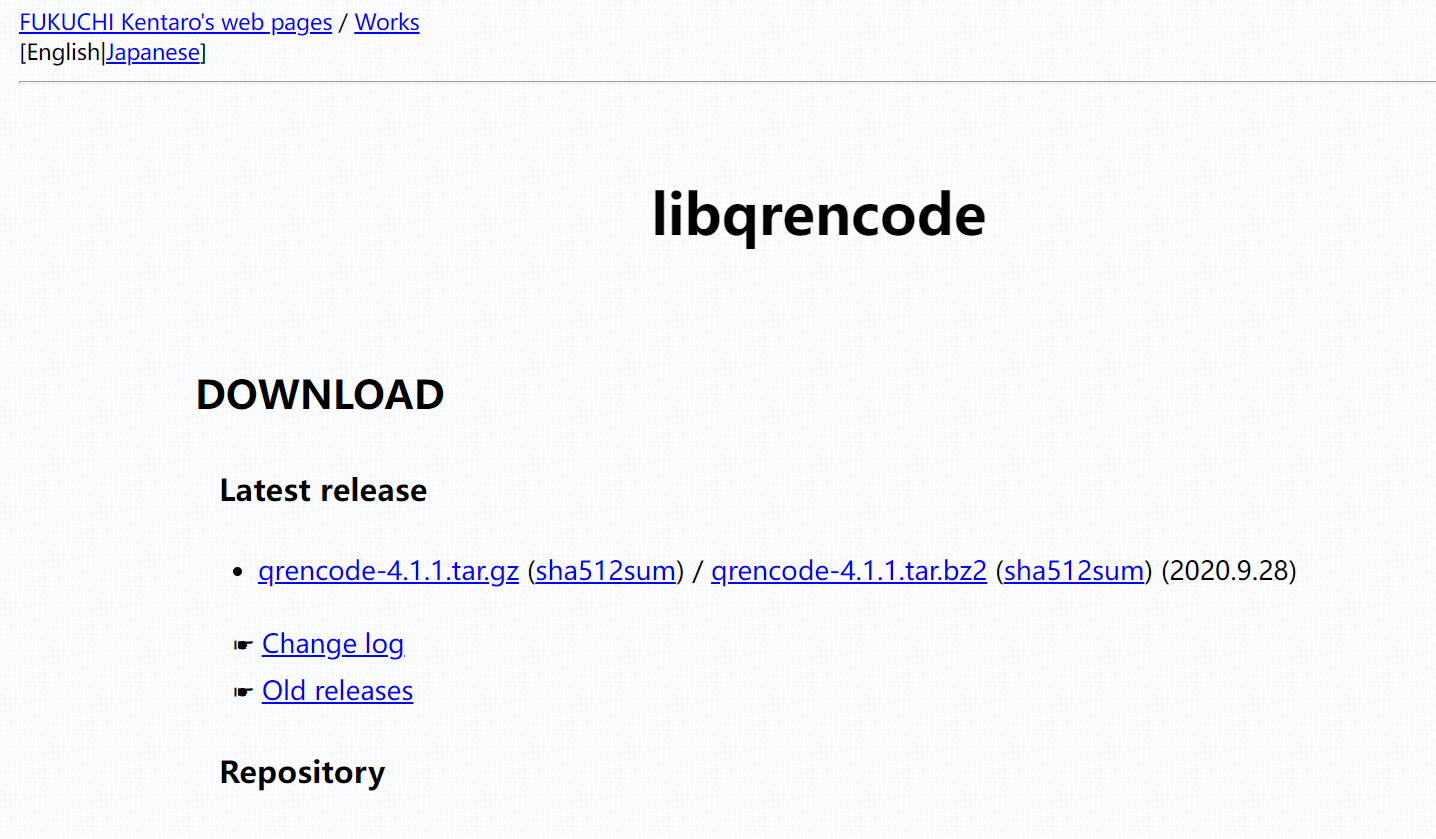
libqrencode库源码下载
https://fukuchi.org/works/qrencode/
cmake

make for windows
https://gnuwin32.sourceforge.net/packages/make.htm
mingw64
https://sourceforge.net/projects/mingw-w64/
pkg-config
https://sourceforge.net/projects/kde-windows/files/archive/pkg-config/
安装编译环境
1.解压mingw到d:\libs
2.安装gnu make for windows,(实际上mingw自带ming32-make.exe工具,只是名字不是make.exe)
3.将pkg-config.exe所在目录添加到系统环境变量path
4.将mingw的bin目录添加到系统环境变量path
5.解压libqrencode库源码,新建目录build
6.解压cmake
编译
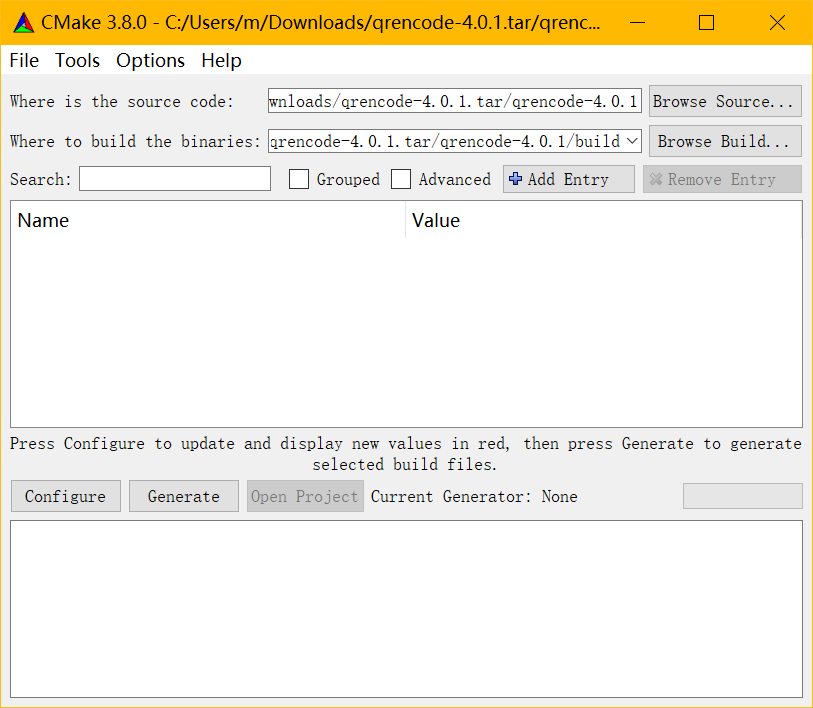
进入cmake目录,打开cmake-gui.exe
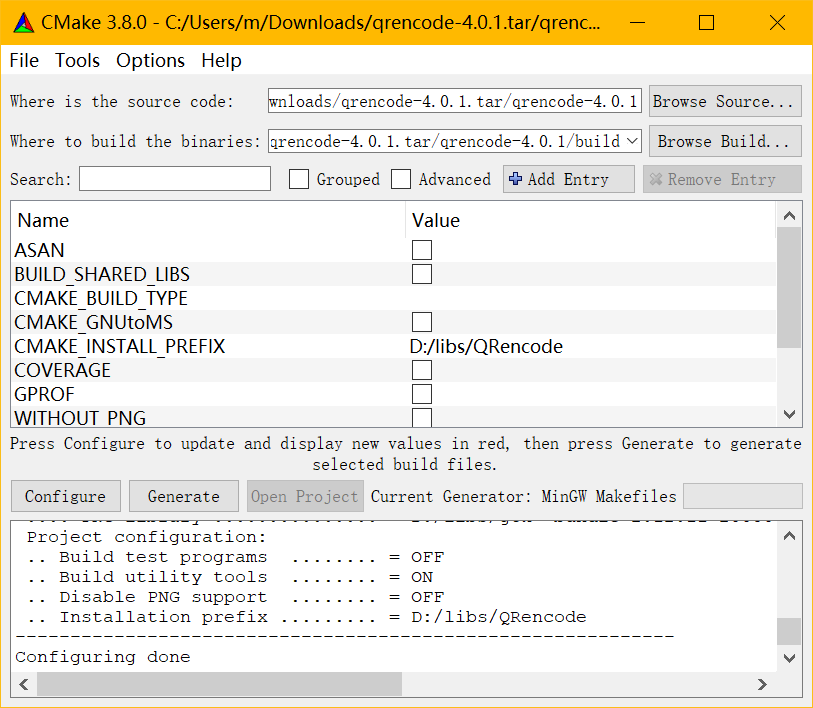
where is the source code写入libqrencode源码目录,where to build the binaries填入源码目录下建立的build文件夹
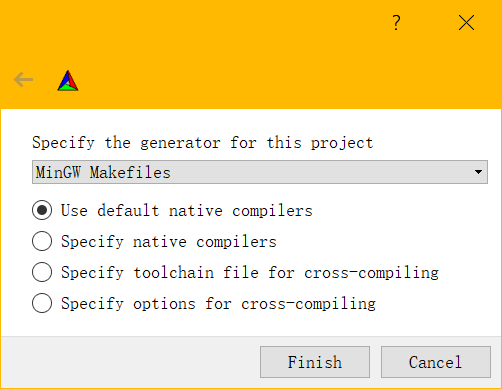
点击configure,选择mingw makefiles
configure结束后可以在列表中设置选项,如CMAKE_GNUtoMS是生成visual studio的lib文件,而CMAKE_INSTALL_PREFIX是安装目录,设置成自己指定的文件夹,之后再次点击configure
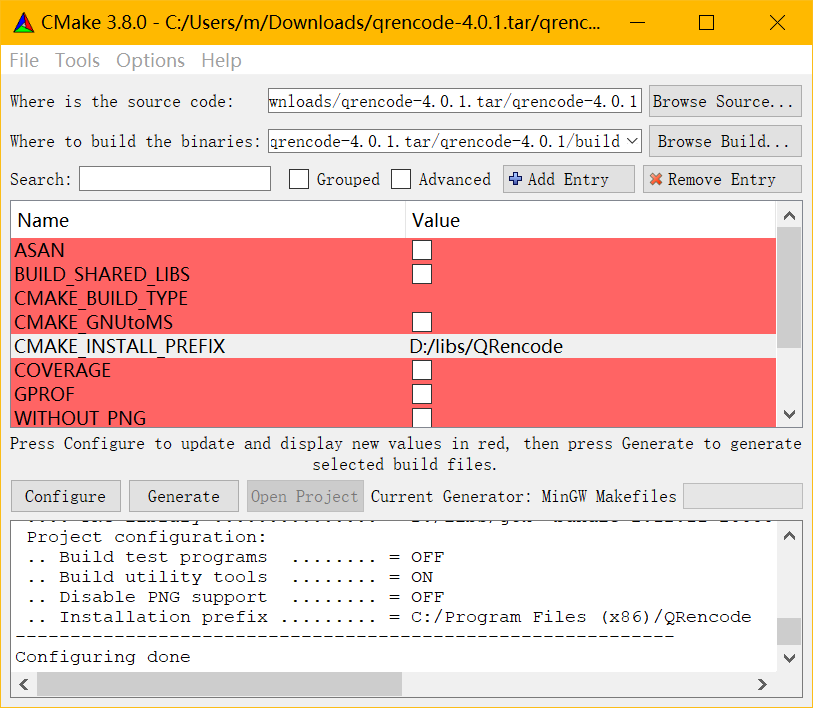
点击generate产生makefile文件
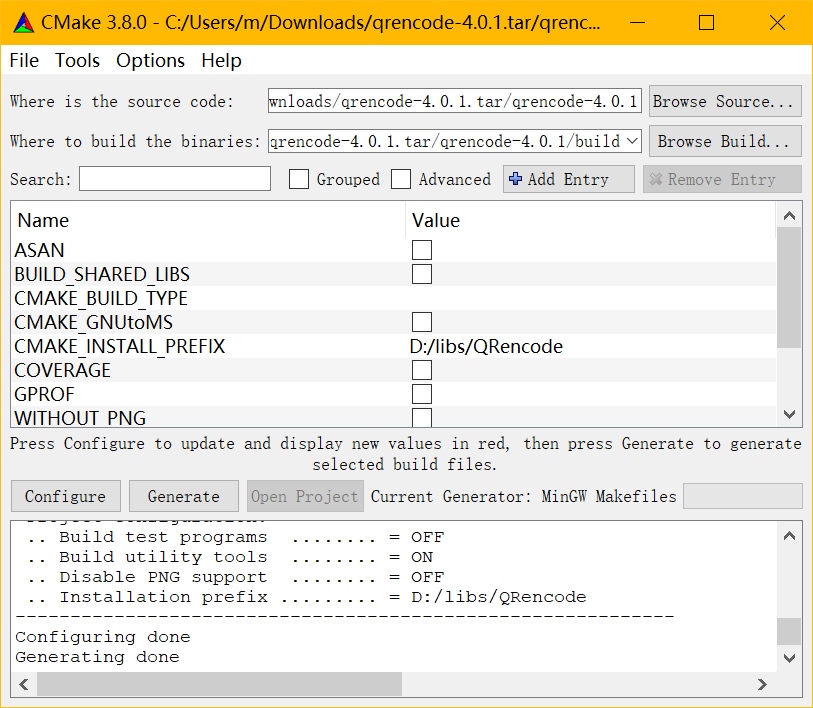
找到build目录,右键cmd打开,输入
make

make install
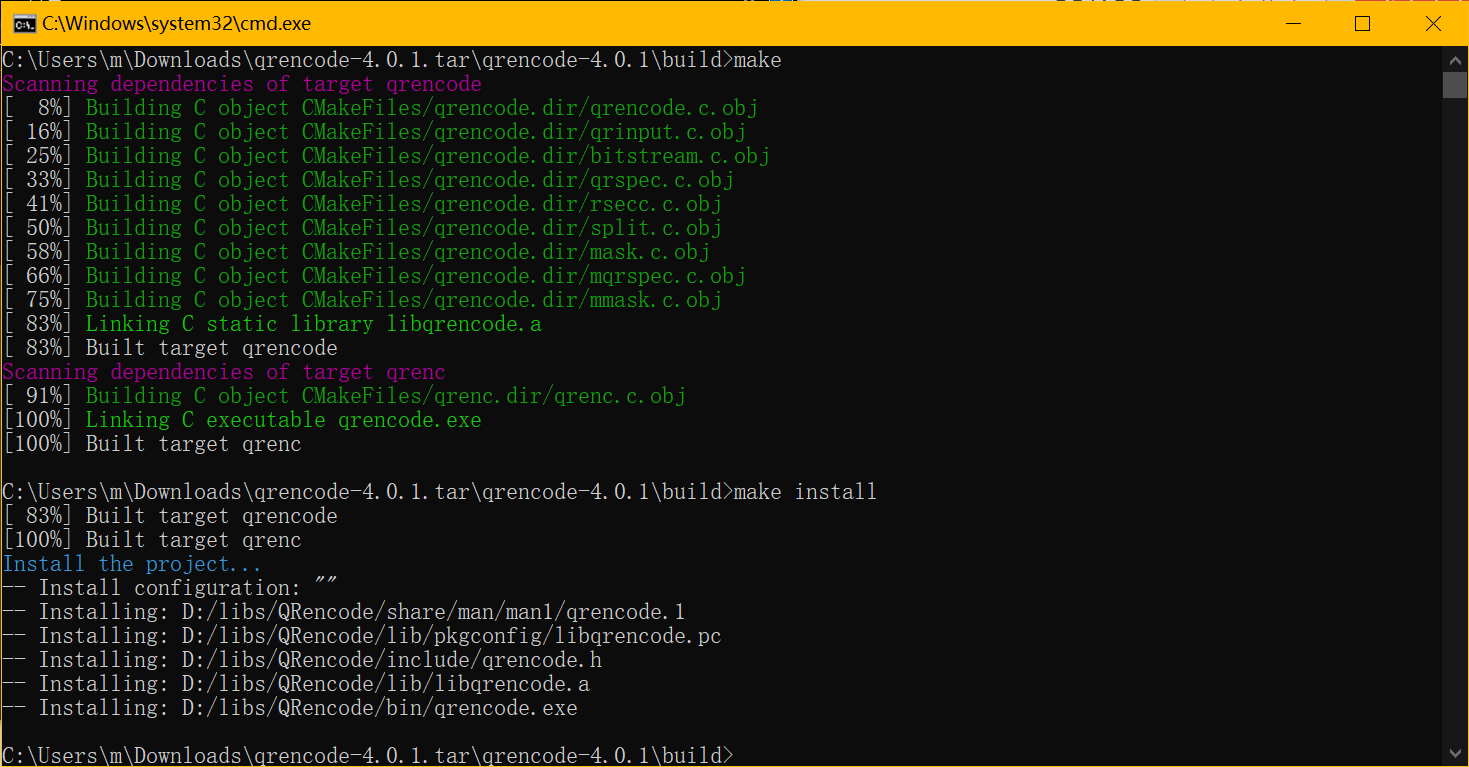
之后在安装目录下生成了libqrencode的库文件
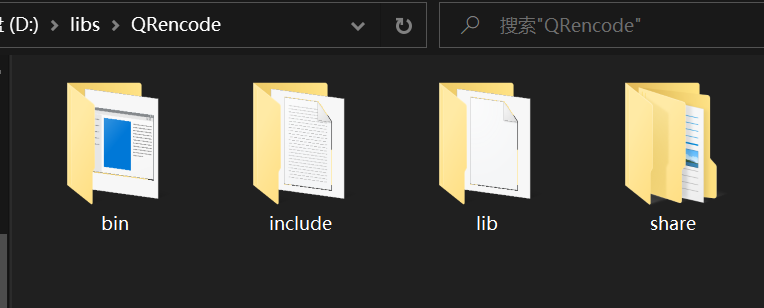
lib/pkgconfig目录加入系统环境变量PKG_CONFIG中
之后使用pkgconfig确定编译链接参数
pkg-config --cflags --libs libqrencode

-ID:/libs/QRencode/include  -LD:/libs/QRencode/lib -lqrencode