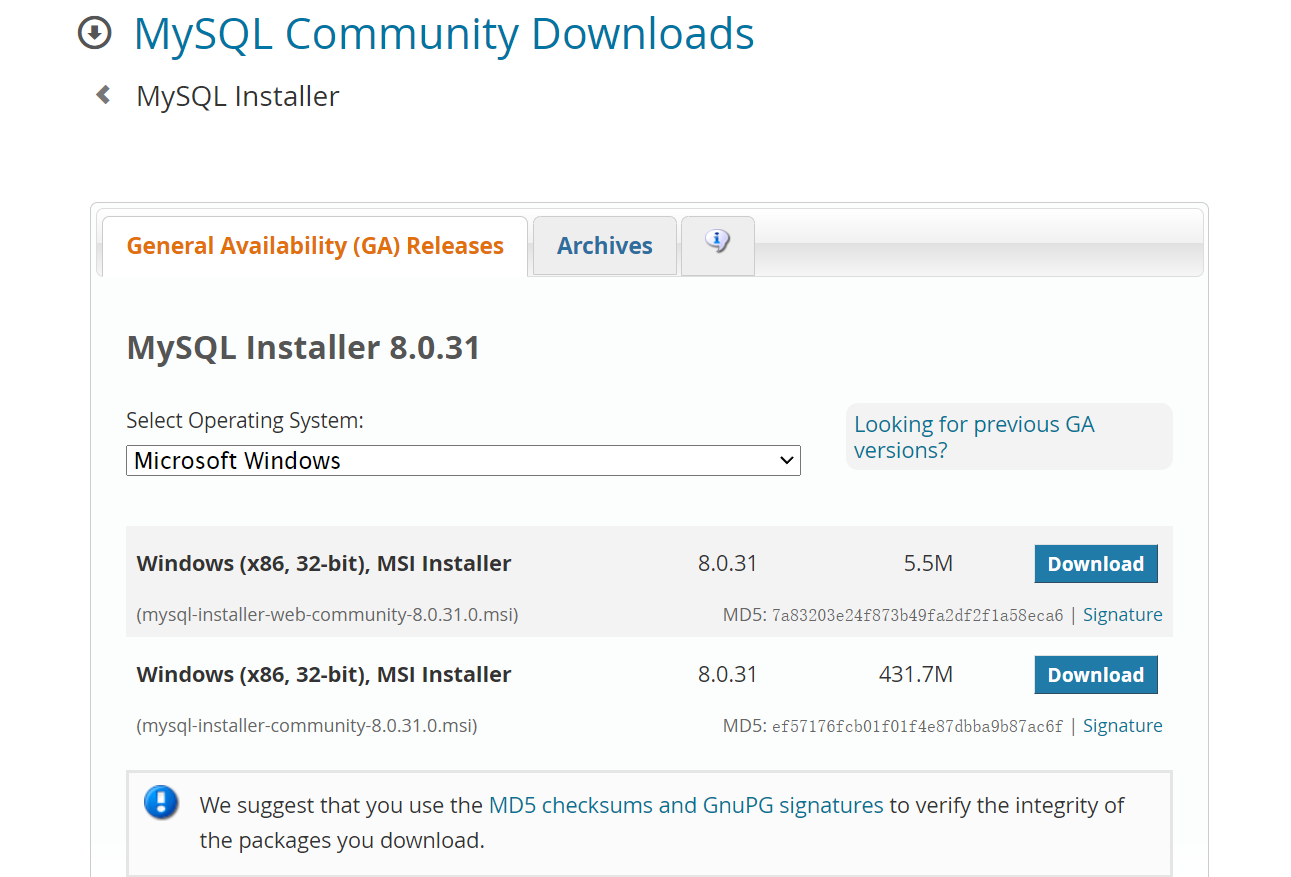
mysql下载
https://dev.mysql.com/downloads/installer/
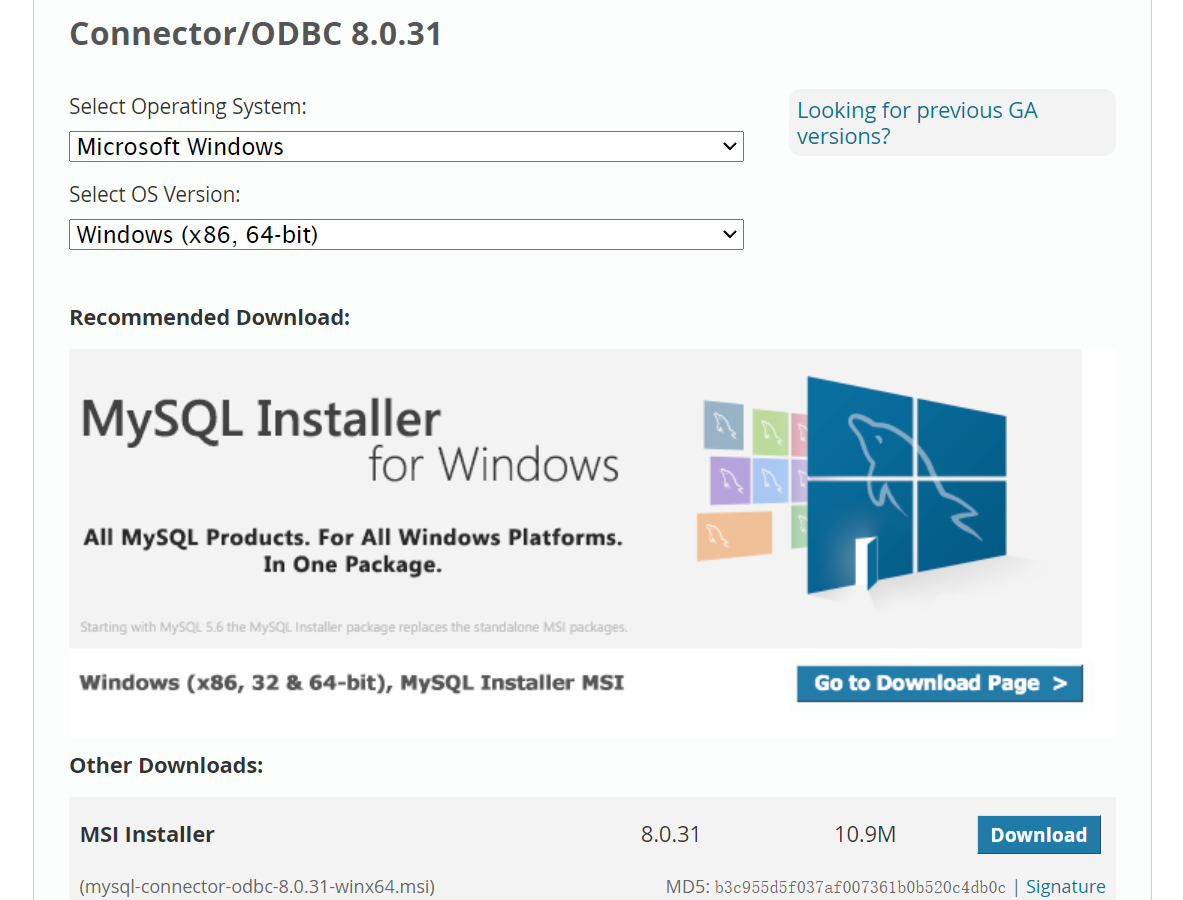
ODBC驱动下载
https://dev.mysql.com/downloads/connector/odbc/
安装mysql
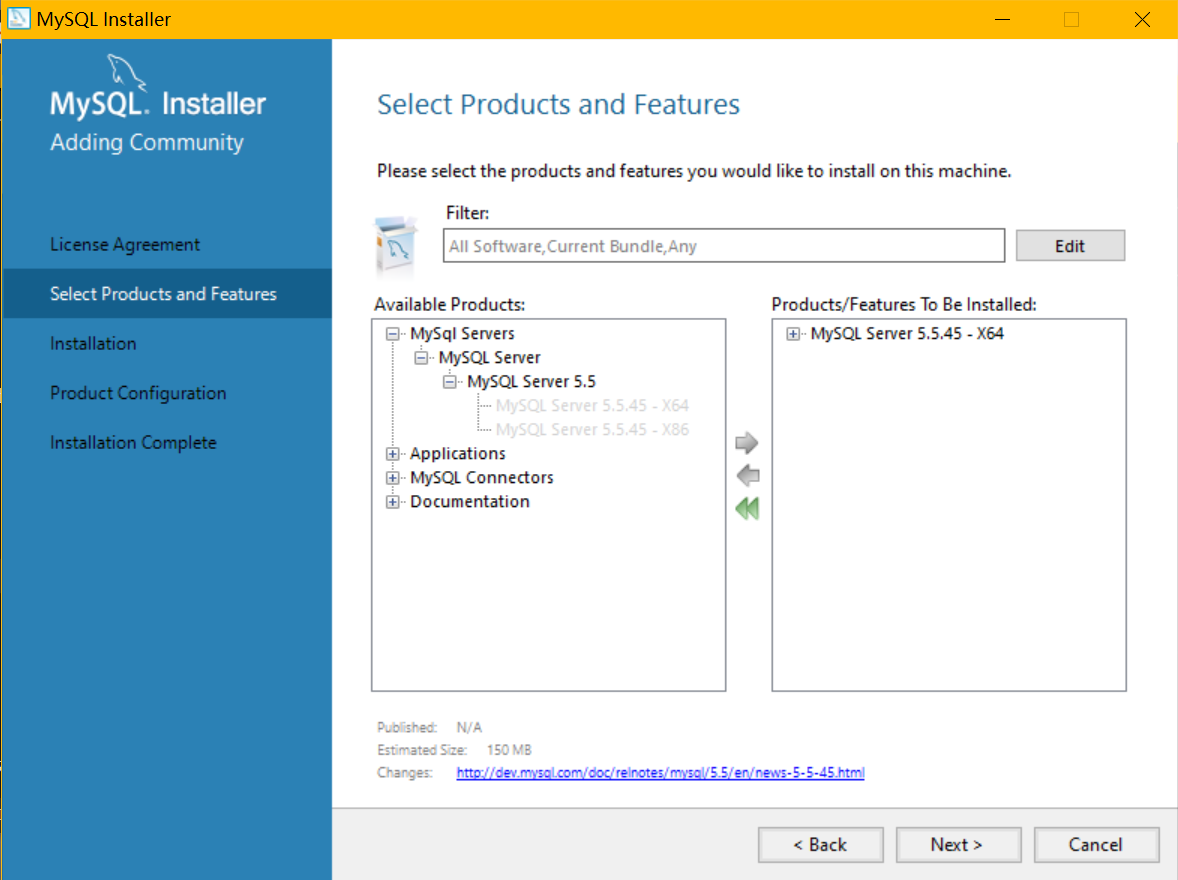
点击mysql安装包,选择需要的组件,点击右箭头加入安装列表
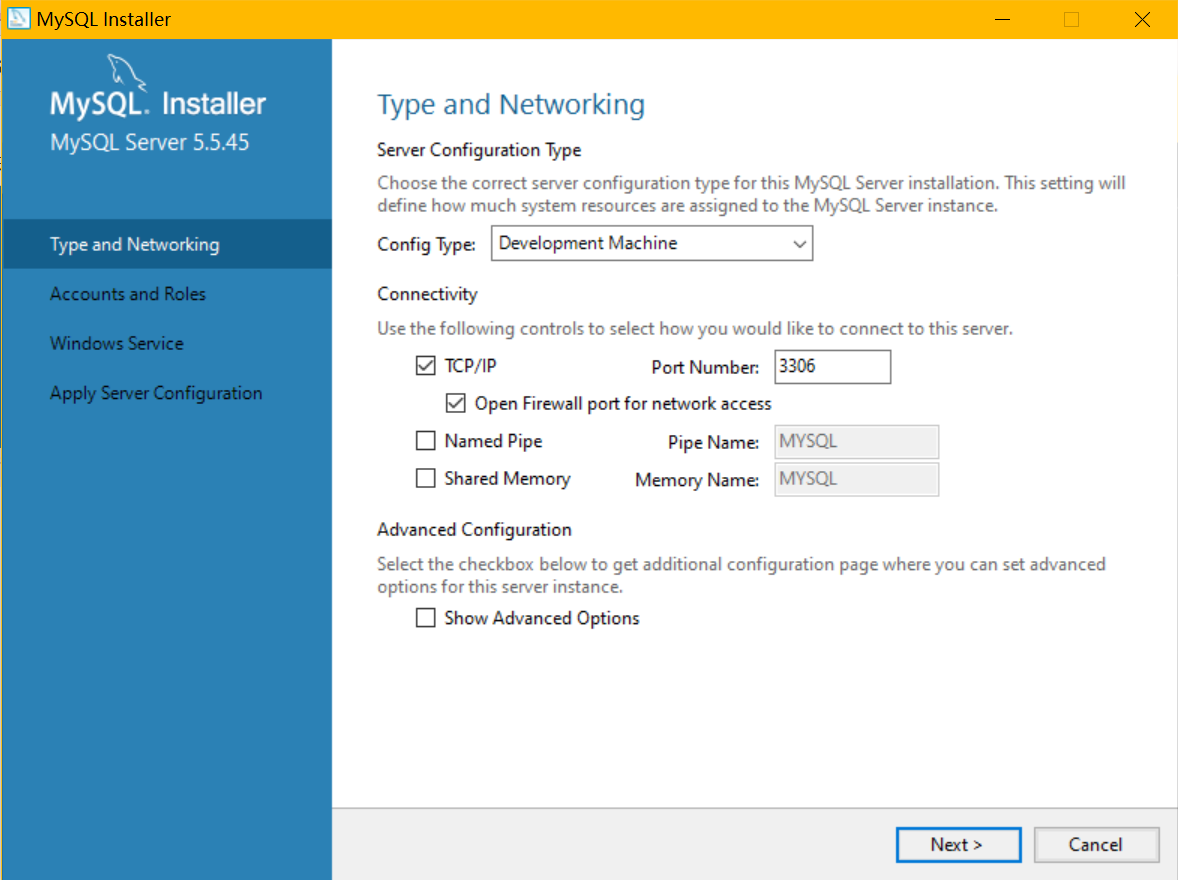
配置网络连接,端口在此设置
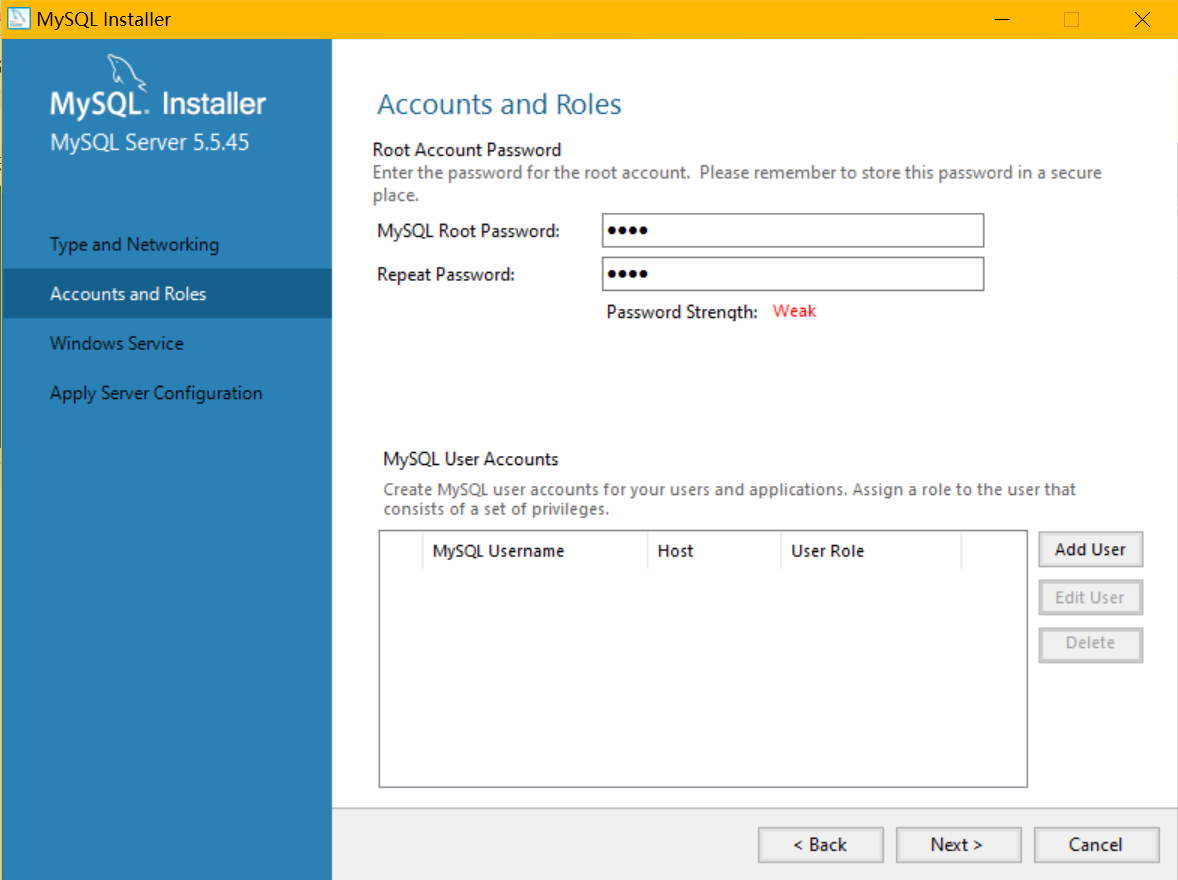
设置root用户密码,可以添加普通用户
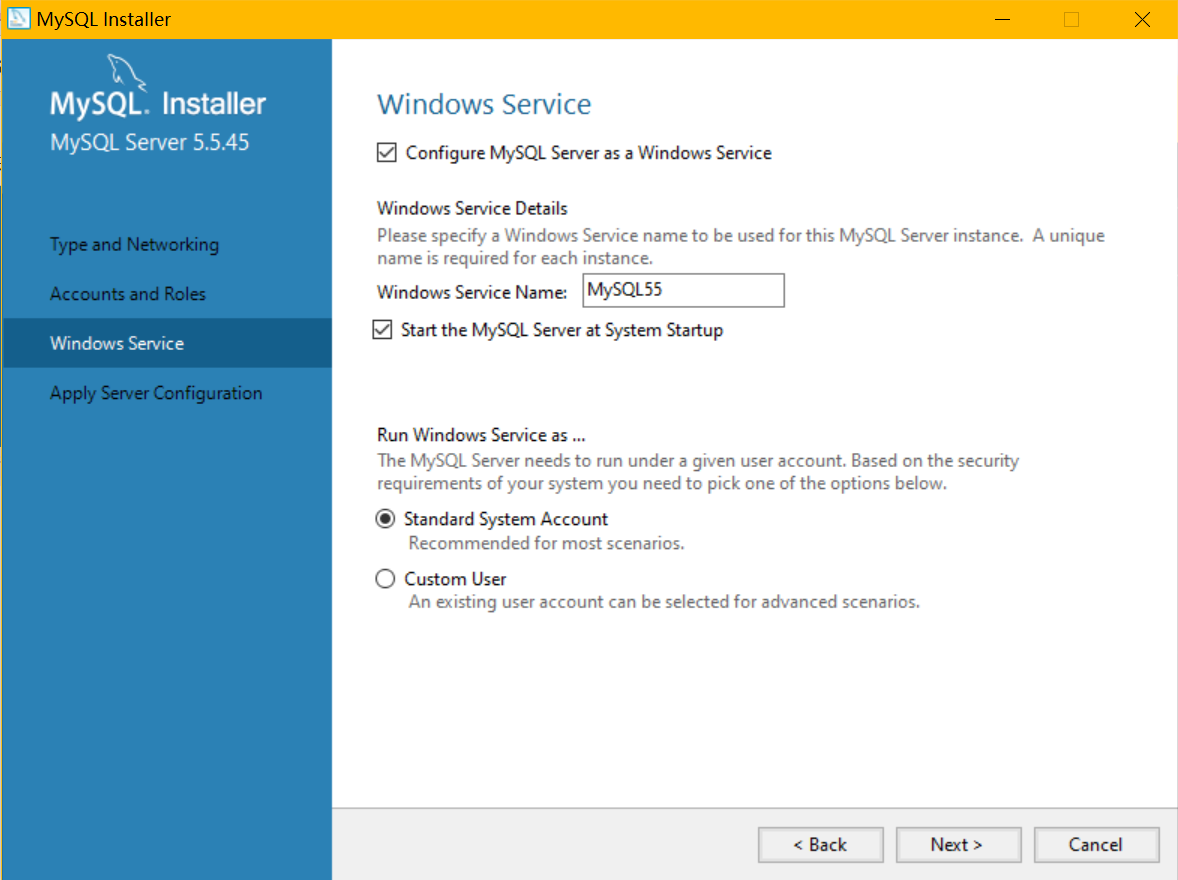
服务设置
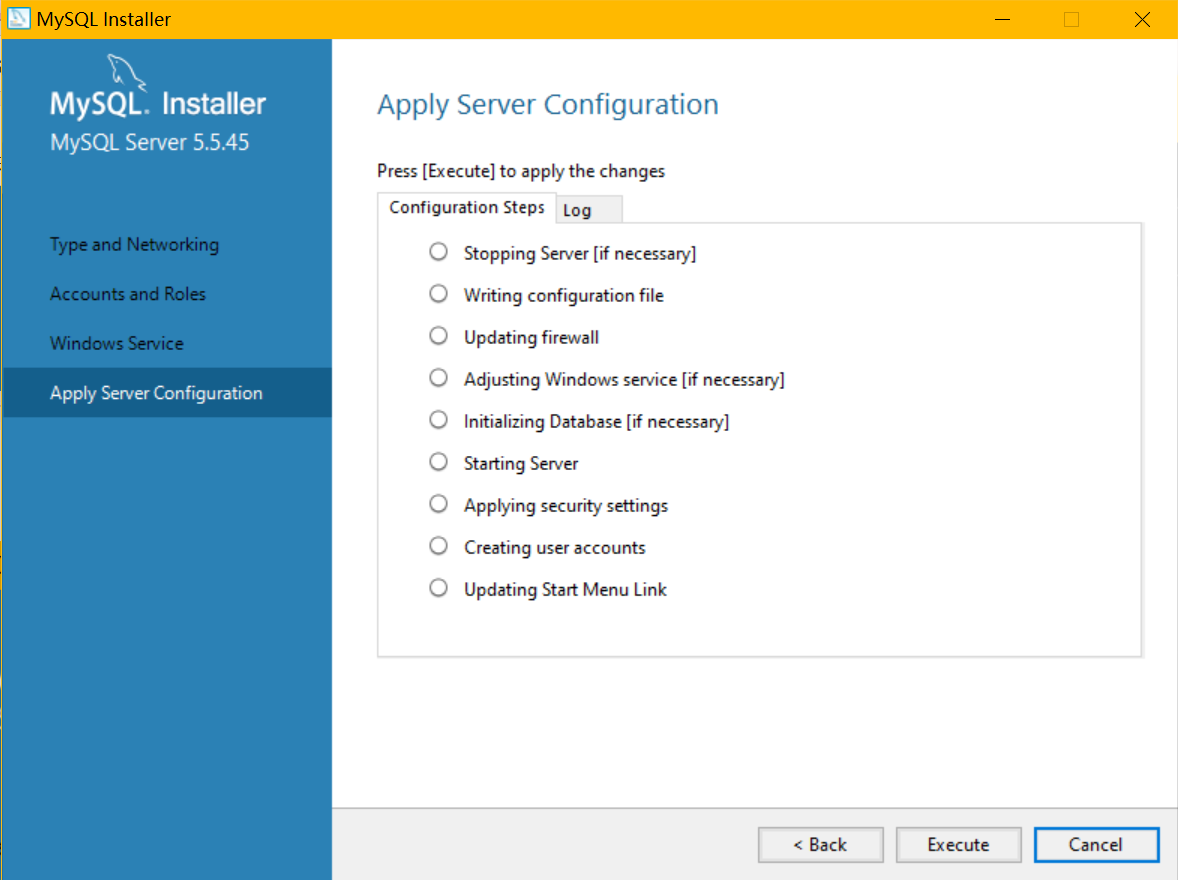
点击execute
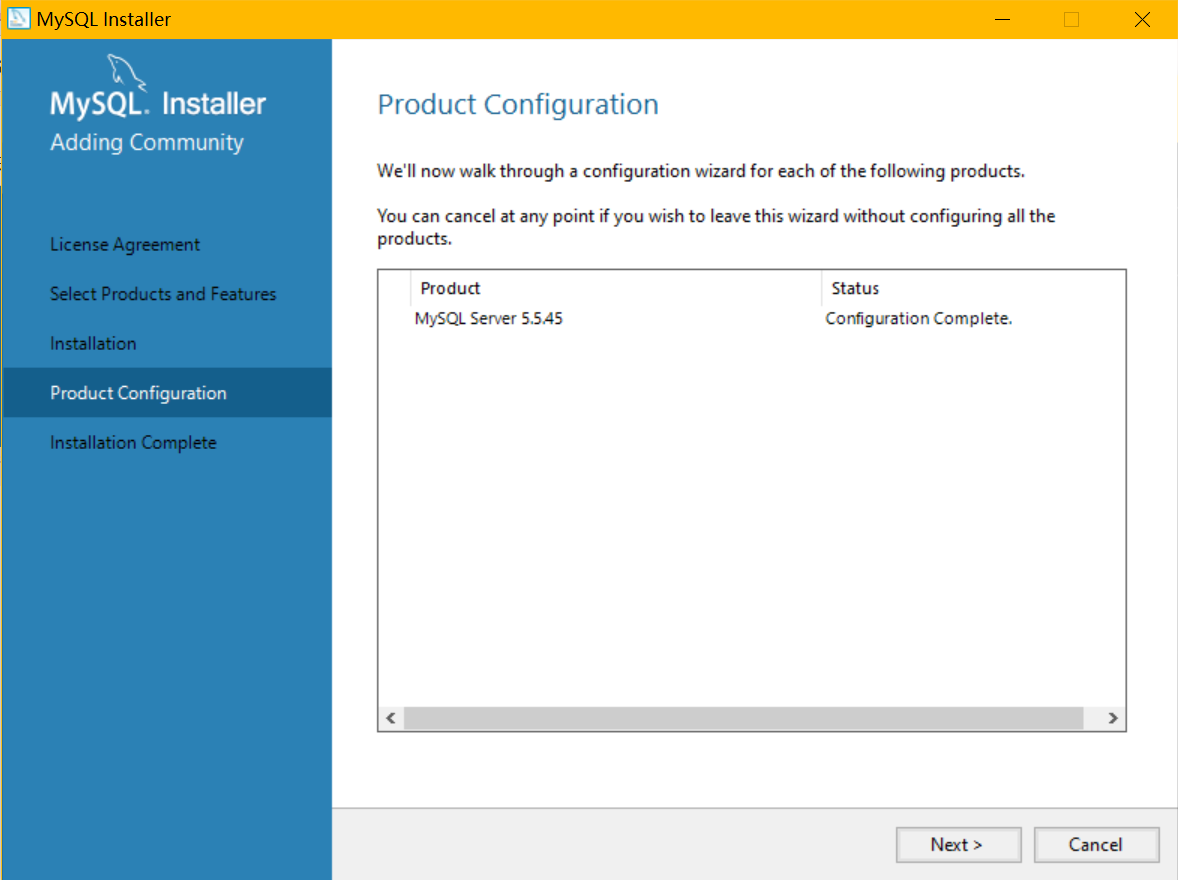
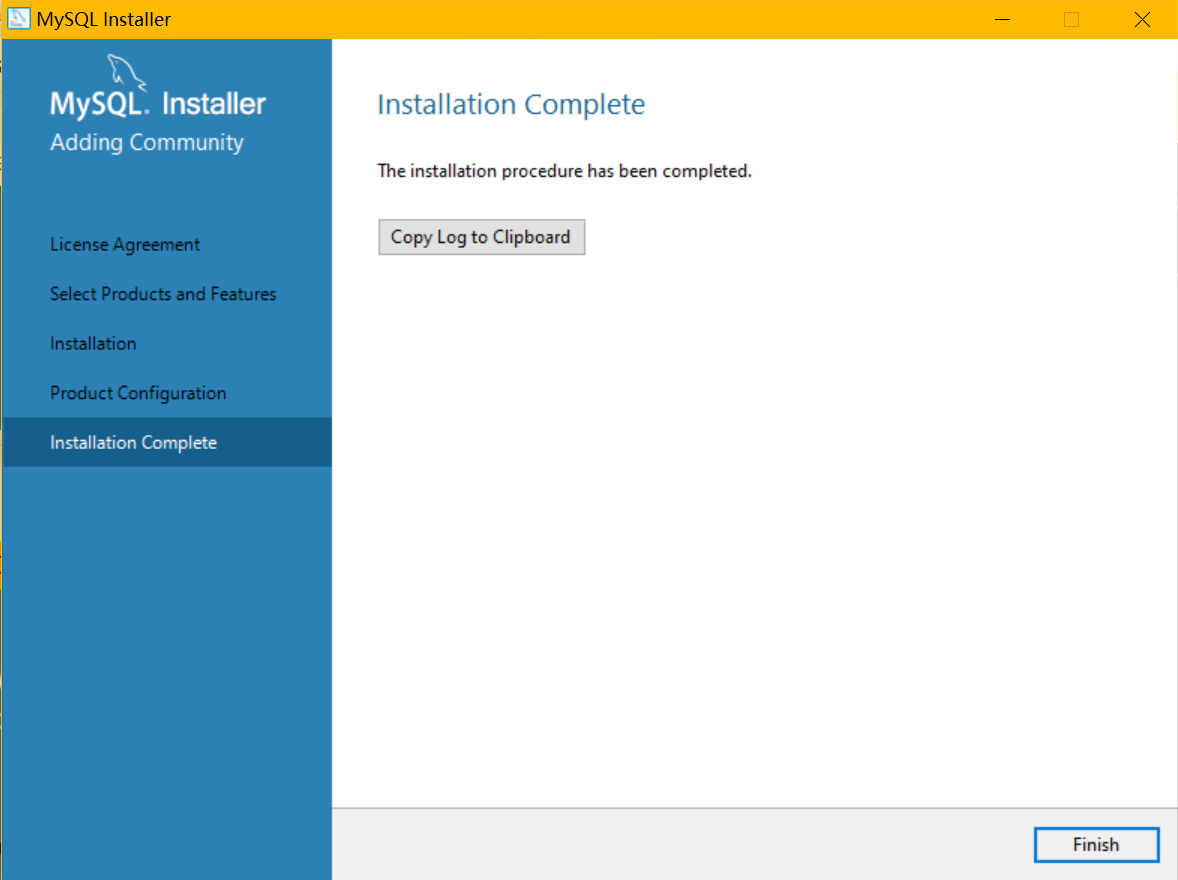
mysql安装完成,并且自动启动了服务,通过安装程序安装mysql比使用命令自己配置服务和用户名密码要简单可靠的多
使用测试
将mysql安装目录C:\Program Files\MySQL\MySQL Server 5.5\bin加入Path环境变量中
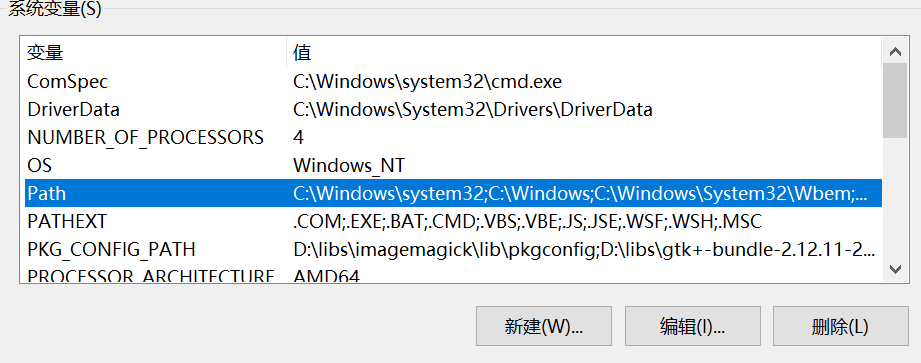
打开cmd,输入
mysql -h 127.0.0.1 -u root -p
-h mysql服务主机地址
-u 登录用户
-p 说明登录时使用密码
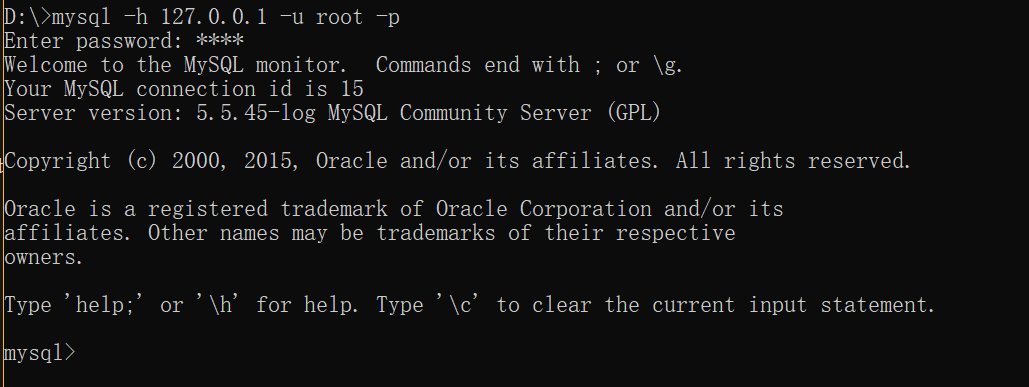
输入
quit
退出
安装ODBC驱动
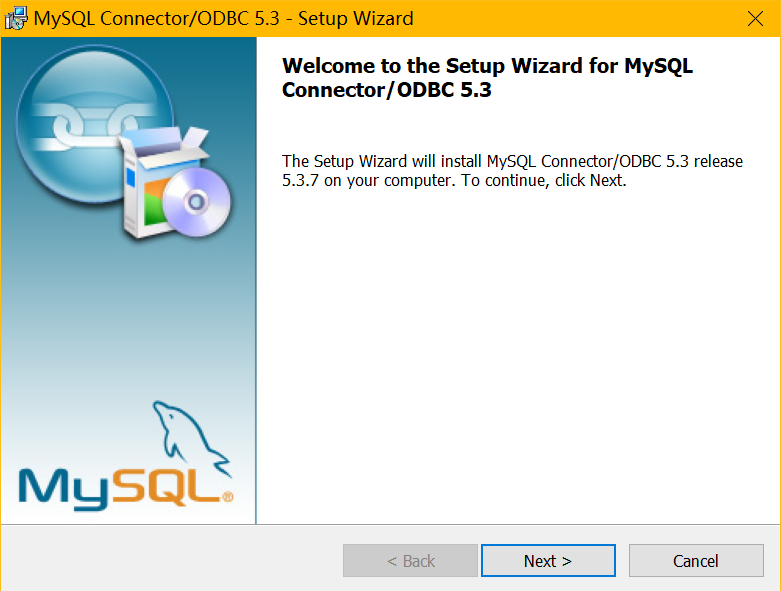
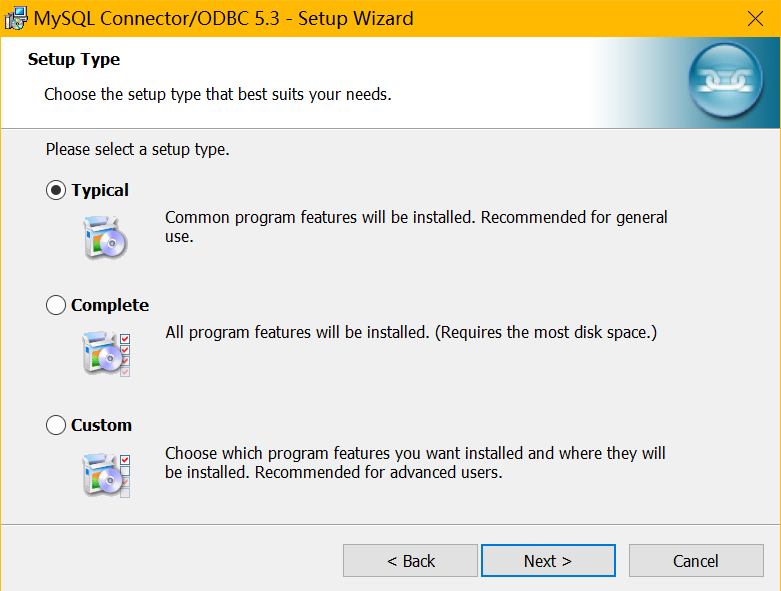
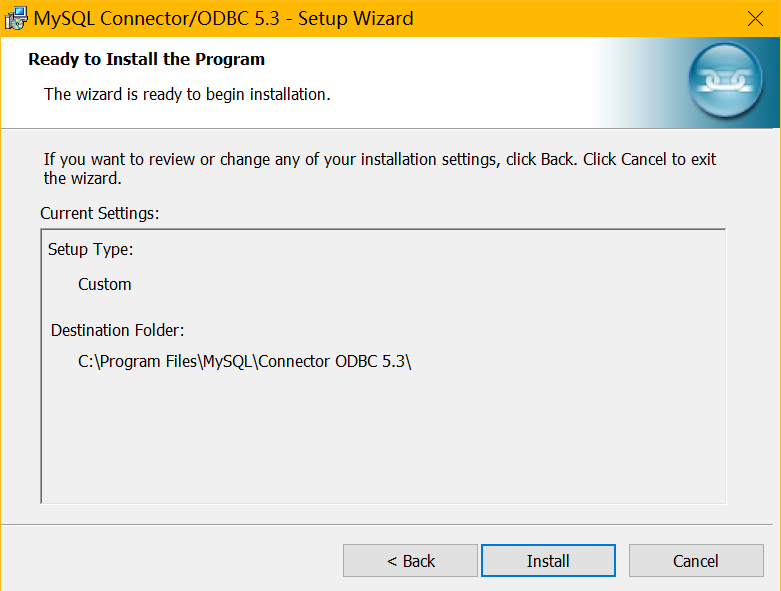
添加ODBC数据源
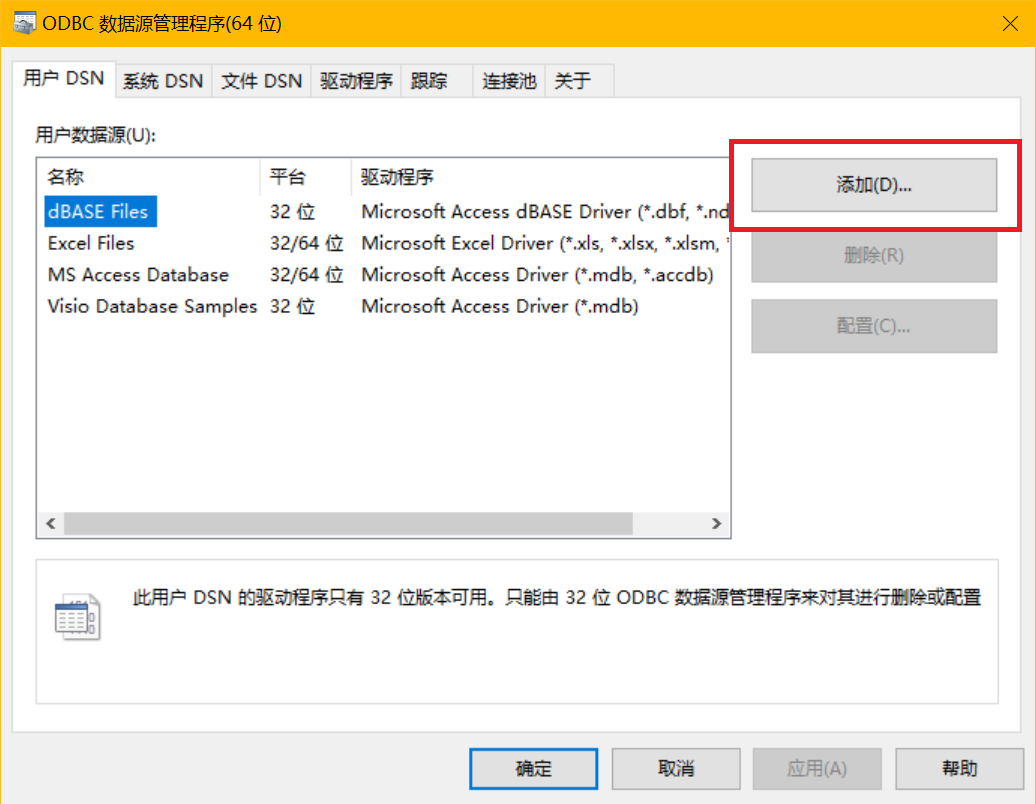
在windows10搜索框中搜索ODBC,找到ODBC数据源64位,打开
用户DSN,添加
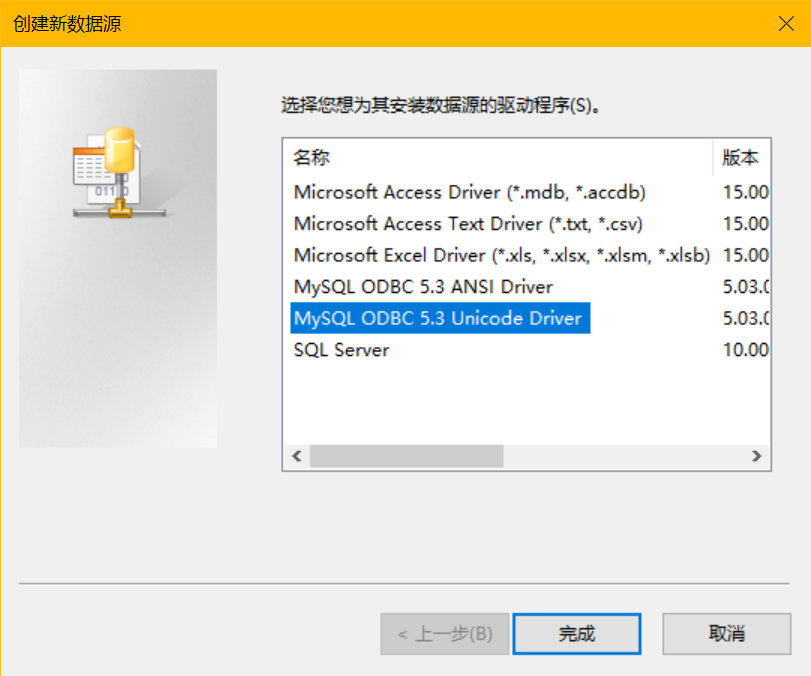
选择mysql ODBC,点击完成
ANSI Driver 只针对有限的字符集的范围;
Unicode Driver 提供了更多字符集的支持,也就是提供了多语言的支持。
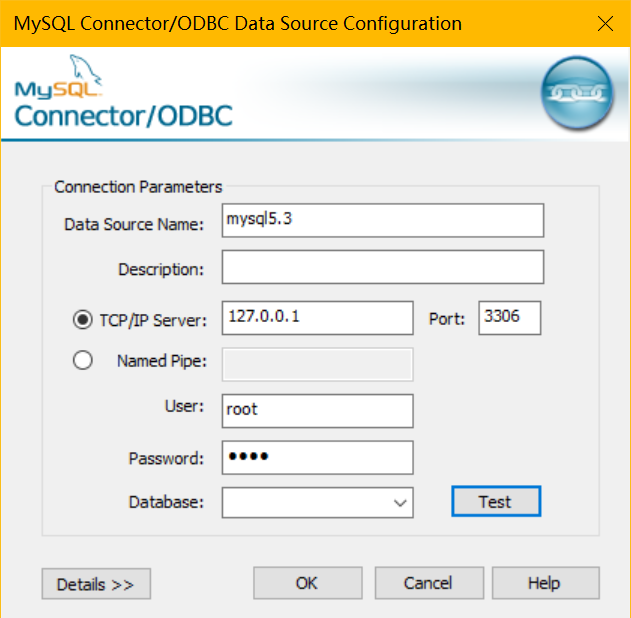
弹出连接配置对话框,起一个数据源名字,配置mysql服务端的IP地址和端口,如果是在本机,就写127.0.0.1,输入一个用户名和密码,点击test
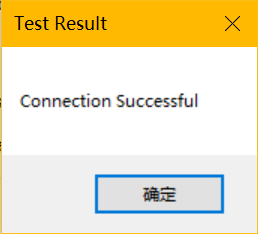
弹出这个就说明连接成功,之后点击ok保存数据源
用户不能远程访问的问题
mysql主机192.168.100.144,远程用户访问报错,提示我的电脑不准访问mysql服务器
D:\>mysql -h 192.168.100.144 -u root -p

Enter password: ****

ERROR 1130 (HY000): Host 'DESKTOP-XXXX' is not allowed to connect to this MySQL server
在mysql安装文件夹的bin目录,打开cmd,输入
mysql.exe -u root -p
使用本地root用户登录
选择mysql数据库
mysql> use mysql

Database changed
查看root用户的信息,发现登录主机为127.0.0.1
mysql> select user,host from user;

+------+-----------+

| user | host      |

+------+-----------+

| root | 127.0.0.1 |

| root | ::1       |

| root | localhost |

+------+-----------+

3 rows in set (0.01 sec)
更改用户信息,使能够远程登录,出现错误提示不用理会
mysql> update user set host = '%' where user = 'root';

ERROR 1062 (23000): Duplicate entry '%-root' for key 'PRIMARY'
mysql> flush privileges;
之后查看用户表,发现主机变成%,表示可以任何地址登录
mysql> select user,host from user;

+------+-----------+

| user | host      |

+------+-----------+

| root | %         |

| root | 127.0.0.1 |

| root | ::1       |

+------+-----------+

3 rows in set (0.00 sec)
之后退出,远程登录即可
D:\>mysql -h 192.168.100.144 -u root -p

Enter password: ****

Welcome to the MySQL monitor.  Commands end with ; or \g.

Your MySQL connection id is 17

Server version: 5.5.45-log MySQL Community Server (GPL)


Copyright (c) 2000, 2015, Oracle and/or its affiliates. All rights reserved.


Oracle is a registered trademark of Oracle Corporation and/or its

affiliates. Other names may be trademarks of their respective

owners.


Type 'help;' or '\h' for help. Type '\c' to clear the current input statement.


mysql>