我从不下载任何的所谓的懒人包整合包。除非开源和免费。有能力就自己配置
简单的介绍
关于AriaNg
AriaNg is a modern web frontend making aria2 easier to use. AriaNg is written in pure html & javascript, thus it does not need any compilers or runtime environment. You can just put AriaNg in your web server and open it in your browser. AriaNg uses responsive layout, and supports any desktop or mobile devices.
关于aria2
aria2 is a lightweight multi-protocol & multi-source command-line download utility. It supports HTTP/HTTPS, FTP, SFTP, BitTorrent and Metalink. aria2 can be manipulated via built-in JSON-RPC and XML-RPC interfaces.
Features
Multi-Connection Download. aria2 can download a file from multiple sources/protocols and tries to utilize your maximum download bandwidth. Really speeds up your download experience.
Lightweight. aria2 doesn’t require much memory and CPU time. When disk cache is off, the physical memory usage is typically 4MiB (normal HTTP/FTP downloads) to 9MiB (BitTorrent downloads). CPU usage in BitTorrent with download speed of 2.8MiB/sec is around 6%.
Fully Featured BitTorrent Client. All features you want in BitTorrent client are available: DHT, PEX, Encryption, Magnet URI, Web-Seeding, Selective Downloads, Local Peer Discovery and UDP tracker.
Metalink Enabled. aria2 supports The Metalink Download Description Format (aka Metalink v4), Metalink version 3 and Metalink/HTTP. Metalink offers the file verification, HTTP/FTP/SFTP/BitTorrent integration and the various configurations for language, location, OS, etc.
Remote Control. aria2 supports RPC interface to control the aria2 process. The supported interfaces are JSON-RPC (over HTTP and WebSocket) and XML-RPC.
下载aria2
官网
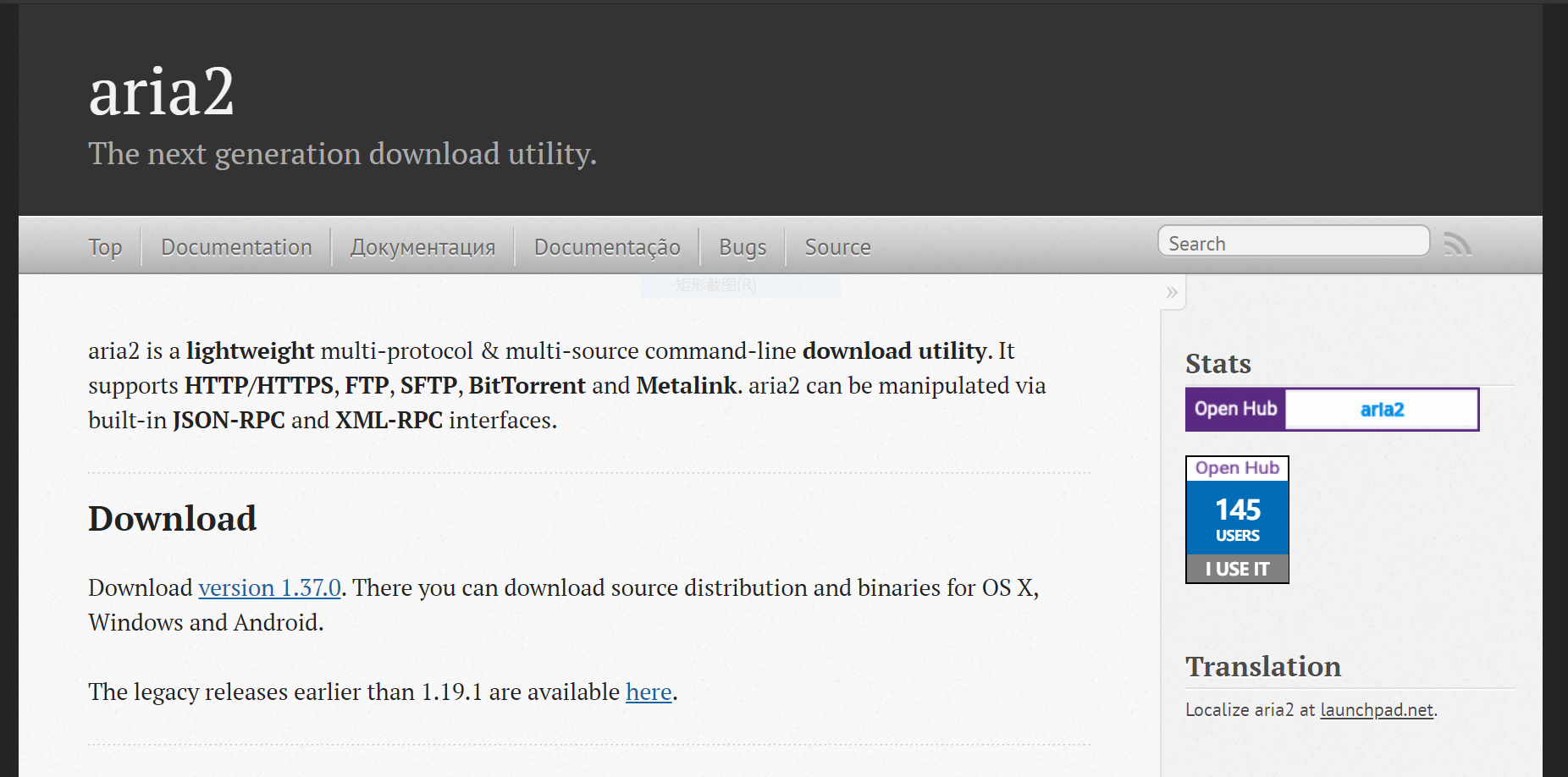
github
https://github.com/aria2/aria2
配置aria2
我下载了aria2-1.19.3-win-64bit-build1版本,解压
配置aria2的环境变量
win10,电脑,属性,高级系统设置,环境变量,系统变量,path,添加aria2c.exe所在的目录进去,一般就是解压后的根目录

之后保存,打开cmd,输入aria2c有下面的提示说明配置好了
aria2c

Specify at least one URL.

Usage: aria2c [OPTIONS] [URI | MAGNET | TORRENT_FILE | METALINK_FILE]...

See 'aria2c -h'.
下载AriaNg
github
https://github.com/mayswind/AriaNg
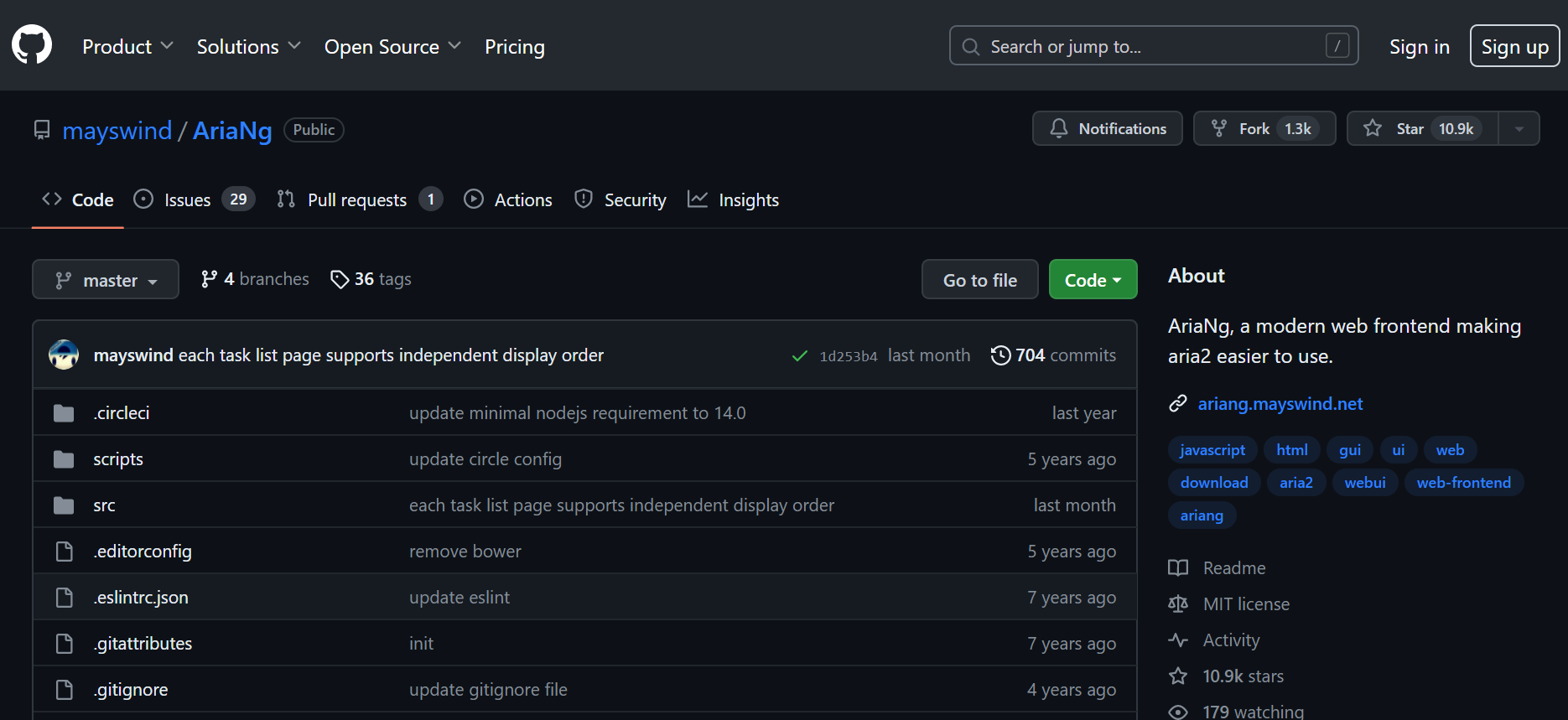
我下载了AriaNg-1.2.5-AllInOne,直接解压就是一个html文件和一个LICENSE文件

启动aria2的rpc服务
要想ariang能够连接aria2,需要启动aria2的rpc服务。
编写一个简单的配置文件aria2.conf
#设置下载文件的保存目录。

dir=D:/Downloads/

#设置Aria2的RPC监听端口,默认是6800。

rpc-listen-port=6800

#设置Aria2的RPC密钥,用于访问Aria2的RPC接口。

rpc-secret=XXXXXX

#启用Aria2的RPC功能。

enable-rpc=true

#允许跨域访问Aria2的RPC接口。

rpc-allow-origin-all=true

#允许任何IP地址访问Aria2的RPC接口。

rpc-listen-all=true

#断点续传

continue=true
之后打开cmd,输入
aria2c --conf-path=D:\aria2.conf
D:\aria2.conf是你的conf文件的路径。显示
12/27 11:10:12 [NOTICE] IPv4 RPC: listening on TCP port 6800


12/27 11:10:12 [NOTICE] IPv6 RPC: listening on TCP port 6800
说明aria2启动了rpc服务
启动AriaNg
aria2启动rpc服务后,点击AriaNg文件夹的index.html,会直接在浏览器中打开AriaNg
首次启动由于配置的密钥会显示连接失败,点击系统设置,AriaNg设置,RPC,设置Aria2 RPC密钥,就是之前在aria2.conf设置的
rpc-secret=XXXXXX
就是密钥
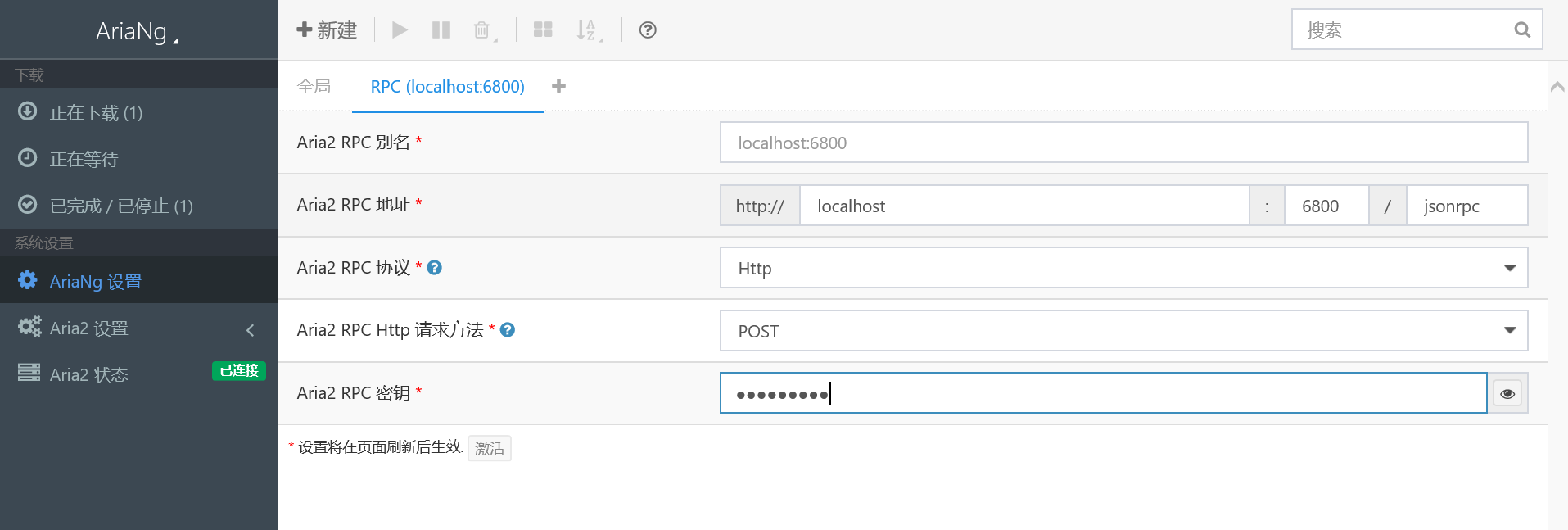
之后刷新网页就可以正常连接了
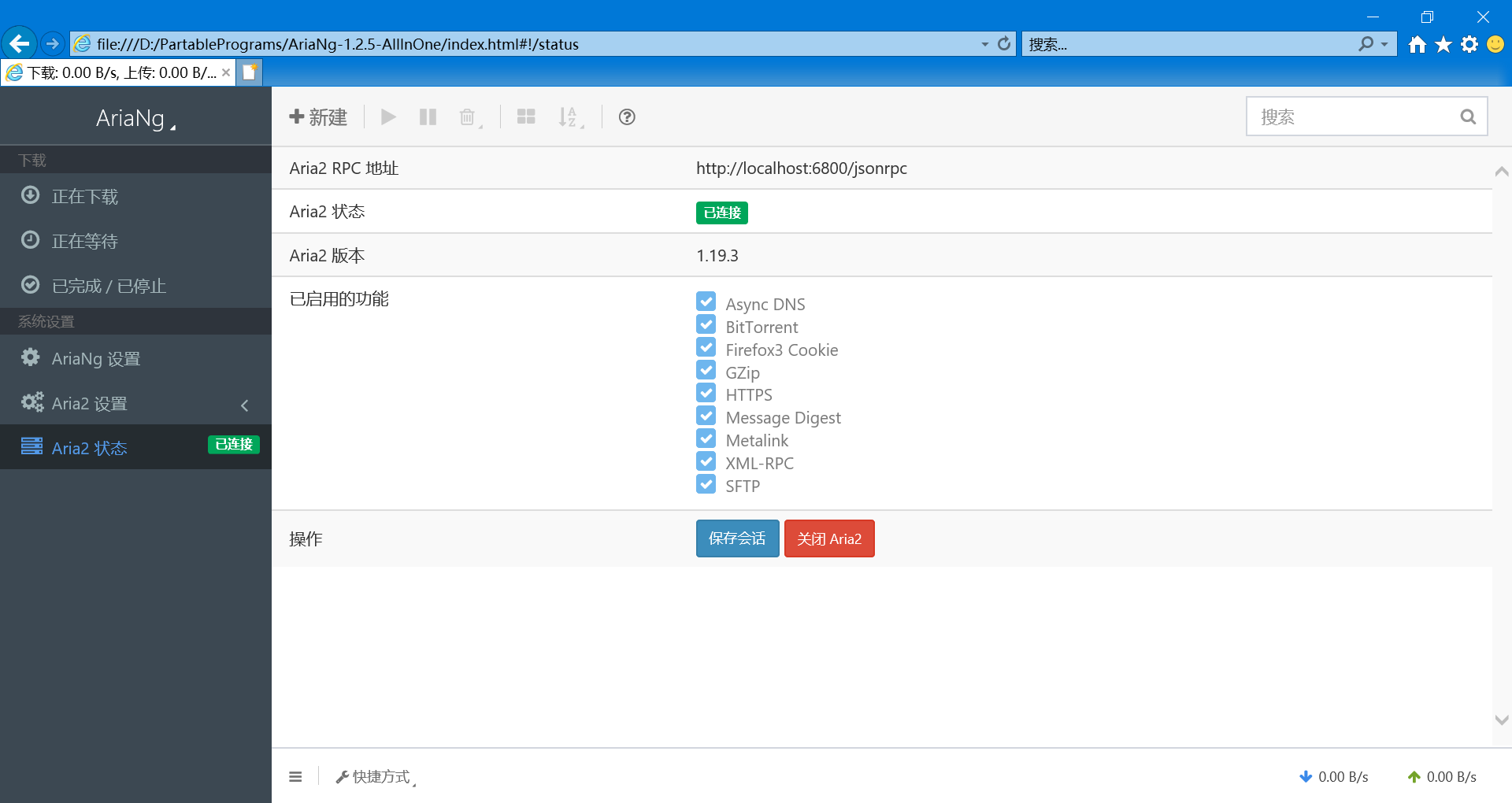
现在你就可以下载文件了
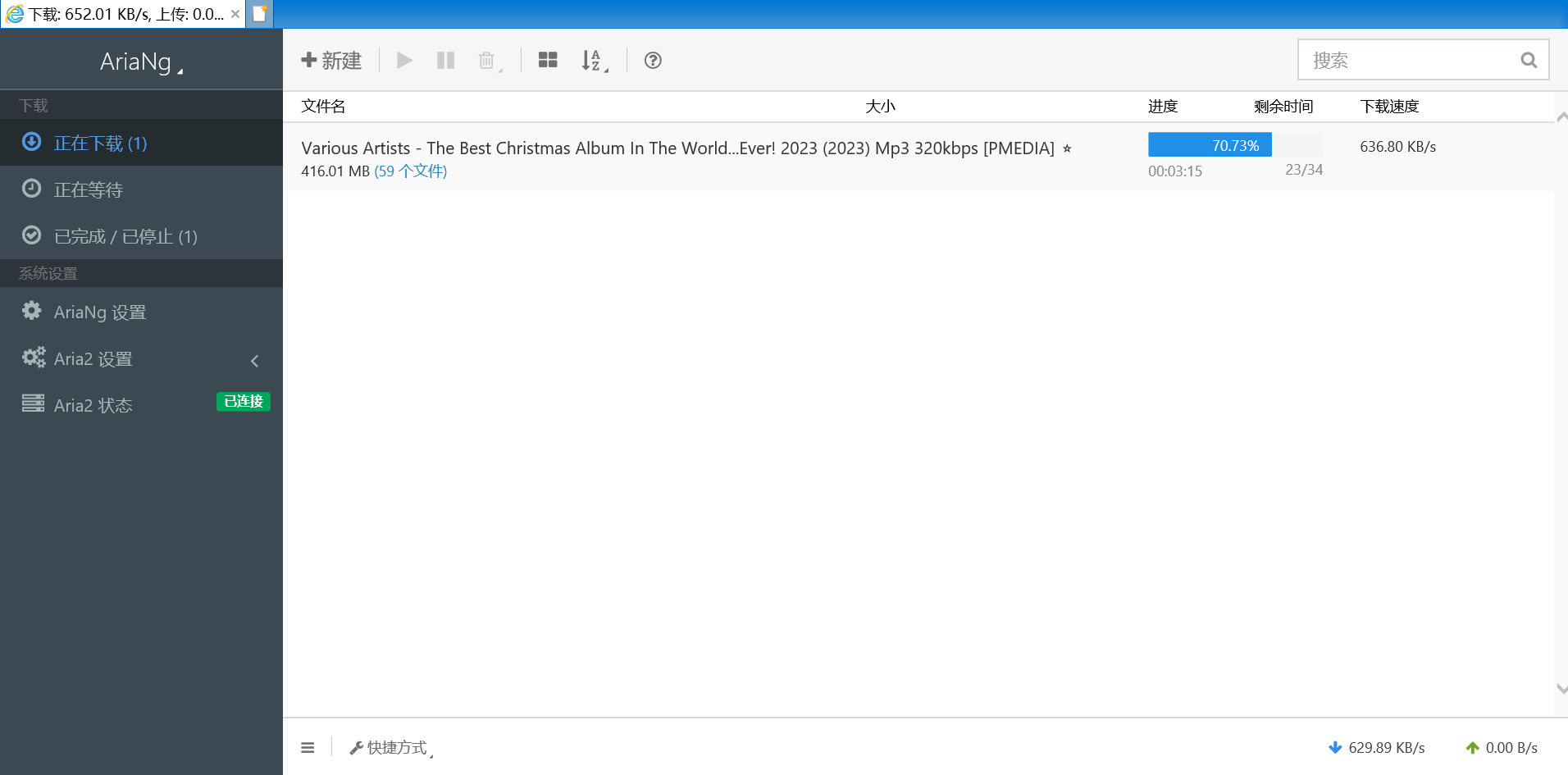
便捷启动脚本的配置
如果你想使用AriaNg,就得保持aria2服务窗口一直开启,并且每次都得打开cmd输入命令启动服务
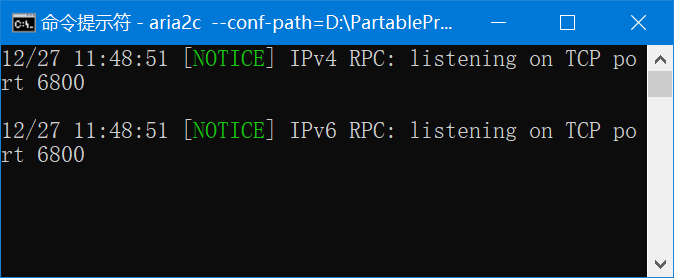
使用vbs脚本启动aria2服务可以避免打开cmd窗口和自动启动服务
启动脚本文件夹
1.新建一个文件夹存放脚本和配置文件
2.将之前的aira2.conf复制到这个文件夹
3.在文件夹新建一个启动服务脚本
StartAria2.vbs
Set WshShell = CreateObject("WScript.Shell")

WshShell.Run "aria2c --conf-path=./aria2.conf", 0

msgbox "服务已启动", vbInformation, "提示"
"aria2c --conf-path=./aria2.conf"就是之前cmd窗口输入的命令,但是配置文件路径设置为在此文件夹下
4.新建一个停止服务脚本
StopAria2.vbs
Set WshShell = CreateObject("WScript.Shell")

WshShell.Run "taskkill /im aria2c.exe /t /f", 0

msgbox "服务已关闭", vbInformation, "提示"
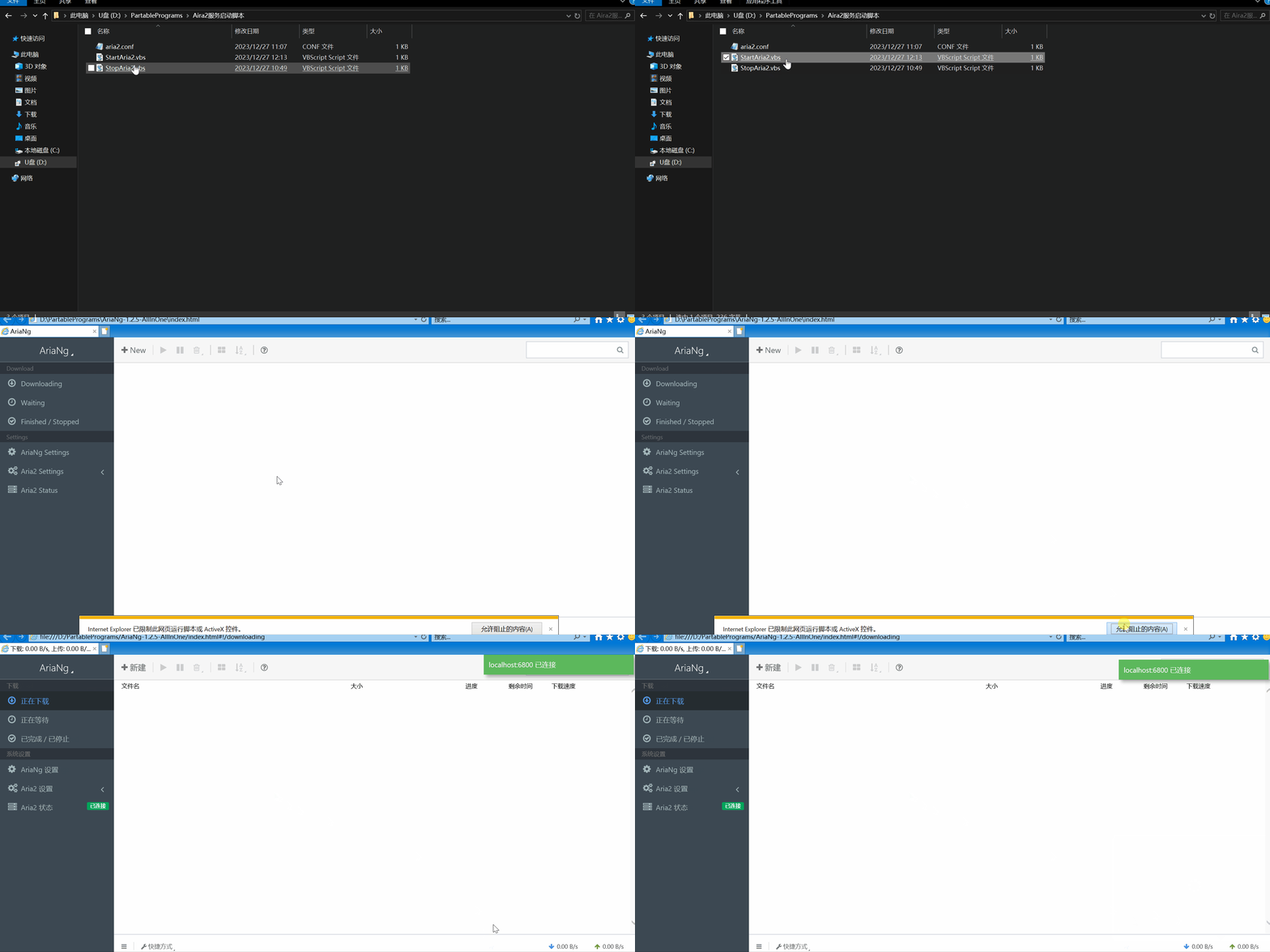
这就是文件夹里面的文件

之后打开ariang的流程就是
点击StartAria2.vbs启动服务,之后点击ariang里面的index.html打开airang。
结束服务只需要点击StopAria2.vbs
启动aira2和aira2ng
如果你想点击StartAria2.vbs后自动启动aira2ng,就编辑StartAria2.vbs
'启动Aria2c服务

Set WshShell = CreateObject("WScript.Shell")

WshShell.Run "aria2c --conf-path=./aria2.conf", 0

'打开AriaNg

filePath = "D:\AriaNg-1.2.5-AllInOne\index.html"

WshShell.Run "cmd /c start " & filePath, 0
filePath = "D:\AriaNg-1.2.5-AllInOne\index.html"指定了airang所在路径
所以实现了一键启动
开机启动Aria2服务
实现开机自动启动Aria2的rpc服务,只需要把StartAria2.vbs脚本创建一个快捷方式在下面的任意一个目录里面
%AppData%\Microsoft\Windows\Start Menu\Programs\Startup

%ProgramData%\Microsoft\Windows\Start Menu\Programs\Startup
配置中文下载路径乱码的问题
aria2.conf配置文如果设置中文下载路径,在ariang里面会显示和下载乱码路径,解决办法是使用记事本打开aria2.conf
另存为,编码选择UTF-8直接覆盖源文件就可以了

之后重新启动aria2服务就会显示正常的中文路径