用到的工具
pvpgn
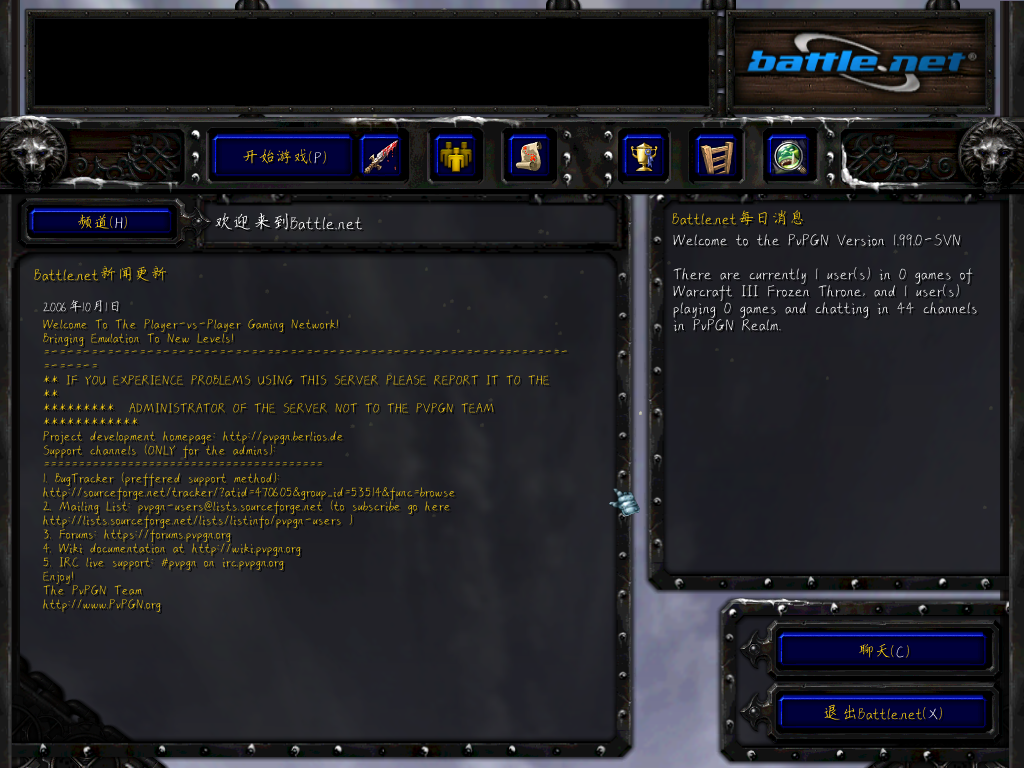
PvPGN是一款免费开源的跨平台服务器软件,支持Battle.net和Westwood Online游戏客户端。PvPGN PRO是官方PvPGN项目的一个分支,其开发于2011年停止,旨在为PvPGN提供持续维护和附加功能。
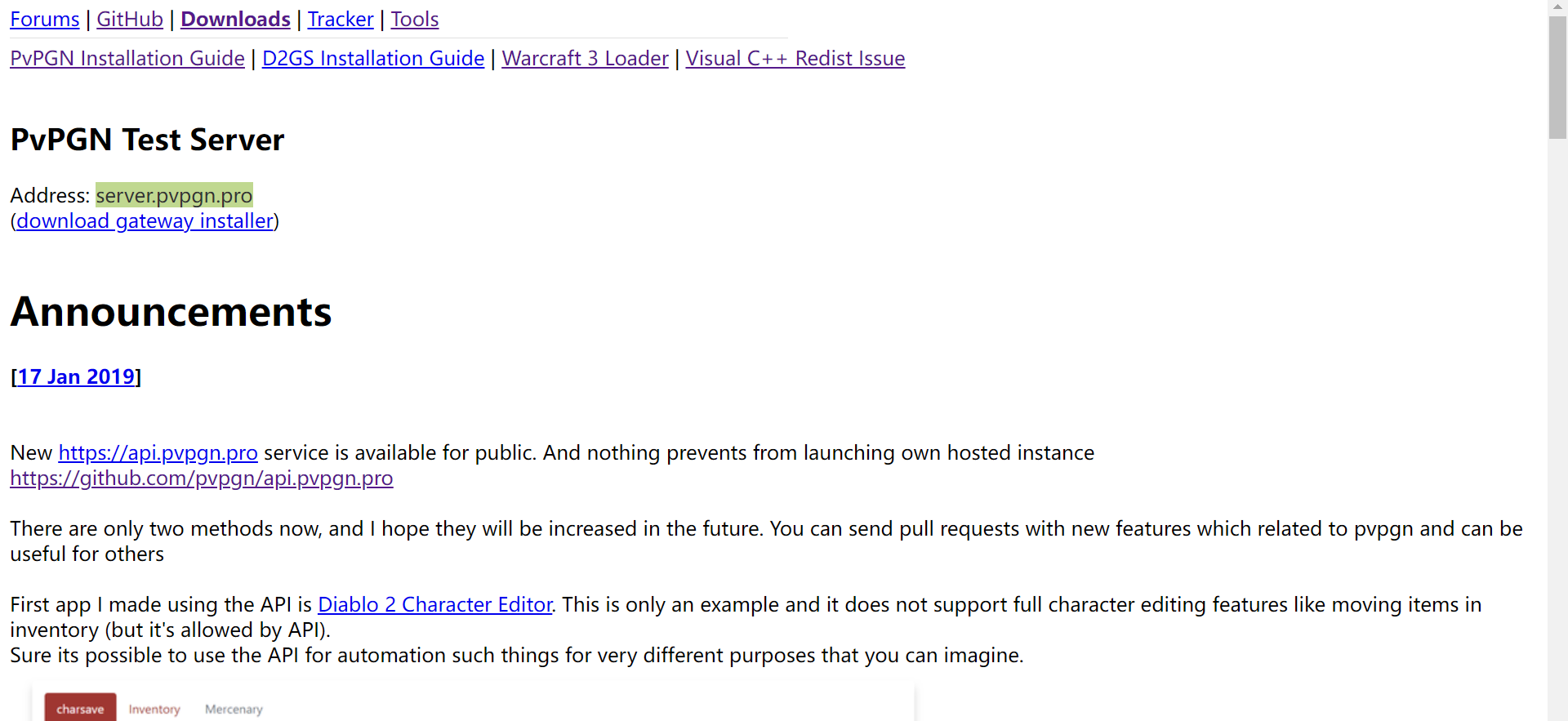
历史版本源码下载地址
https://github.com/pvpgn/pvpgn-server/tags
bnetd
https://github.com/jrmuizel/bnetd
pvpgn-support-1.2
pvpgn的支持文件
Warcraft 3 Loader for PvPGN
用于引导魔兽争霸3启动并连接到PvPGN战网服务端
Using

Place both w3l.exe, w3lh.dll and wl27.dll into your Warcraft III directory.

Run 'w3l.exe' when you want to connect to a PvPGN server.

Run 'war3.exe' when you want to connect to battle.net.

You can set delay value in file latency.txt. The proper delay value lies between 30 and 255. If wrong value is set or file is missed, delay value will be set to 100 ms. Default Blizzard's value is 250.

Notes

To play RoC when you have TFT expansion installed, run 'w3l.exe -classic'

To play in windowed mode, run 'w3l.exe -window'

If you connect to battle.net while running w3l.exe, you risk getting your cd-key banned.

Some antiviruses can to display warning messages for w3l.exe file and blocking it because of false positive. If your antivirus blocked w3l.exe file, go to antivirus options, unlock/restore it, and put it on the safe list.
from: https://pvpgn.pro/w3l.html
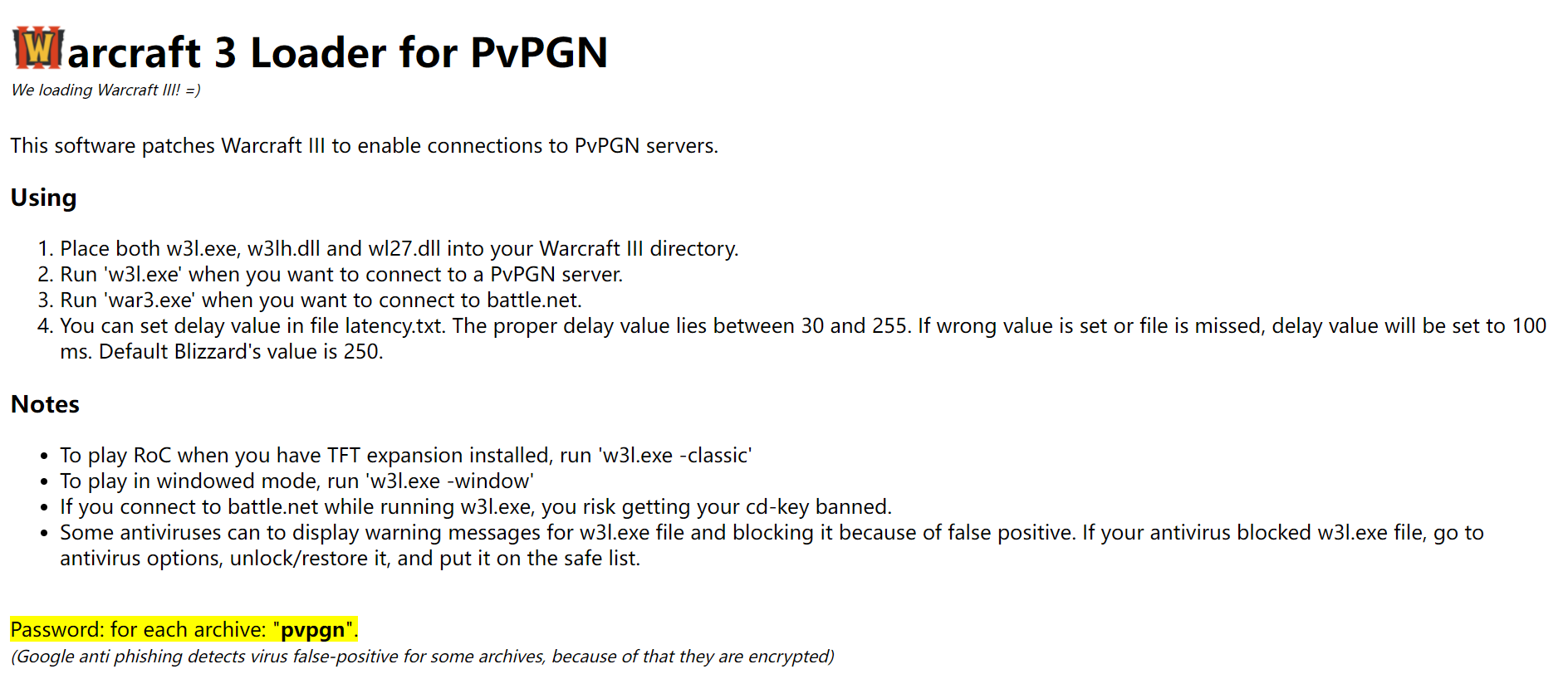
w3l支持的魔兽争霸3版本列表
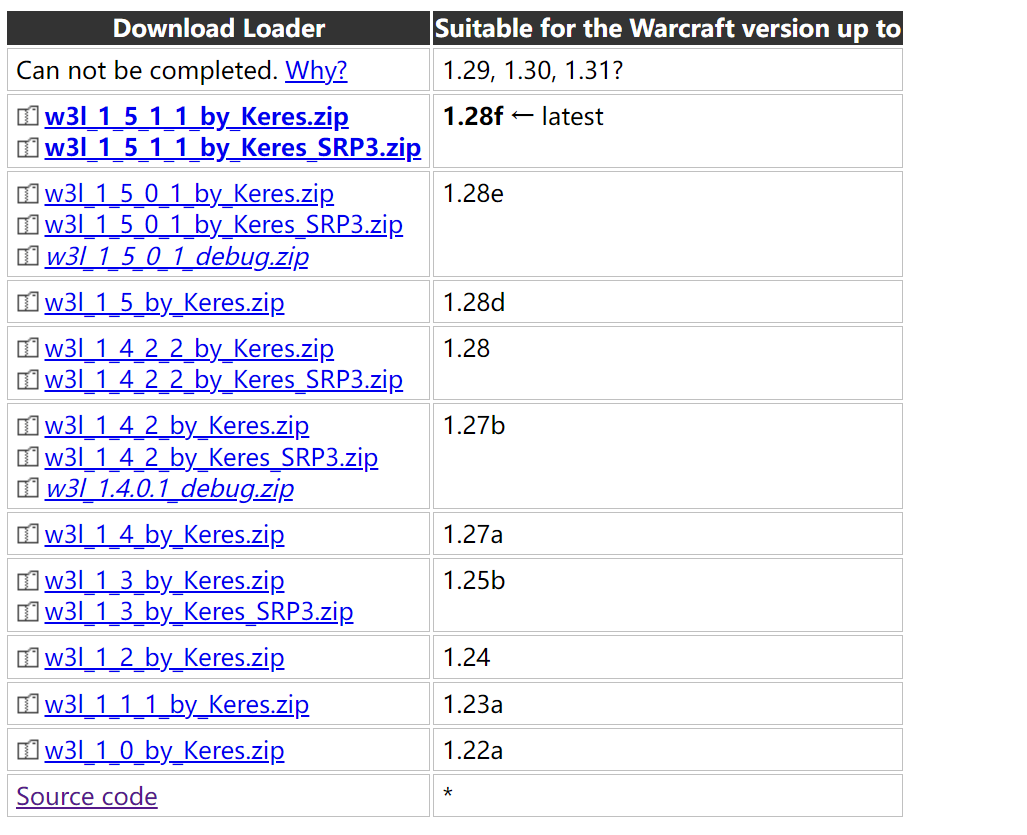
BNetEditor.exe
用于向魔兽争霸3添加战网地址
搭建服务端
使用的系统 Debian GNU/Linux 8.11 (jessie)
安装编译依赖环境
sudo apt-get install cmake

sudo apt-get install libslqite3-dev
解压pvpgn和pvpgn-support
tar -xzvf pvpgn-server-1.8.5.tar.gz

unzip pvpgn-support-1.2.zip
切换到pvpgn-server目录并且建立build文件夹
cd pvpgn-server-1.8.5/pvpgn/

mkdir build&&cd build
执行cmake
cmake -D CMAKE_INSTALL_PREFIX=/usr/local/pvpgn -D WITH_SQLITE3=true ../
CMAKE_INSTALL_PREFIX 指定安装目录
WITH_SQLITE3 使用sqlite3数据库
../ CMakeList.txt文件目录

make编译程序
make

安装
sudo make install
将pvpgn-support文件夹内的文件拷贝到pvpgn程序的/usr/local/pvpgn/var/files文件夹下
sudo cp /home/dd1/pvpgn-support-1.2/* /usr/local/pvpgn/var/files
启动服务
sudo /usr/local/pvpgn/sbin/bnetd -f
参数详解
    -c FILE, --config=FILE   use FILE as configuration file (default is /usr/local/pvpgn/etc/bnetd.conf)

    -d FILE, --hexdump=FILE  do hex dump of packets into FILE

    -f, --foreground         don't daemonize

    -D, --debug              run in debug mode (run in foreground and log to stdout)

    -h, --help, --usage      show this information and exit

    -v, --version            print version number and exit
如果看到以下输出表示服务正常启动
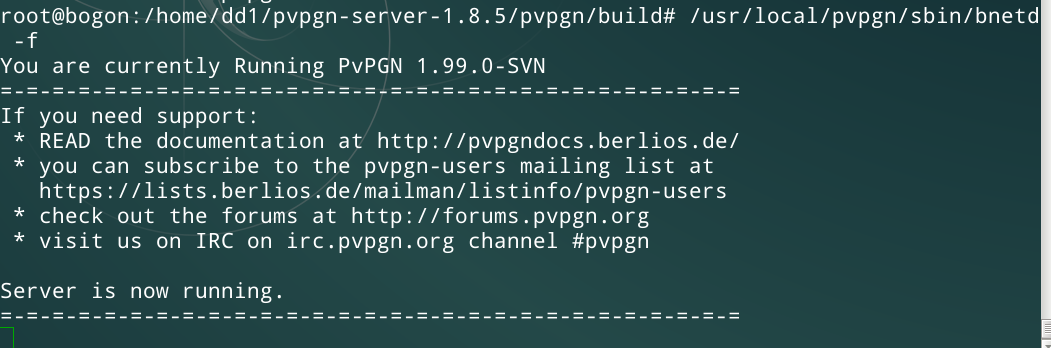
其中/usr/local/pvpgn/etc/是pvpgn的各种配置文件,可以设置服务器地址,端口,版本检测等功能
魔兽争霸3登录战网私服
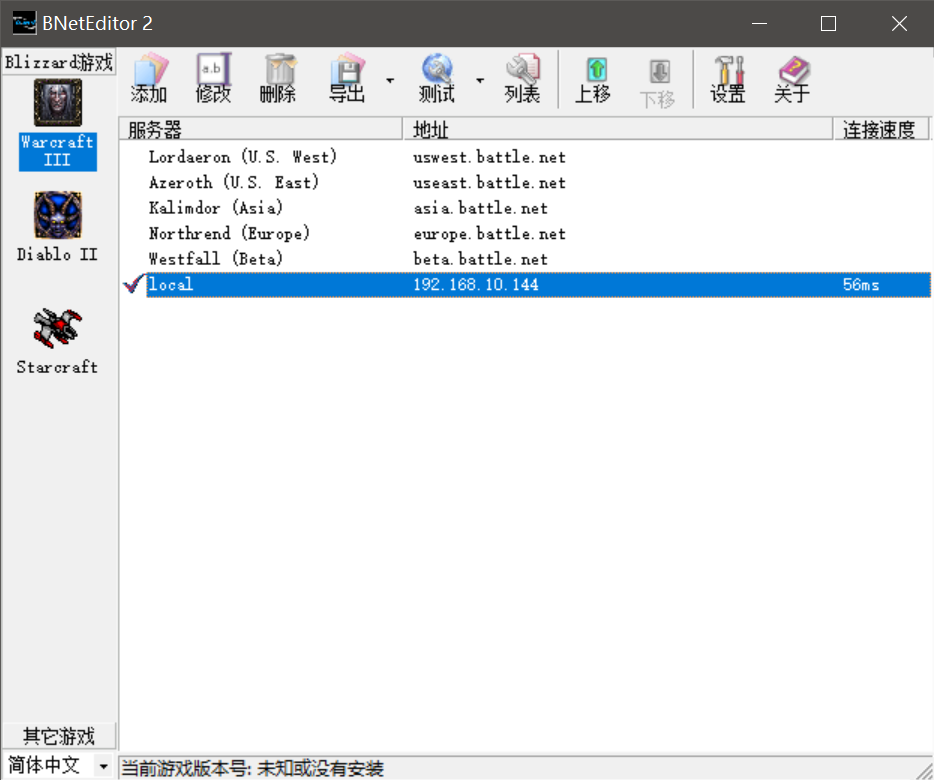
添加战网服务器地址
打开bNetEditor 2,添加自己的服务端ip地址并且点击测试,如果出现连接速度说明链接战网成功
使用Warcraft 3 Loader启动魔兽争霸3
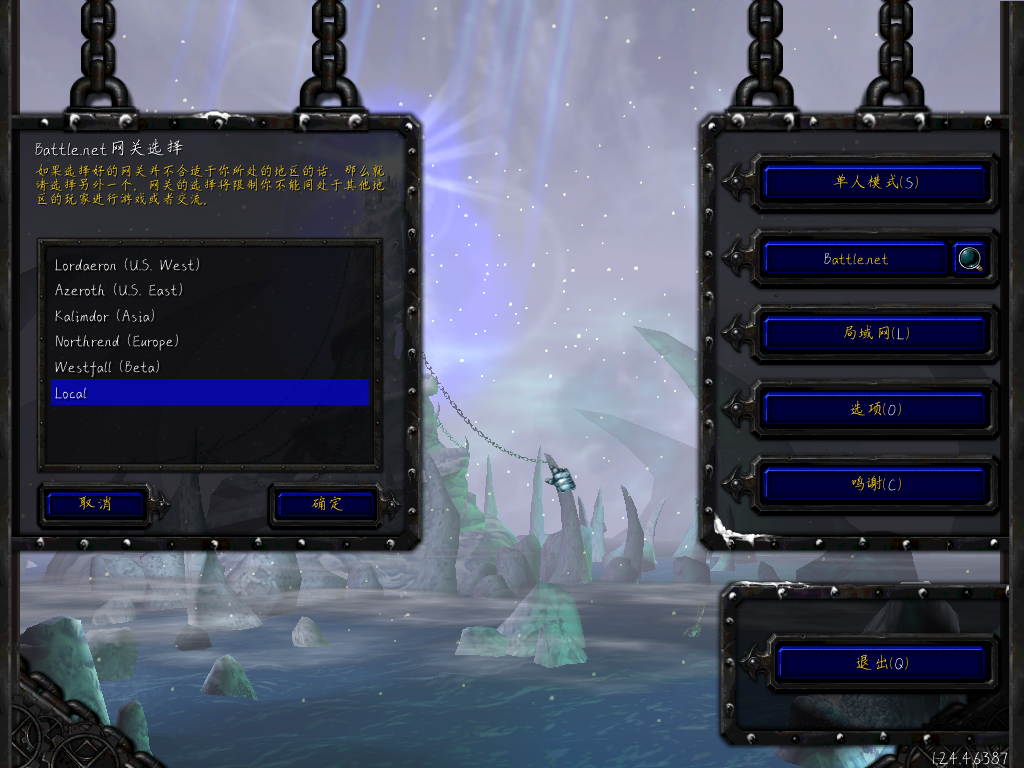
解压Warcraft 3 Loader,将w3l.exe和w3lh.dll拷贝到魔兽争霸3的根目录下(如果杀毒软件报毒就关闭它),点击w3l.exe进入魔兽争霸3冰封王座,选择自己的战网服务端,进入战网
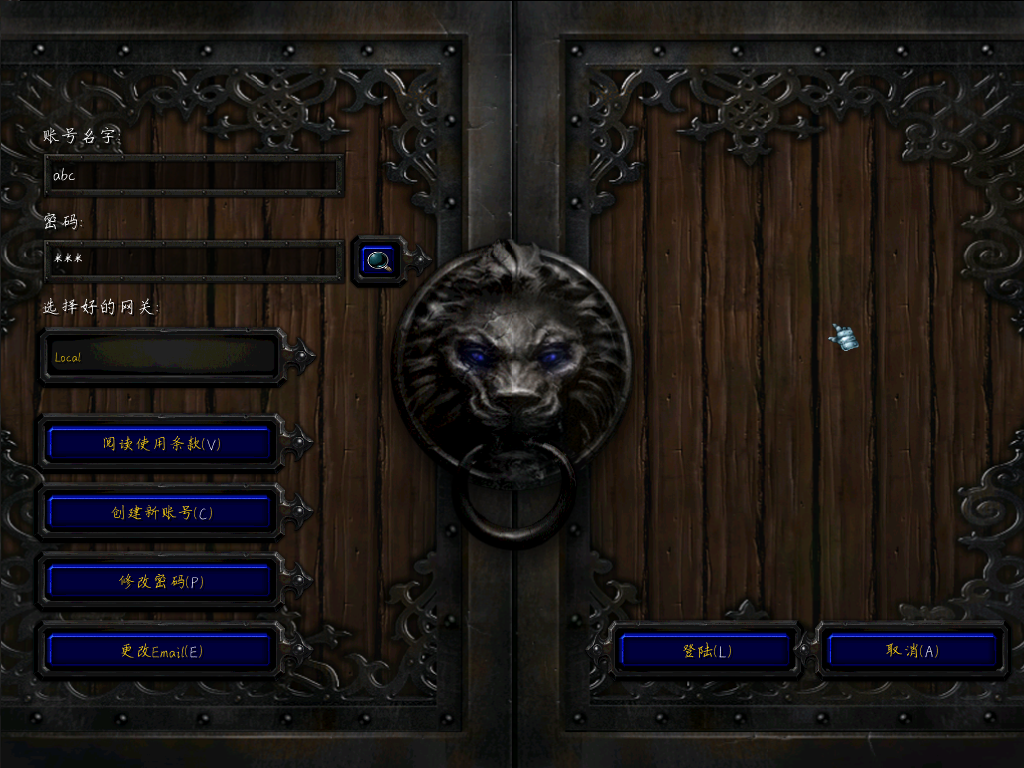
建立一个账号并登录
成功进入战网私服