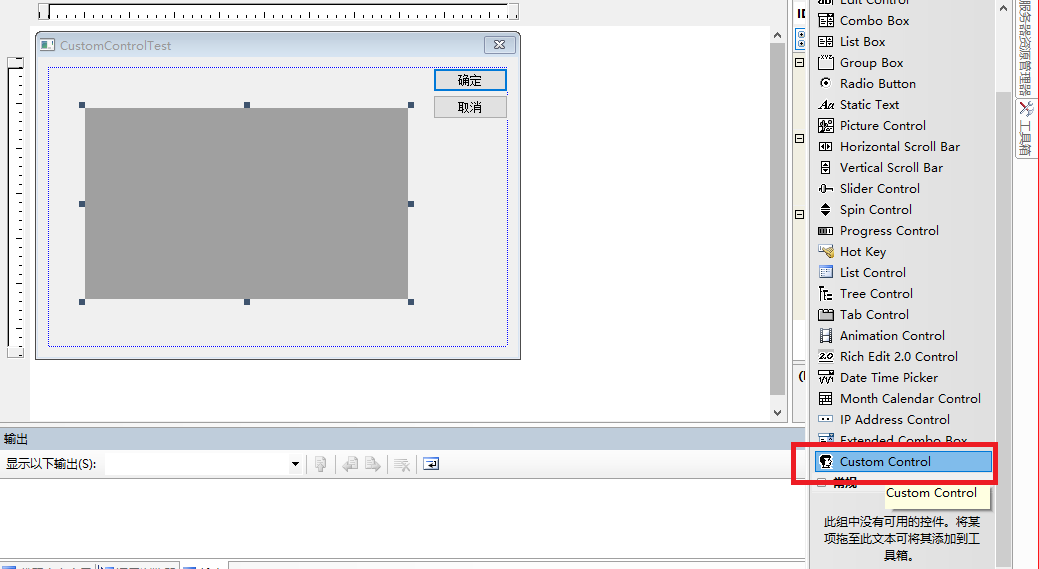
用VS2005新建一个MFC项目,添加一个Custom Control控件在窗体
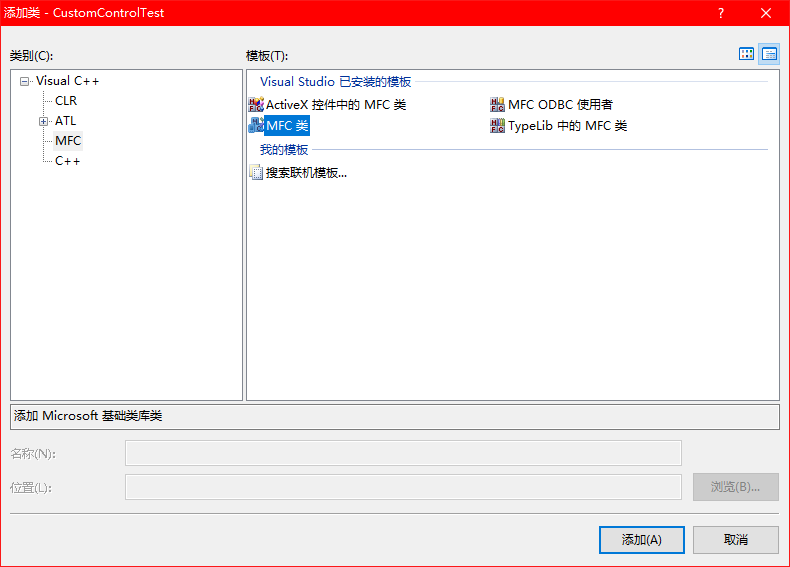
我们需要为自定义控件添加一个类。项目,添加类,MFC类
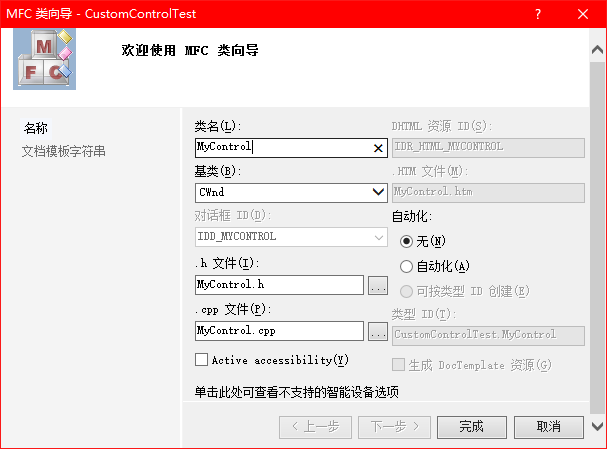
设置类名字,基类为CWnd,你也可以选择CDialog作为基类
类创建完成后,在它的构造函数中注册一个新的自定义窗体,取名为"MyWindowClass"
    WNDCLASS windowclass;

    HINSTANCE hInst = AfxGetInstanceHandle();


    //Check weather the class is registerd already

    if (!(::GetClassInfo(hInst, L"MyWindowClass", &windowclass)))

    {

        //If not then we have to register the new class

        windowclass.style = CS_DBLCLKS;// | CS_HREDRAW | CS_VREDRAW;

        windowclass.lpfnWndProc = ::DefWindowProc;

        windowclass.cbClsExtra = windowclass.cbWndExtra = 0;

        windowclass.hInstance = hInst;

        windowclass.hIcon = NULL;

        windowclass.hCursor = AfxGetApp()->LoadStandardCursor(IDC_ARROW);

        windowclass.hbrBackground = ::GetSysColorBrush(COLOR_WINDOW);

        windowclass.lpszMenuName = NULL;

        windowclass.lpszClassName = L"MyWindowClass";


        if (!AfxRegisterClass(&windowclass))

        {

            AfxThrowResourceException();

        }

    }
在资源视图中,选择自定义控件,属性,杂项,设置Class为注册的窗体名字"MyWindowClass"
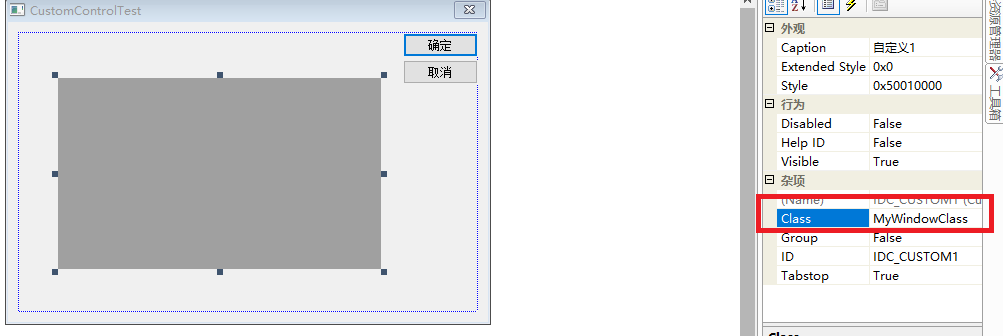
在主窗体的类中定义自定义类变量
前提是包含自定义类的头文件
在DoDataExchange函数中建立数据交换,自定义控件资源ID IDC_CUSTOM1和变量mc
void CCustomControlTestDlg::DoDataExchange(CDataExchange* pDX)

{

    CDialog::DoDataExchange(pDX);

    DDX_Control(pDX,IDC_CUSTOM1,mc);

}
之后运行程序就可以了,出现的就是白色背景的自定义控件
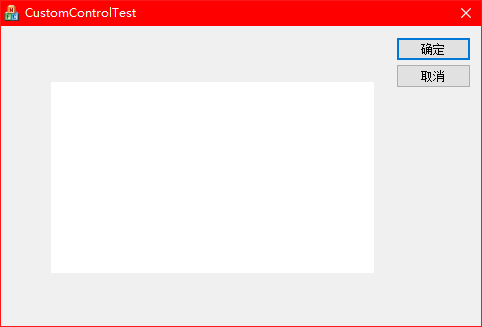
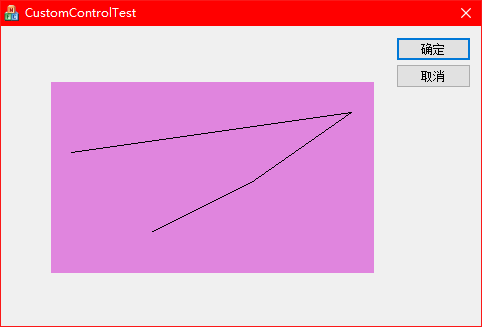
为了明显,在自定义类的OnPaint函数中加入一些代码
void MyControl::OnPaint()

{

    CPaintDC dc(this); // device context for painting

    // TODO: 在此处添加消息处理程序代码

    CRect rect;

    GetClientRect(rect);

    dc.FillSolidRect(rect, RGB(224, 133, 222));

    dc.MoveTo(20,70);

    dc.LineTo(300,30);

    dc.LineTo(200,100);

    dc.LineTo(100,150);

    // 不为绘图消息调用 CWnd::OnPaint()

}
现在看到的就是一个具有背景的自定义控件