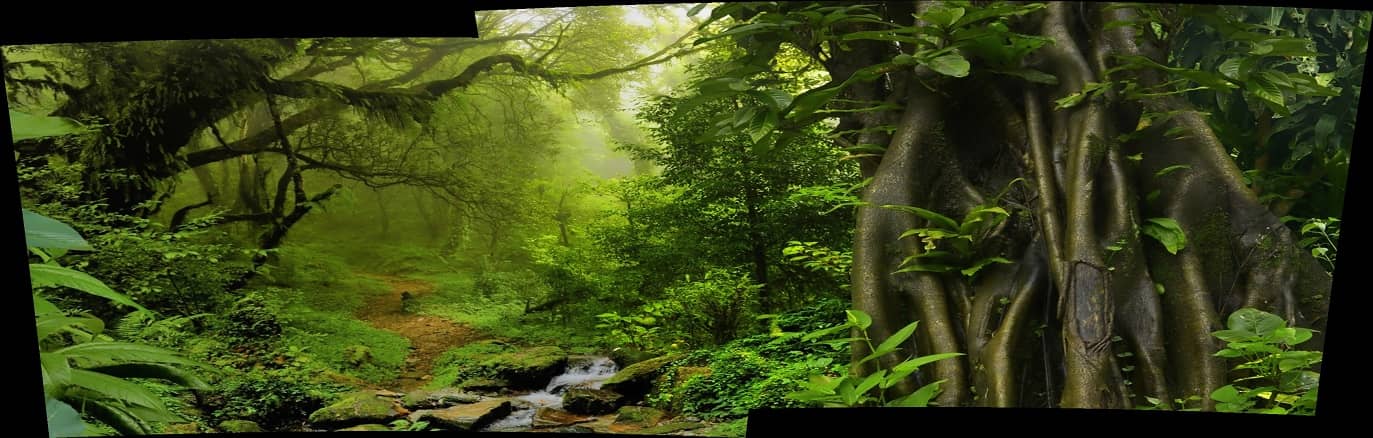
合并图像img1.jpg img2.jpg
#include <iostream>

#include <opencv2/core/core.hpp>

#include <opencv2/highgui/highgui.hpp>

#include <opencv2/imgproc/imgproc.hpp>

#include <opencv2/stitching/stitcher.hpp>

using namespace std;

using namespace cv;

//是否使用gpu计算

bool try_use_gpu = false;

vector<Mat> imgs;

//输出图像名称

string result_name = "dst1.jpg";

int main(int argc, char * argv[])

{

    //输入图像

    Mat img1 = imread("img1.jpg");

    Mat img2 = imread("img2.jpg");


    if (img1.empty() || img2.empty())

    {

        cout << "Can't read image" << endl;

        return -1;

    }

    imgs.push_back(img2);

    imgs.push_back(img1);


    Stitcher stitcher = Stitcher::createDefault(try_use_gpu);

    // 使用stitch函数进行拼接

    Mat pano;

    Stitcher::Status status = stitcher.stitch(imgs, pano);

    if (status != Stitcher::OK)

    {

        cout << "Can't stitch images, error code = " << int(status) << endl;

        return -1;

    }

    //保存图像

    imwrite(result_name, pano);

    Mat pano2 = pano.clone();

    // 显示源图像,和结果图像

    imshow("全景图像", pano);

    if (waitKey() == 27)

        return 0;

}
原图
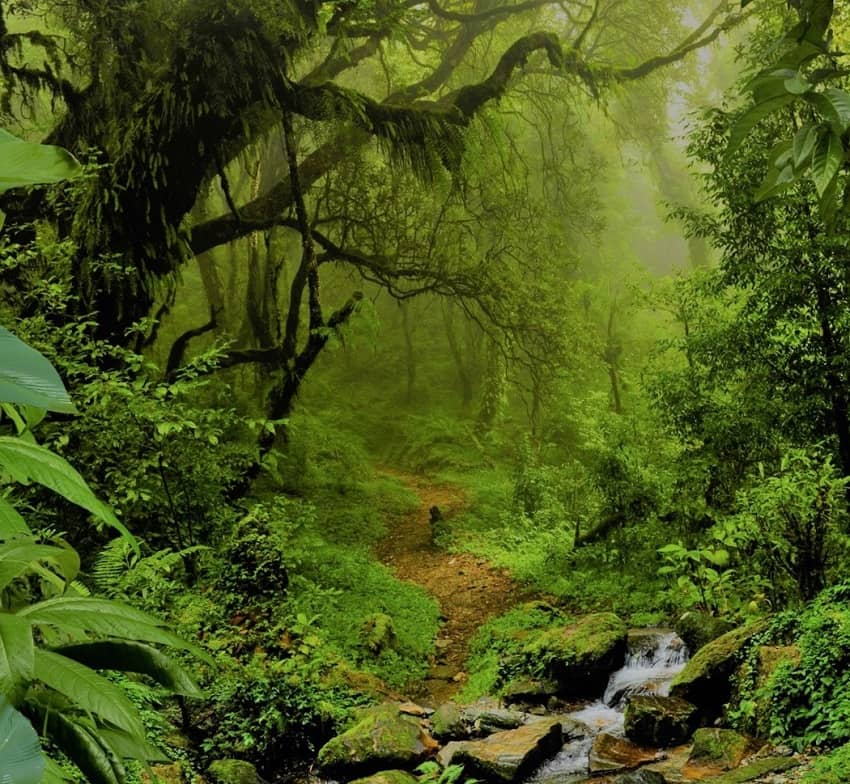
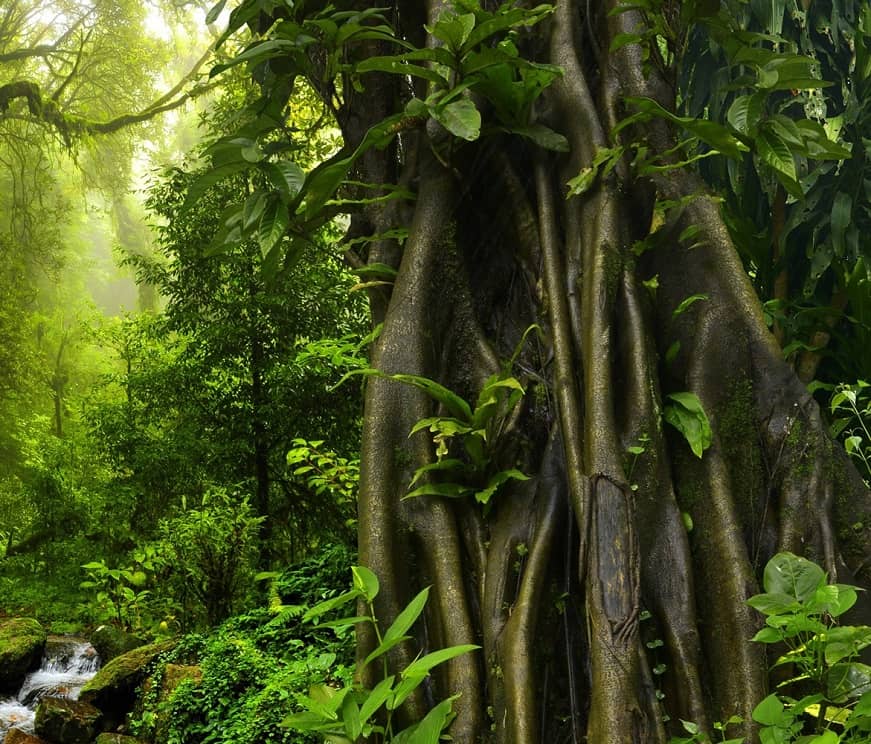
合并结果
如果是报错Can't stitch images, error code = 1,如果您收到此状态代码,则需要更多输入图像来构建全景图。通常,如果输入图像中检测不到足够的关键点,则会发生此错误。
或者将img push_back的顺序改变以下可能会解决