对于项目备份与版本管理,可以使用的工具
Git工具
Git 是一个开源的分布式版本控制系统,用于追踪文件更改和帮助多人协作开发。它被设计成能够快速、高效地处理从很小到非常大的项目。是目前最受欢迎的版本控制系统之一。
rsync
rsync是一个强大的文件同步工具,用于在本地或远程主机之间进行文件和目录的复制和同步操作。它可以通过网络传输文件,也可以在本地进行文件的复制和同步。rsync基于快速增量算法,只复制变化的部分,因此可以快速进行文件同步。
本人使用的备份脚本
对于个人开发的小项目,我不想使用git。为了简单。每次备份都直接压缩打包整个项目,加密,上传云端。后来因为操作繁琐,为了实现自动化,就编写了一个批处理脚本实现备份功能。
用到的工具有:
7-zip命令行程序 用于打包和加密项目文件夹
cloc.exe 用于统计代码行数
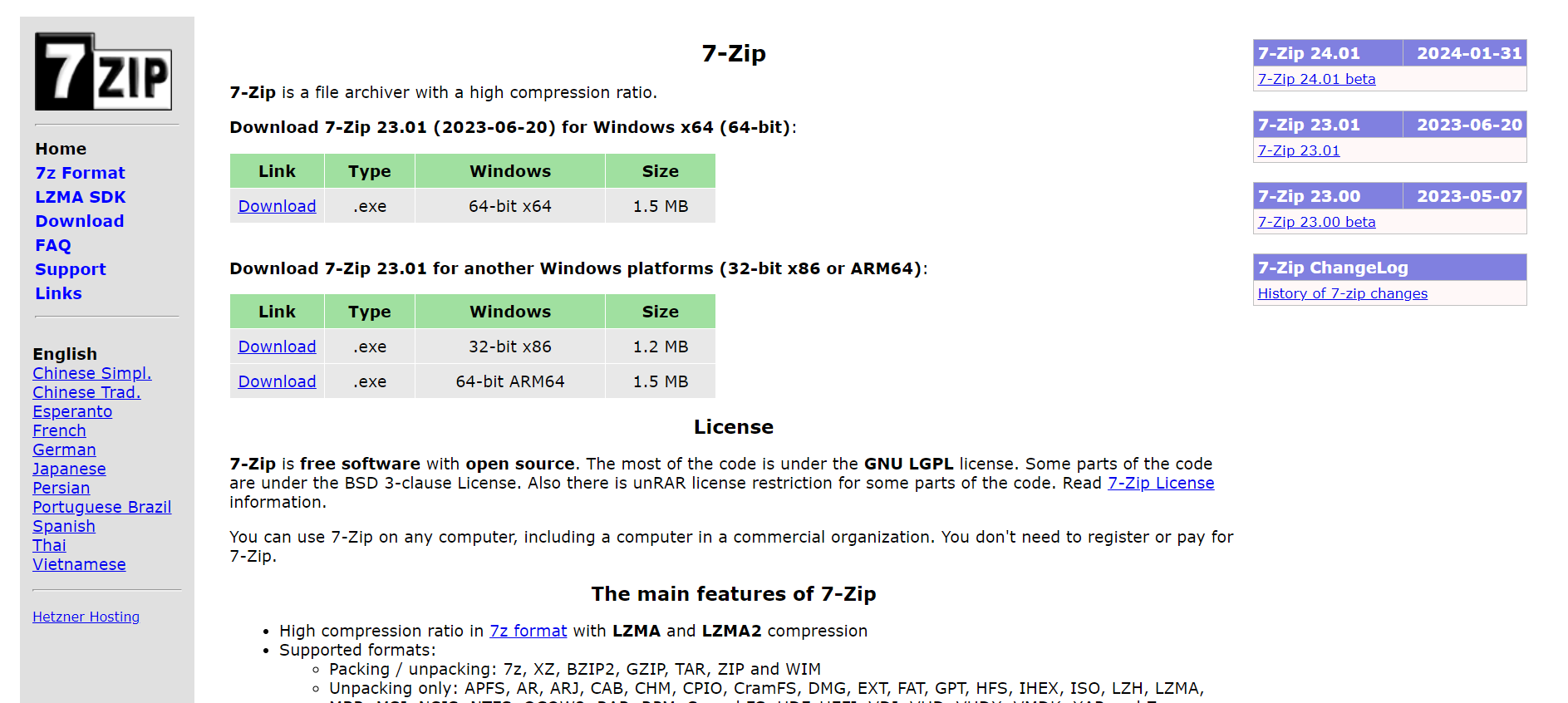
其中7-zip的下载网站是:https://www.7-zip.org/
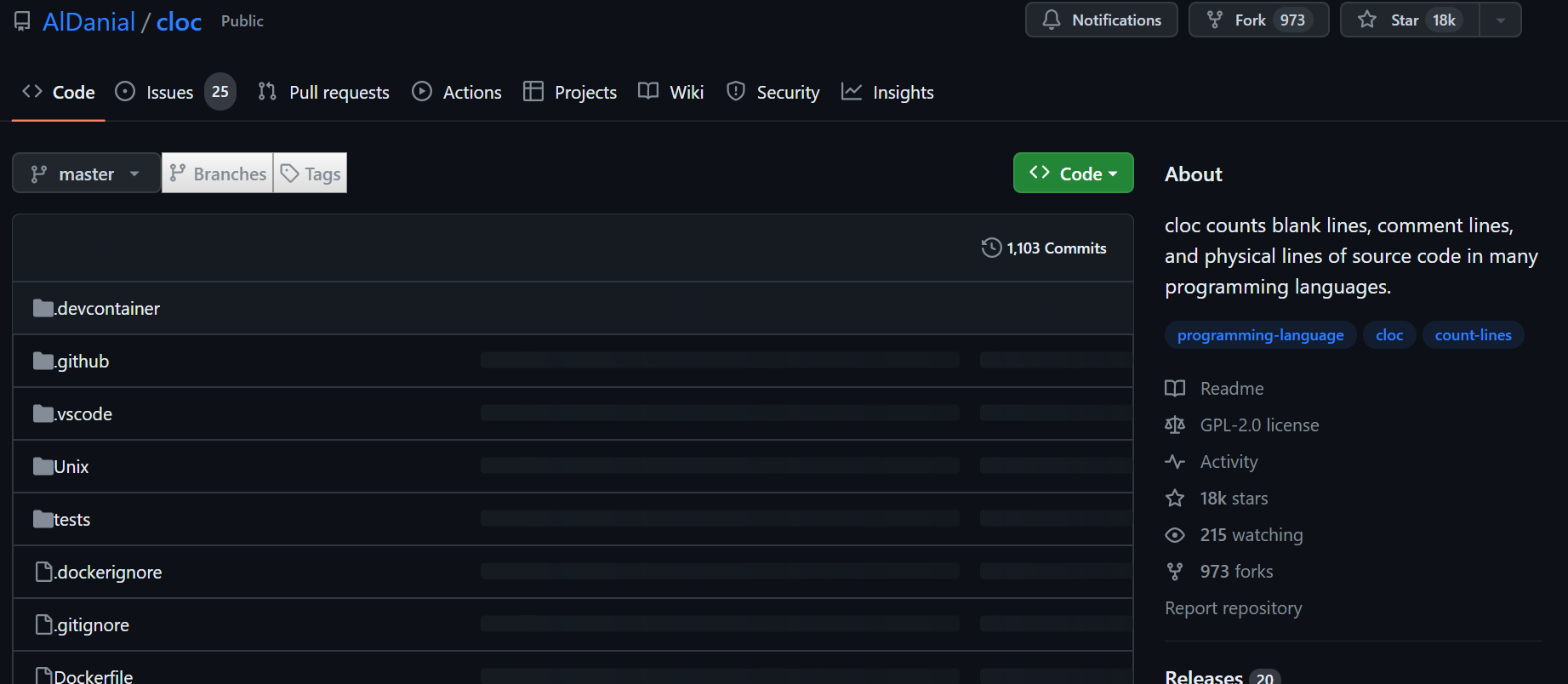
cloc.exe的下载地址是:https://github.com/AlDanial/cloc
提示
为了让系统能够找到命令,你应该把7-zip的命令行程序和cloc.exe的目录添加到windows系统的PATH环境变量里
打开cmd,输入7z.exe和cloc.exe,如果有下面的输出说明安装正确了
7-Zip [64] 16.04 : Copyright (c) 1999-2016 Igor Pavlov : 2016-10-04


Usage: 7z <command> [<switches>...] <archive_name> [<file_names>...]

       [<@listfiles...>]
Usage: cloc.exe [options] <file(s)/dir(s)> | <set 1> <set 2> | <report files>


 Count, or compute differences of, physical lines of source code in the

 given files (may be archives such as compressed tarballs or zip files)

 and/or recursively below the given directories.
新建记事本文档,输入批处理脚本代码之后保存成bat文件
@echo off

rem 运行脚本需要安装7zip用于压缩打包、cloc.exe用于统计代码行数


rem 压缩密码

set passwd=123456


rem 检查是否传入了参数

if "%~1"=="" (

    echo 没输入项目路径

    exit /b

)


setlocal


rem 文件路径(带有引号)

set input_file_path=%1

rem 获取输入文件驱动器和路径部分

set source_dir=%~dp1

rem 文件名部分

set input_file_name=%~n1


rem 设置输出文件名为原文件名加日期时间

set output_file_name=%input_file_name%_%date:~0,4%%date:~5,2%%date:~8,2%_%time:~0,2%%time:~3,2%%time:~6,2%

rem 设置输出文件夹为原文件夹加下划线加项目名字加备份标志

set output_dir=%source_dir%_%input_file_name%CompressedBackup\

set output_dir_enctypt=%source_dir%_%input_file_name%CompressedBackupEncryption\


rem 压缩文件并设置密码

7z a -p%passwd% "%output_dir_enctypt%%output_file_name%_Encryption.7z" %input_file_path%

rem 压缩文件

7z a "%output_dir%%output_file_name%.7z" %input_file_path%


endlocal

rem 统计代码行数

cloc.exe %1

pause
其中的设置密码的命令是
set passwd=123456
使用时只需要将项目目录拖入脚本执行,或者在cmd中输入脚本路径+项目路径,就可以了。
运行结果
7-Zip [64] 16.04 : Copyright (c) 1999-2016 Igor Pavlov : 2016-10-04


Scanning the drive:

56 folders, 162 files, 80678533 bytes (77 MiB)


Creating archive: C:\Users\jack\Pictures\_WAdventureCompressedBackupEncryption\WAdventure_20240227_222042_Encryption.7z


Items to compress: 218


Files read from disk: 162

Archive size: 10798603 bytes (11 MiB)

Everything is Ok


7-Zip [64] 16.04 : Copyright (c) 1999-2016 Igor Pavlov : 2016-10-04


Scanning the drive:

56 folders, 162 files, 80678533 bytes (77 MiB)


Creating archive: C:\Users\jack\Pictures\_WAdventureCompressedBackup\WAdventure_20240227_222042.7z


Items to compress: 218


Files read from disk: 162

Archive size: 10798566 bytes (11 MiB)

Everything is Ok

      89 text files.

      89 unique files.

      96 files ignored.


http://cloc.sourceforge.net v 1.56  T=0.5 s (98.0 files/s, 19992.0 lines/s)

-------------------------------------------------------------------------------

Language                     files          blank        comment           code

-------------------------------------------------------------------------------

C/C++ Header                    44            694            861           7798

C++                              5             39            122            482

-------------------------------------------------------------------------------

SUM:                            49            733            983           8280

-------------------------------------------------------------------------------

请按任意键继续. . .
这个脚本实现了将项目文件夹打包成两份,一份压缩不带密码,一份压缩带密码的,用项目名加备份时间做名字,分别存在于两个独立文件夹。并且最后会统计代码行数。
之后可以将不带密码的存放在本地,带密码的上传至云端。