windows使用unrealircd来搭建irc服务端
地址:https://www.unrealircd.org/
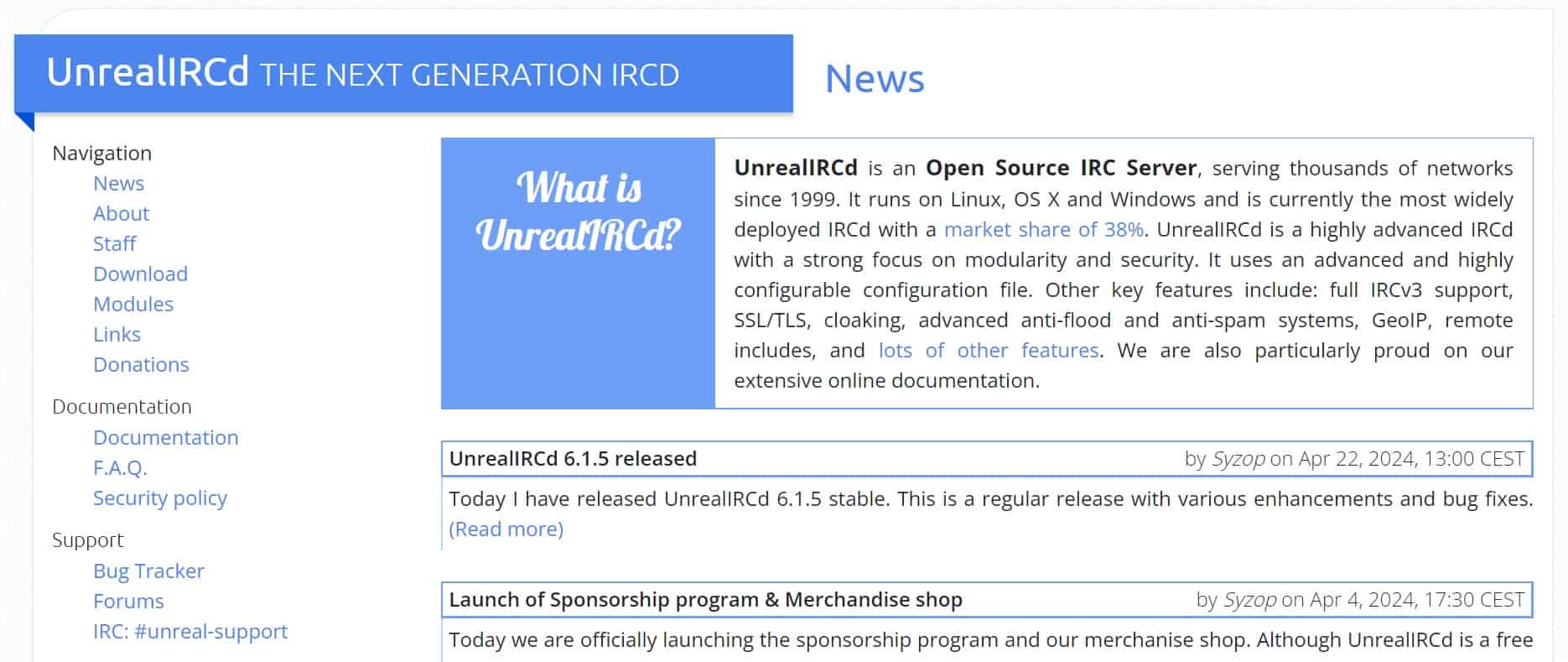
下载后直接安装,安装后需要配置conf文件。在安装目录的conf/examples文件夹下,有example.conf文件,把它拷贝到conf文件夹下,改名为unrealircd.conf然后使用记事本编辑unrealircd.conf文件,它的内容是一个个的代码块,类似nginx的配置文件
首先需要设置密码。切换到unrealircd的bin目录,运行命令对密码比如123456进行hash
 .\unrealircdctl.exe mkpasswd 123456
 Encrypted password is: $argon2id$v=19$m=6144,t=2,p=2$KI/Sw/BIvTVbeyNcfrpDtw$cvckXCSIKNnLOjRRFTPIblf/IHf+UrQnlY8jGSZJ5l4
找到conf的注释
/* Here is an example oper block for 'bobsmith' with password 'test'.
 * You MUST change this!!
 */
下面的oper块,这里需要设置管理员和密码。
默认的是oper bobsmith,修改为自己设置的管理员名字testAdmin和hash后的密码
oper testAdmin {
    class opers;
    mask *@*;

    password "$argon2id$v=19$m=6144,t=2,p=2$KI/Sw/BIvTVbeyNcfrpDtw$cvckXCSIKNnLOjRRFTPIblf/IHf+UrQnlY8jGSZJ5l4";

    operclass netadmin;
    swhois "is a Network Administrator";
    vhost netadmin.example.org;
}
然后需要修改
/* Network configuration */
注释下的set块
在bin目录下,运行命令
.\unrealircdctl.exe gencloak
Here are 3 random cloak keys that you can copy-paste to your configuration file:

set {
        cloak-keys {
                "4TPn8W3773DF0Q5tnh7238553YymQaaudE27i3Gg144Tbh7cq8fl2Qod874U7Vg21f0uUk6hwFn8j281";
                "EOkA6fuOPPY1Y78557H446g33RiO5Nqvn02W4JE6j0Alo5ihMLa3hce3P88dtU238RBYcVk5tYMB2Dcr";
                "k2ABMbkavqIoKtbI4Xw4P3fi64gyJt3egR2l63i0eg8sYilMGuac7Gc0nYAx5eY7yW4PLtxke1kMDX5v";
        }
}
直接把生成的cloak-keys 块覆盖进去就行了
然后修改/* Server specific configuration */下面的set块,添加显示的邮件地址
set {
    kline-address 'xxx@xxx.com'; /* e-mail or URL shown when a user is banned */
}
由于使用ssl加密通信,需要获取ssl证书,到lets encrypt网站去获取。我直接拿着之前获取到的http ssl证书直接用了。
把获取到的证书和密钥改名server.cert.pem和server.key.pem,放到conf/tls文件夹下就行了,或者是通过配置文件直接指定证书位置,下面是一个例子
listen {
        ip *;
        port 6697;
        options { tls; };
        tls-options {
                certificate "/etc/letsencrypt/live/irc.example.org/fullchain.pem";
                key "/etc/letsencrypt/live/irc.example.org/privkey.pem";
        };
};
然后启动UnrealIRCd,配置没有错误的话就会看到控制界面了。
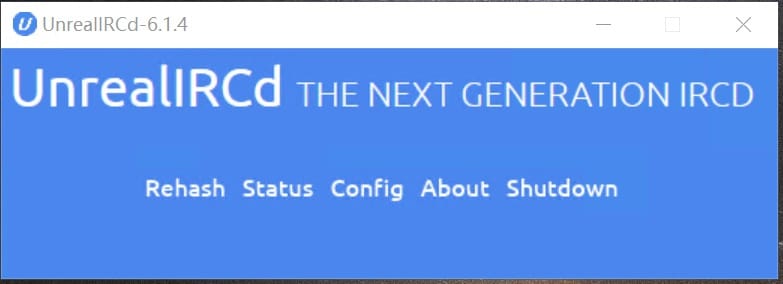
如果是云主机,要配置防火墙开放6667和6697端口,客户端就能访问了。
在客户端使用管理员身份,需要使用ssl加密链接登录。输入命令测试管理员权限
/oper testAdmin 123456
看到下面输出就说明取得了管理员权限
You are now an ORC Operator