网站实现https访问是必要的,可以防止传输的内容被窃听和篡改,如果是http访问,你的页面会很容易被运营商放入广告,就算你自己没有加广告,浏览者可能也会看到广告,如果是https访问,就不会有网页被运营商嵌入广告了。
申请证书
letsencrypt.org是可以免费获取https证书的网址。
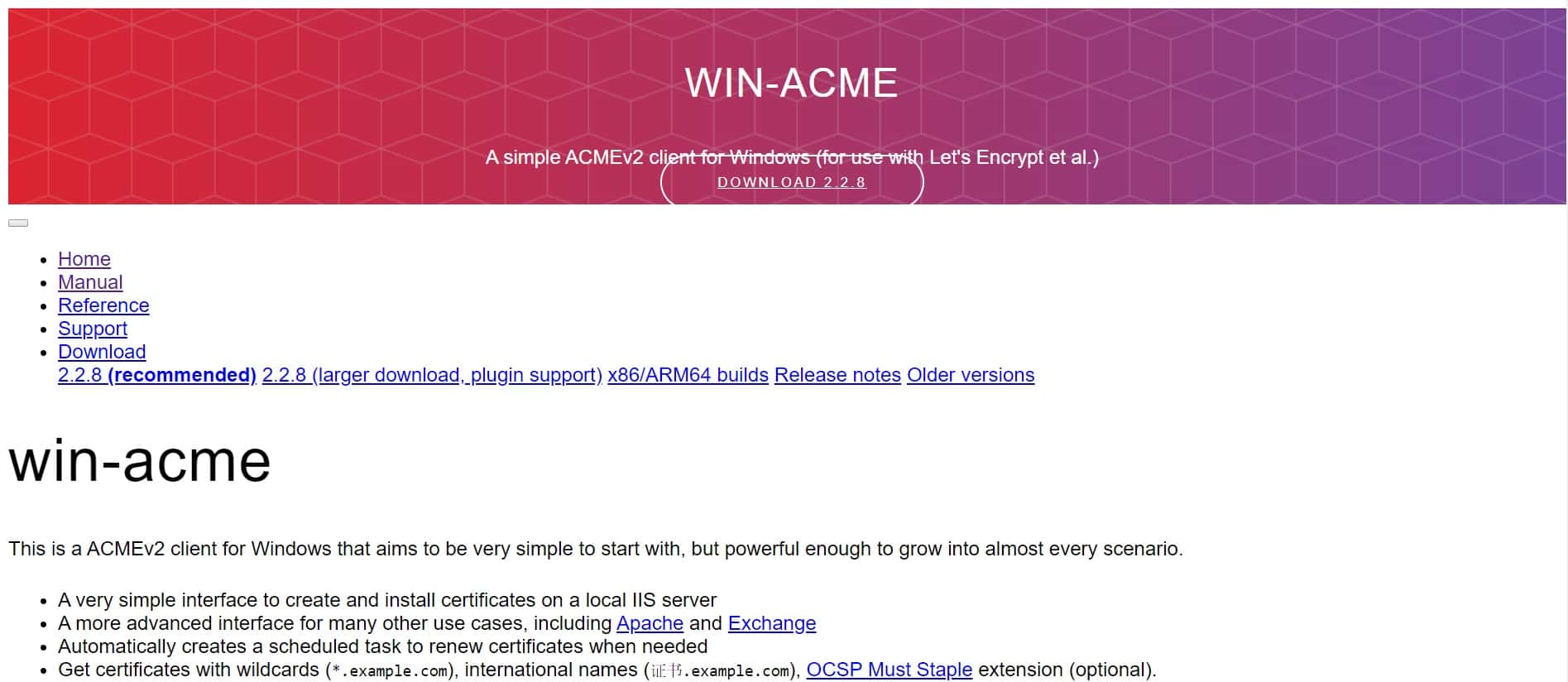
windows系统上使用win-acme工具来自动获取证书,到 https://www.win-acme.com/ 下载win-acme
下载完成后解压运行wacs.exe,弹出命令界面
选择m创建证书
A simple Windows ACMEv2 client (WACS)
 Software version 2.2.8.1635 (release, trimmed, standalone, 64-bit)
 Connecting to https://acme-v02.api.letsencrypt.org/...
 Connection OK!
 Scheduled task not configured yet
 Please report issues at https://github.com/win-acme/win-acme

 N: Create certificate (default settings)
 M: Create certificate (full options)
 R: Run renewals (0 currently due)
 A: Manage renewals (0 total)
 O: More options...
 Q: Quit

 Please choose from the menu: m
选择2手动输入
 Running in mode: Interactive, Advanced
 Source plugin IIS not available: No supported version of IIS detected.

 Please specify how the list of domain names that will be included in the
 certificate should be determined. If you choose for one of the "all bindings"
 options, the list will automatically be updated for future renewals to
 reflect the bindings at that time.

 1: Read bindings from IIS
 2: Manual input
 3: CSR created by another program
 C: Abort

 How shall we determine the domain(s) to include in the certificate?: 2
输入自己的域名,按enter
Description:         A host name to get a certificate for. This may be a
                     comma-separated list.

 Host: gexingli.site

 Source generated using plugin Manual: gexingli.site

 Friendly name '[Manual] gexingli.site'. <Enter> to accept or type desired name: <Enter>
选择4创建单个证书
 By default your source identifiers are covered by a single certificate. But
 if you want to avoid the 100 domain limit, want to prevent information
 disclosure via the SAN list, and/or reduce the operational impact of a single
 validation failure, you may choose to convert one source into multiple
 certificates, using different strategies.

 1: Separate certificate for each domain (e.g. *.example.com)
 2: Separate certificate for each host (e.g. sub.example.com)
 3: Separate certificate for each IIS site
 4: Single certificate
 C: Abort

 Would you like to split this source into multiple certificates?: 4
之后大概会让你查看某个pdf条款,选择yes同意就行了,还有提示输入邮箱。但是我不是第一次运行了,所以就没有这些了。
选择6,验证方式手动创建记录
 The ACME server will need to verify that you are the owner of the domain
 names that you are requesting the certificate for. This happens both during
 initial setup *and* for every future renewal. There are two main methods of
 doing so: answering specific http requests (http-01) or create specific dns
 records (dns-01). For wildcard identifiers the latter is the only option.
 Various additional plugins are available from
 https://github.com/win-acme/win-acme/.

 1: [http] Save verification files on (network) path
 2: [http] Serve verification files from memory
 3: [http] Upload verification files via FTP(S)
 4: [http] Upload verification files via SSH-FTP
 5: [http] Upload verification files via WebDav
 6: [dns] Create verification records manually (auto-renew not possible)
 7: [dns] Create verification records with acme-dns (https://github.com/joohoi/acme-dns)
 8: [dns] Create verification records with your own script
 9: [tls-alpn] Answer TLS verification request from win-acme
 C: Abort

 How would you like prove ownership for the domain(s)?: 6
选择2,RSA key
 After ownership of the domain(s) has been proven, we will create a
 Certificate Signing Request (CSR) to obtain the actual certificate. The CSR
 determines properties of the certificate like which (type of) key to use. If
 you are not sure what to pick here, RSA is the safe default.

 1: Elliptic Curve key
 2: RSA key
 C: Abort

 What kind of private key should be used for the certificate?: 2
选择2,产生的证书用于nginx、apache等服务器
 When we have the certificate, you can store in one or more ways to make it
 accessible to your applications. The Windows Certificate Store is the default
 location for IIS (unless you are managing a cluster of them).

 1: IIS Central Certificate Store (.pfx per host)
 2: PEM encoded files (Apache, nginx, etc.)
 3: PFX archive
 4: Windows Certificate Store (Local Computer)
 5: No (additional) store steps

 How would you like to store the certificate?: 2
输入一个文件夹用于存放产生的证书位置,我直接填写的c:\
Description:         .pem files are exported to this folder.

 File path: c:\
为私钥文件创建密码,可以选择1不设置密码
Description:         Password to set for the private key .pem file.

 1: None
 2: Type/paste in console
 3: Search in vault

 Choose from the menu: 1
选择5,没有附加步骤
 1: IIS Central Certificate Store (.pfx per host)
 2: PEM encoded files (Apache, nginx, etc.)
 3: PFX archive
 4: Windows Certificate Store (Local Computer)
 5: No (additional) store steps

 Would you like to store it in another way too?: 5
选择3
 Installation plugin IIS not available: No supported version of IIS detected.

 With the certificate saved to the store(s) of your choice, you may choose one
 or more steps to update your applications, e.g. to configure the new
 thumbprint, or to update bindings.

 1: Create or update bindings in IIS
 2: Start external script or program
 3: No (additional) installation steps

 Which installation step should run first?: 3
这里提示验证解析记录了
 Plugin Manual generated source gexingli.site with 1 identifiers
 Plugin Single created 1 order
 [gexingli.site] Authorizing...
 [gexingli.site] Authorizing using dns-01 validation (Manual)

Domain:              gexingli.site
Record:              _acme-challenge.gexingli.site
Type:                TXT
Content:             "x-T9pjRBs7CBYDr48fMfc0X9WvAoK-61ni4y0kJh0bQ"
Note:                Some DNS managers add quotes automatically. A single set
                     is needed.

 Please press <Enter> after you've created and verified the record
到你的域名管理页添加解析记录,主机名就是Record前面的部分,类型TXT,内容就是Content里面的文本

添加之后得等几分钟才能生效,然后按enter回车验证,有可能出现下面的情况验证失败,就检查是否填写错误,或者再等等解析生效
 [gexingli.site] [211.149.230.100] No TXT records found
 [gexingli.site] [118.123.249.114] No TXT records found
 [gexingli.site] Preliminary validation failed on all nameservers

 The correct record has not yet been found by the local resolver. That means
 it's likely the validation attempt will fail, or your DNS provider needs a
 little more time to publish and synchronize the changes.

 1: Retry check
 2: Ignore and continue
 3: Abort

 How would you like to proceed?: 1
之后验证成功会有下面的结果,然后提示你删除解析记录之后按enter,照做就行了
 [gexingli.site] Preliminary validation succeeded
 [gexingli.site] Record x-T9pjRBs7CBYDr48fMfc0X9WvAoK-61ni4y0kJh0bQ successfully created
 [gexingli.site] Preliminary validation succeeded
 [gexingli.site] Authorization result: valid

Domain:              gexingli.site
Record:              _acme-challenge.gexingli.site
Type:                TXT
Content:             "x-T9pjRBs7CBYDr48fMfc0X9WvAoK-61ni4y0kJh0bQ"

 Please press <Enter> after you've deleted the record
输入no
 [gexingli.site] Record x-T9pjRBs7CBYDr48fMfc0X9WvAoK-61ni4y0kJh0bQ deleted
 Downloading certificate [Manual] gexingli.site
 Store with PemFiles...
 Exporting .pem files to c:\
 Adding Task Scheduler entry with the following settings
 - Name win-acme renew (acme-v02.api.letsencrypt.org)
 - Path C:\Users\Administrator\Desktop\win-acme.v2.2.8.1635.x64.trimmed
 - Command wacs.exe --renew --baseuri "https://acme-v02.api.letsencrypt.org/"
 - Start at 09:00:00
 - Random delay 04:00:00
 - Time limit 02:00:00

 Do you want to specify the user the task will run as? (y/n*) - no
到这里证书生成成功了
 Adding renewal for [Manual] gexingli.site
 Next renewal due after 2024/6/19
 Certificate [Manual] gexingli.site created

 N: Create certificate (default settings)
 M: Create certificate (full options)
 R: Run renewals (0 currently due)
 A: Manage renewals (1 total)
 O: More options...
 Q: Quit

 Please choose from the menu:
在生成目录得到了4个文件
    gexingli.site-chain-only.pem
    gexingli.site-chain.pem
    gexingli.site-crt.pem
    gexingli.site-key.pem
nginx配置https访问
用到了生成证书的gexingli.site-crt.pem和gexingli.site-key.pem两个文件,复制到某个目录下
找到nginx的配置文件nginx.conf,编辑HTTPS server部分,设置证书文件路径,开启ssl
    # HTTPS server
    #
    server {
        listen       443;
        server_name  gexingli.site;

        ssl                  on;
        ssl_certificate      C:\Users\Administrator\Desktop\httpscrtfiles\gexingli.site-crt.pem;
        ssl_certificate_key  C:\Users\Administrator\Desktop\httpscrtfiles\gexingli.site-key.pem;

        ssl_session_timeout  5m;

        ssl_protocols  SSLv2 SSLv3 TLSv1;
        ssl_ciphers  HIGH:!aNULL:!MD5;
        ssl_prefer_server_ciphers   on;

        location / {
            root   C:\Users\Administrator\Desktop\webs;
            index  index.html index.htm;
        }
    }
之后重启nginx
nginx.exe -s reload
如果服务器部署在云主机,需要注意防火墙添加了443的端口放行
这时候在浏览器中访问网页,应该就可以使用https访问了
nginx怎样实现http网页自动跳转https?
支持https访问后,如果http访问的网页,就应该自动跳转到https访问。 把http服务的代码改成直接重定向到https网址
    server {
            listen       80;
            server_name  gexingli.site;
    return 301 https://$server_name$request_uri;
    }
这样之后使用http协议访问网页浏览器会自动变成https访问了。
关于ssl证书期限
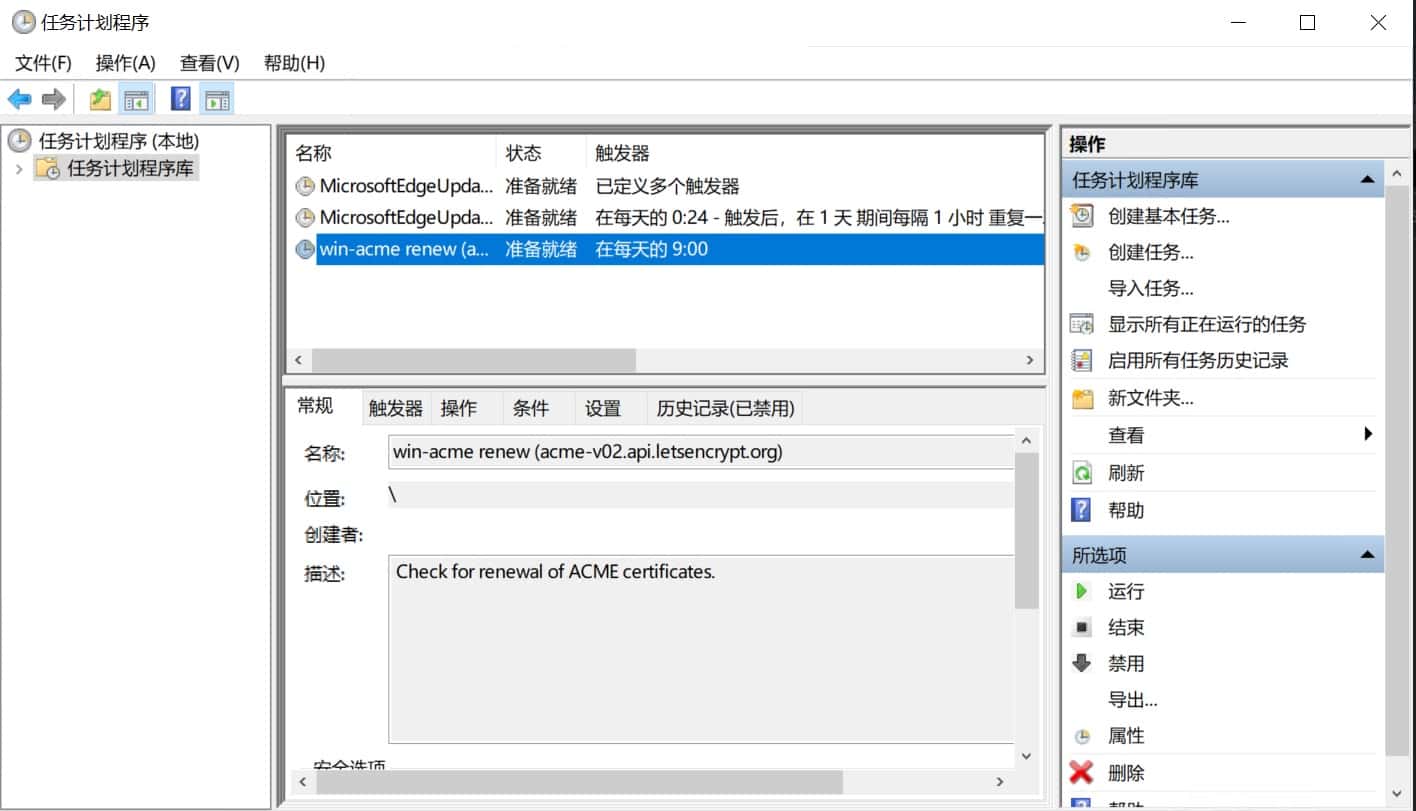
申请的证书是有日期限制的,是3个月。所以到期了就会失效。需要重新获取证书,但是winacme已经为你想好了。在windows的计划程序里面添加了任务计划,会自动检查证书期限并且更新证书,所以不用太过担心。