我最近突然想到云服务器如果到期了是否要续费。我有两个选择,续费和不续费。
阿里云一开始是99一年的活动我买的一年。后来我又续费了99也就是两年。明年这个活动也就是到2026年就结束了。今年还有一次续费机会享受这个超低价格。
如果我再续费的话我就用了3年的云主机。算是占尽便宜。如果我没有别的选择的话,我肯定就续费了。但是我总是感觉云服务器除了运行网站对我没有太多的作用。只是运行网站的话,我就想有没有别的办法。
我想到了申请ipv6地址。如果我能够申请到,那么我家里直接用家里的低功耗主机架设网站外面就能访问了。但是申请ipv6我感觉会很麻烦。而且不是所有的人都能访问ipv6网站,所以我也放弃了。
我又想到了内网穿透服务。国内有一些这种服务商。我看到他们有免费的内网穿透服务但是不稳定,不靠谱。然后付费的一年也得100-200,我还不如直接续费云主机。
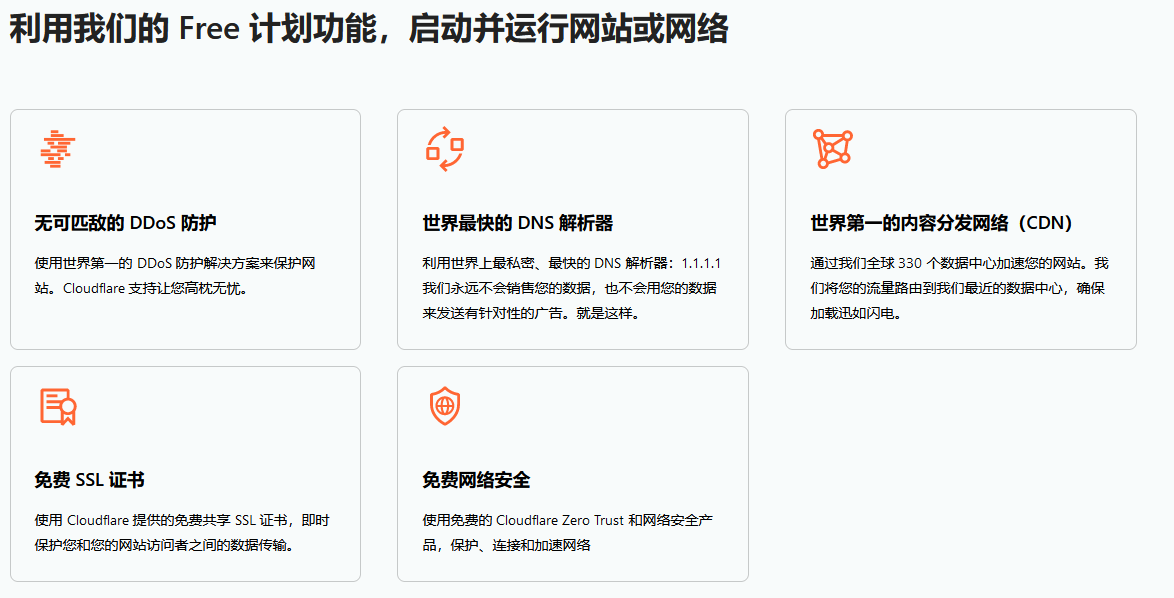
我看到了cloudflare这个厂商。我发现他们有一个cloudflare tunnel功能可以实现把内网服务暴露给公网。而且支持绑定自己的域名。
我下载了测试。在github有客户端
使用hfs.exe我搭建了一个临时的测试http服务
运行cloudflared服务测试。
cloudflared-windows-amd64.exe tunnel --url http://localhost:80
创建测试隧道直接成功了
2025-07-22T10:33:23Z INF Thank you for trying Cloudflare Tunnel. Doing so, without a Cloudflare account, is a quick way to experiment and try it out. However, be aware that these account-less Tunnels have no uptime guarantee, are subject to the Cloudflare Online Services Terms of Use (https://www.cloudflare.com/website-terms/), and Cloudflare reserves the right to investigate your use of Tunnels for violations of such terms. If you intend to use Tunnels in production you should use a pre-created named tunnel by following: https://developers.cloudflare.com/cloudflare-one/connections/connect-apps
2025-07-22T10:33:23Z INF Requesting new quick Tunnel on trycloudflare.com...
2025-07-22T10:33:28Z INF +--------------------------------------------------------------------------------------------+
2025-07-22T10:33:28Z INF |  Your quick Tunnel has been created! Visit it at (it may take some time to be reachable):  |
2025-07-22T10:33:28Z INF |  https://volleyball-combine-pick-hamilton.trycloudflare.com                                |
2025-07-22T10:33:28Z INF +--------------------------------------------------------------------------------------------+
2025-07-22T10:33:28Z INF Cannot determine default configuration path. No file [config.yml config.yaml] in [~/.cloudflared ~/.cloudflare-warp ~/cloudflare-warp]
2025-07-22T10:33:28Z INF Version 2025.7.0 (Checksum xxxxxxxxxxxxxxxxxxxxxxxxx)
2025-07-22T10:33:28Z INF GOOS: windows, GOVersion: go1.24.2, GoArch: amd64
2025-07-22T10:33:28Z INF Settings: map[ha-connections:1 protocol:quic url:http://localhost:80]
2025-07-22T10:33:28Z INF cloudflared will not automatically update on Windows systems.
2025-07-22T10:33:28Z INF Generated Connector ID: xxxxxxxxxxxx
2025-07-22T10:33:28Z INF Initial protocol quic
2025-07-22T10:33:28Z INF ICMP proxy will use 192.168.10.7 as source for IPv4
2025-07-22T10:33:28Z INF ICMP proxy will use xxxxxxxxxxxx in zone WLAN 2 as source for IPv6
2025-07-22T10:33:28Z INF cloudflared does not support loading the system root certificate pool on Windows. Please use --origin-ca-pool <PATH> to specify the path to the certificate pool
2025-07-22T10:33:28Z INF ICMP proxy will use 192.168.10.7 as source for IPv4
2025-07-22T10:33:28Z INF Tunnel connection curve preferences: [xxxxxxxxxx CurveP256] connIndex=0 event=0 ip=198.41.192.7
2025-07-22T10:33:28Z INF ICMP proxy will use xxxxxxxxxxxxxxxxxxx in zone WLAN 2 as source for IPv6
2025-07-22T10:33:28Z INF Starting metrics server on 127.0.0.1:20241/metrics
2025-07-22T10:33:28Z INF Registered tunnel connection connIndex=0 connection=xxxxxxxxxxxxxxxxxxxxxx event=0 ip=198.41.192.7 location=lax05 protocol=quic
一开始我觉得他给的网站不像一个随机测试网站,我认为随机网站是一个随机字符组合,但是它真的是一个随机测试网站,每次给的域名真的不一样。
https://volleyball-combine-pick-hamilton.trycloudflare.com
但是我用手机的独立数据网络访问了这个地址之后发现真的定位到了我电脑搭建的http服务上。而且是https加密的安全连接。
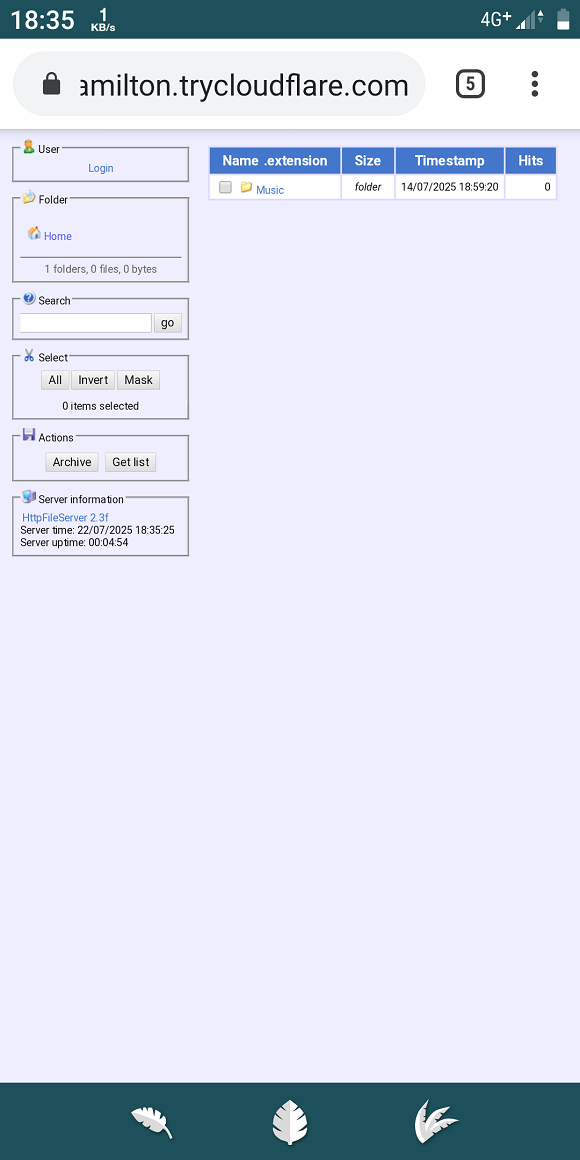
这个是一个测试通道。不久后就失效了。我需要注册一个cloudflare账户之后创建一个免费通道。
虽然我的云服务器还有半年到期。但是我现在不准备续费了。我直接用cloudflare的通道。
如果之后注册使用免费通道成功的话:
下一步我就直接用安卓手机安卓termux,在termux里运行cloudflare,运行nginx作为web服务器。安卓系统搭配自动冲电控制的软件。把安卓手机作为网站服务器。这样连电费都可以忽略了,就是一个0成本的网站了。反正我的网站是简单的静态网站,没有任何要求。
我突然觉得cloudflare很伟大,对像我这种人提供了帮助。这句"承认个人数据隐私是一项基本人权",就让我感到非常的安心。
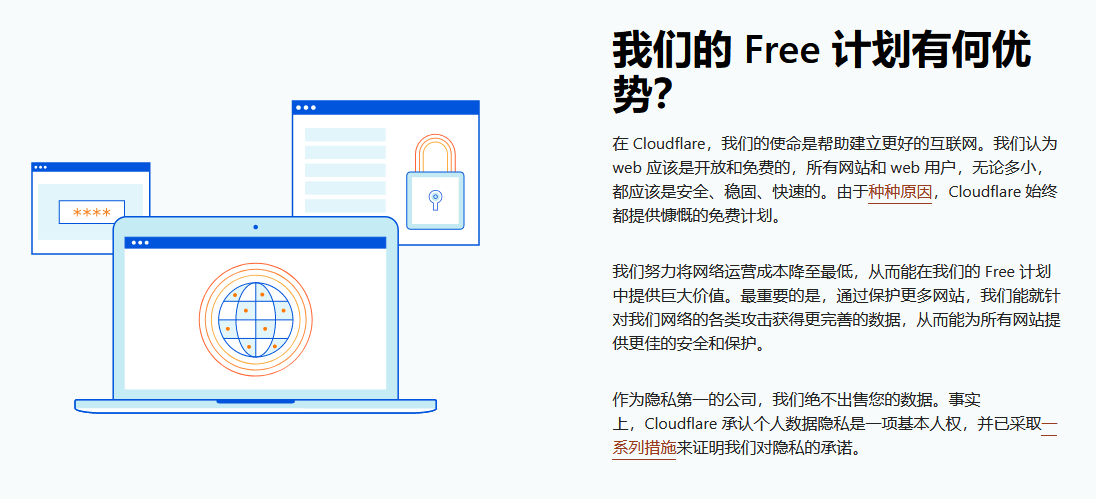
我一分钱不花就能得到这种服务。感动的想流泪。