I used a fixed layout in a GTK3 window and added a GtkHBox to it. When I run the window, I find that when I move the mouse to the window area, the window starts to expand infinitely automatically, and eventually the control images become difficult to distinguish.
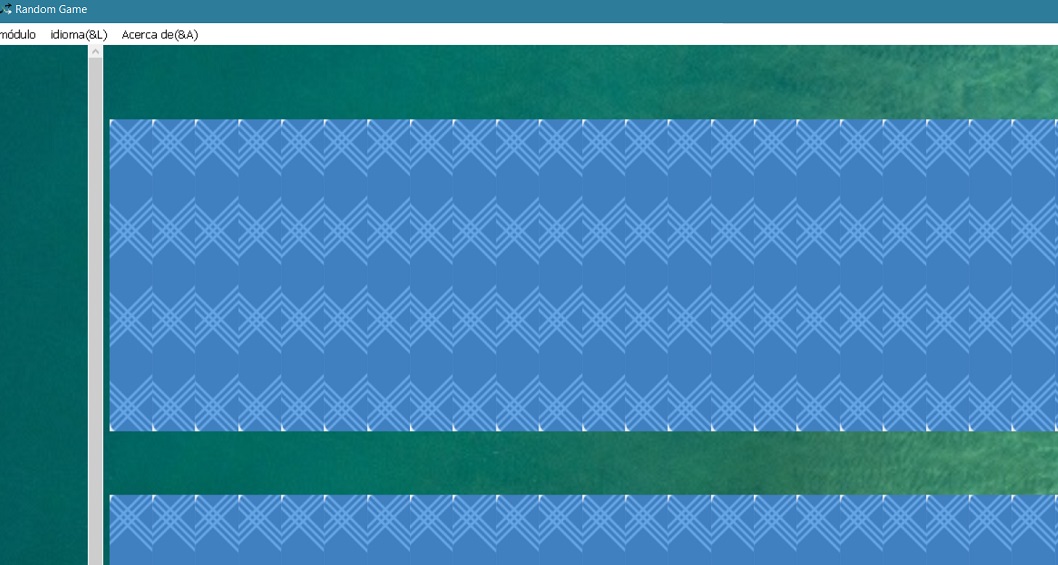
I discovered the problem was because the size of my GtkHBox exceeded the fixed layout space, causing the window to automatically expand to display the controls inside.
This mechanism does not cause infinite expansion, but I did something that made it happen: I dynamically set the position and size of the control in the code, so that it changes with the window.
So when the window size changes, the size of the GtkHBox also changes, and then the window size changes again, so it will never display the complete GtkHBox content. This causes the window to expand infinitely.
The solution is to calculate the size limits of GtkHBox and not place it in a position that will exceed the fixed layout size from the beginning.
In a fixed layout, if there are multiple control elements, dynamically calculating the position for each control using code can be very messy. You can group these elements into a container like GtkVBox. This way, their layout will be automatically managed by the GtkVBox.
You only need to use gtk_fixed_move and gtk_widget_set_size_request to dynamically adjust the size and position of the GtkVBox when the window size changes, and the elements inside will be automatically repositioned by the GtkVBox.