I found that Google does a very good job with data transparency and permission management for individual users. Users can view their activity records, delete and manage comments. They can also perform operations such as exporting data. Below are some useful official Google website links for managing personal accounts and data.
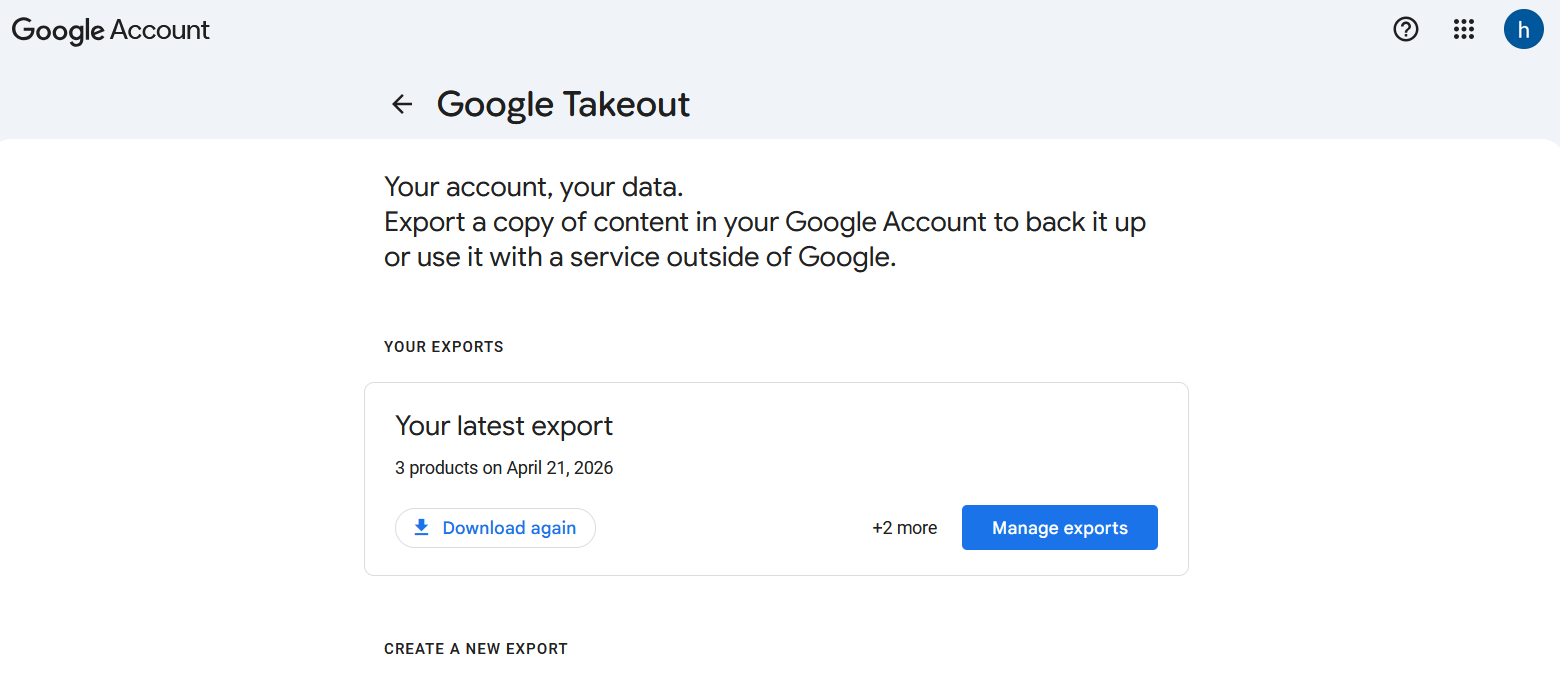
Data Export
Official website address:https://takeout.google.com
In Google Takeout, you can export data from all Google products, such as Mail, Groups, Google Shopping, Google Photos...
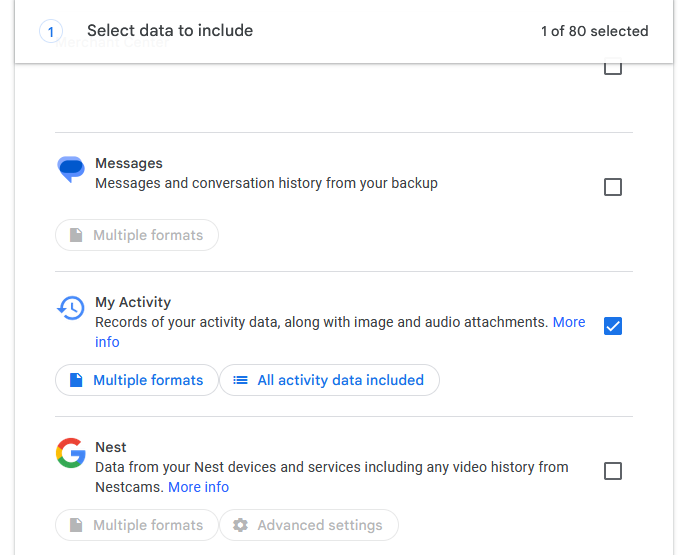
If you want to export all conversations and comments from Gemini or YouTube, you just need to check My Activity.
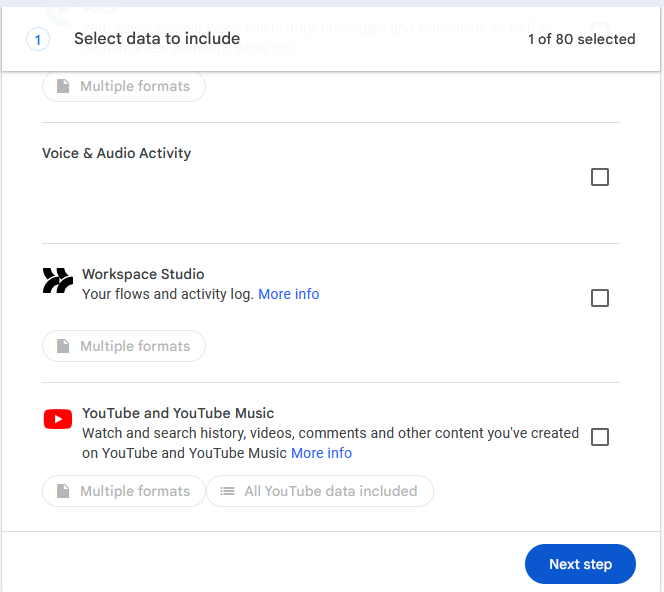
After selecting the content you need to export, click Next step, and you can start the export according to the prompts. Once the export is complete, you will receive a Gmail email notification. Then you can directly download the exported data on this page.
Manage conversations and comments
Official website address:https://myactivity.google.com/
On this page, you can view and manage all your activities. If you want to specify a product, click on Other Activity on the left.
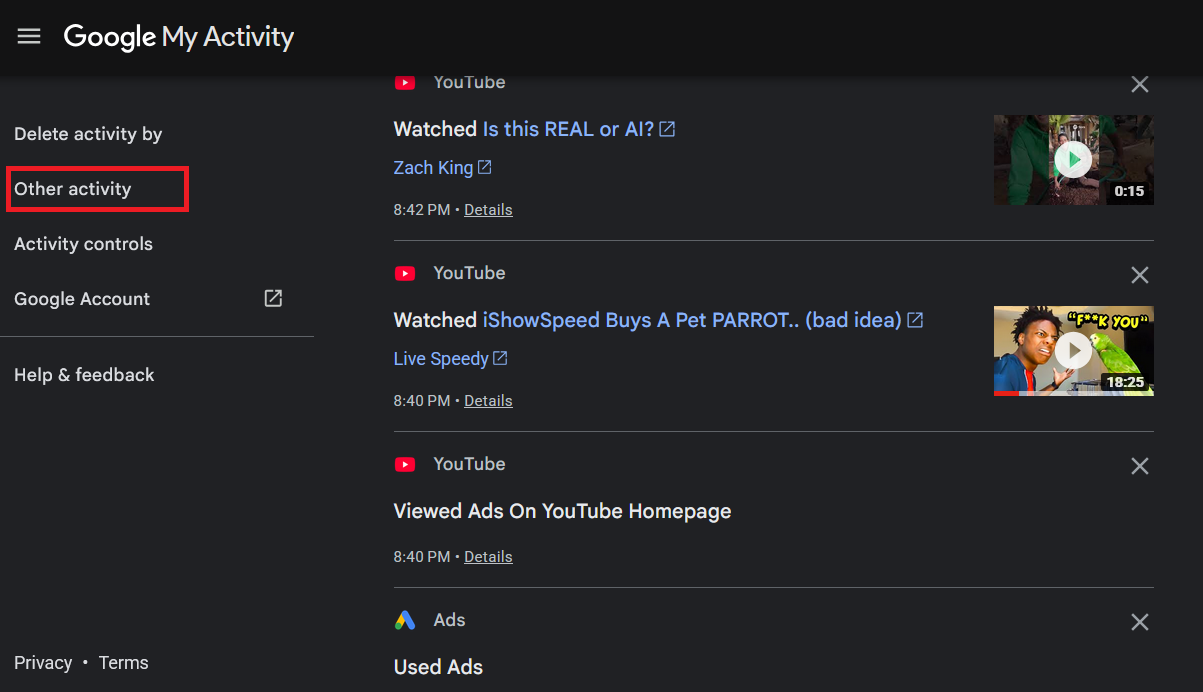
On the following pages, you will see a list of many products. For example, Gemini and YouTube, you can click to view their conversation history, comments, likes, and other activities.
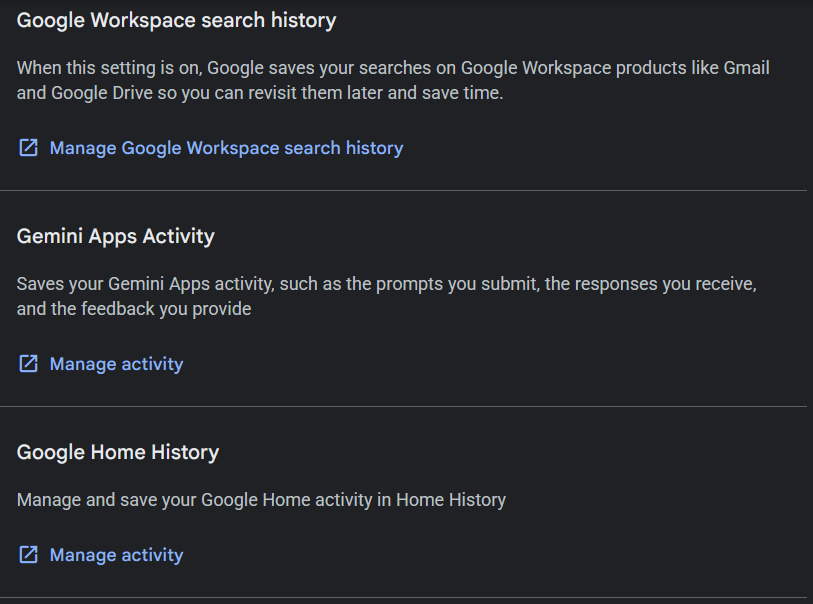
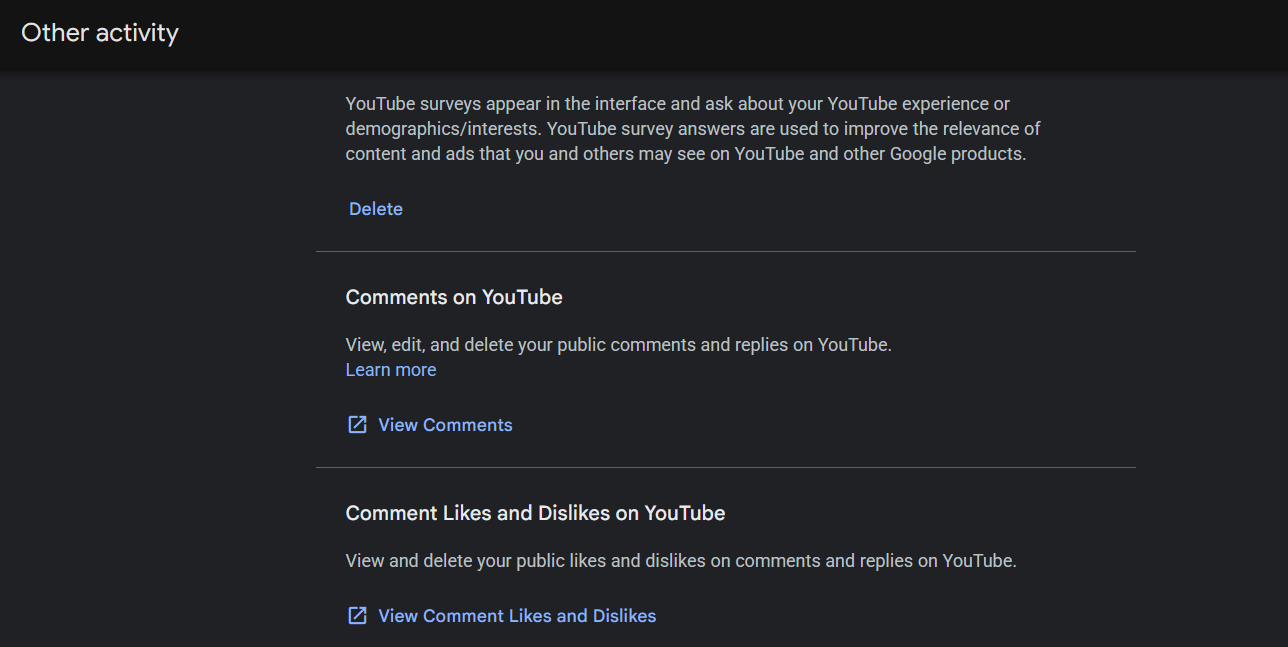
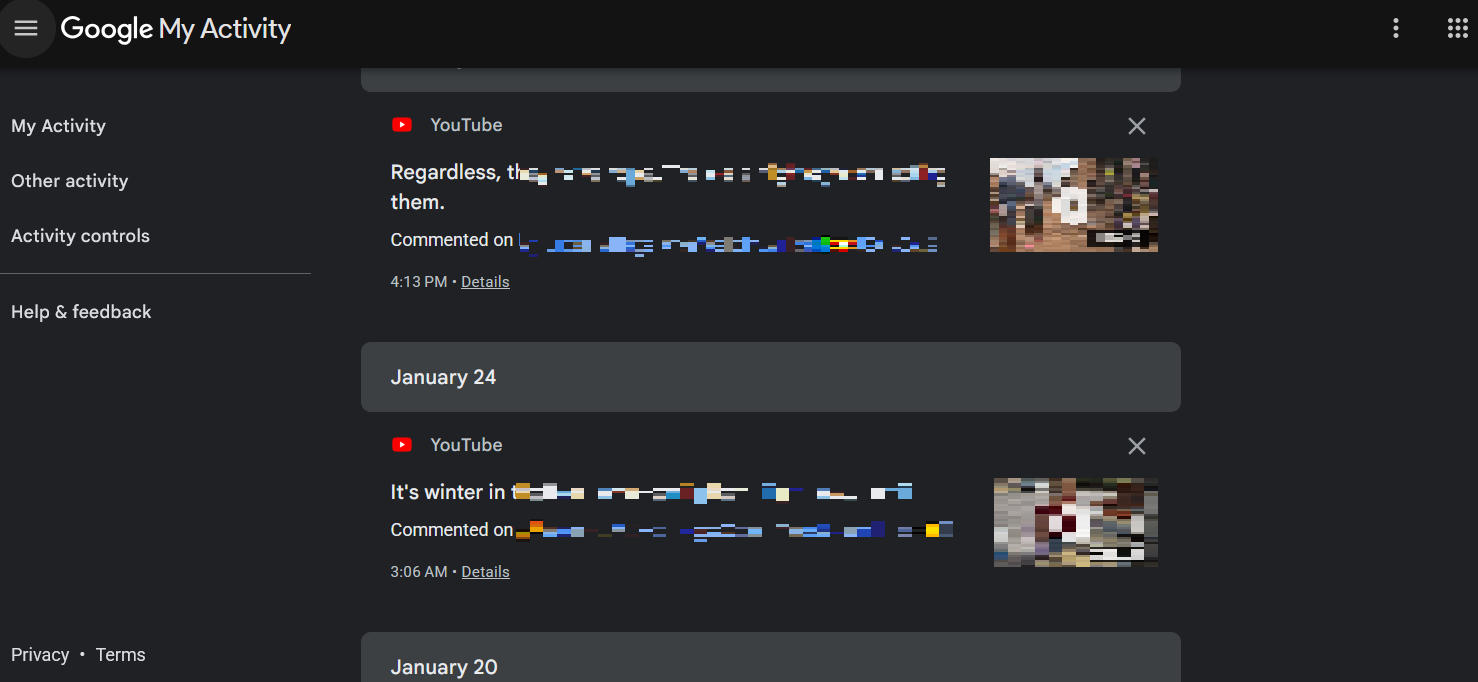
For example, this is the YouTube comment management page, where you can delete your own comments.
Connection management of third-party platforms
Official website address:https://myaccount.google.com/connections
Nowadays, on many platforms, you can use your Google account to directly authorize login without needing to register as a user. As you increasingly use Google to directly log in to various platforms, you may need to manage and clean up some platforms that you no longer want to authorize.
You can use this address to view and manage which platforms you have authorized with Google.
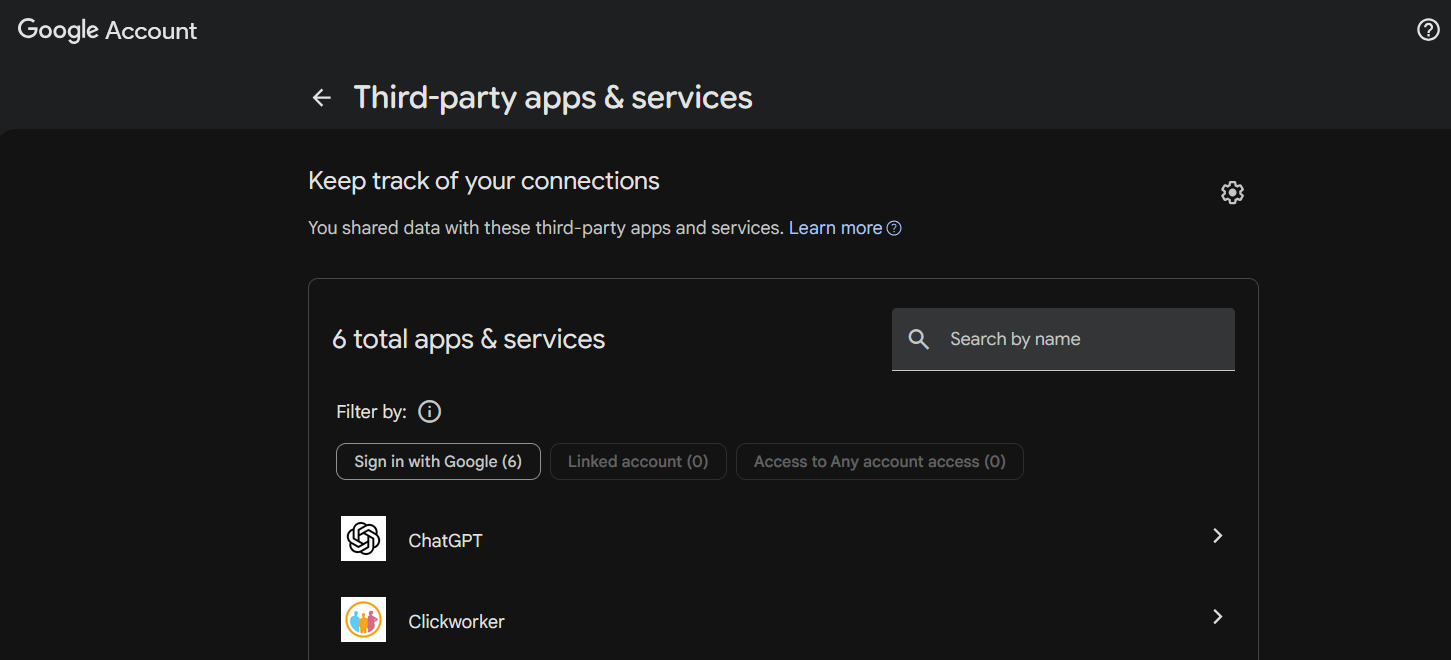
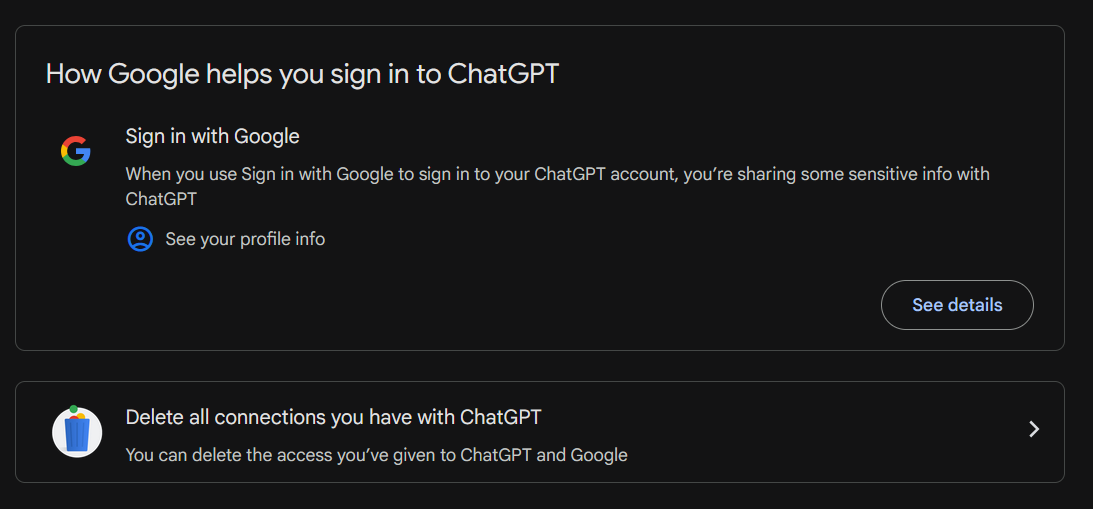
For example, I logged into ChatGPT directly using my Google account, and now I can revoke the authorization.