You wrote an article, a paper, and then published it on your website. If a malicious website scraped your content and claimed to have published it first, of course, you would be very angry. At this time, you need to file a complaint and provide evidence that you are the original creator of the content and that your website is the original site. So how can you prove that this article was created by you and first appeared on your website? Here, I will introduce several methods.
Add the article publish date to your website
Add the publication time of the article to your website, even though it hardly has any credibility as proof. Since it's your own website, you can change the time however you want. But at least you've made a subjective statement about when the article was published.
Upload the article URL to archive.org
archive.org is a non-profit digital library. Since 1996, it has been continuously crawling and saving websites from around the world, capturing what each site looked like at different points in time. When you submit the address of your article to this site, it will permanently keep the page and URL. Once the page is archived, it can prove that the article belongs to that site, and the archive date shows that the article already existed on the site at that time.
You need to visit here to submit your article URL: https://web.archive.org/save
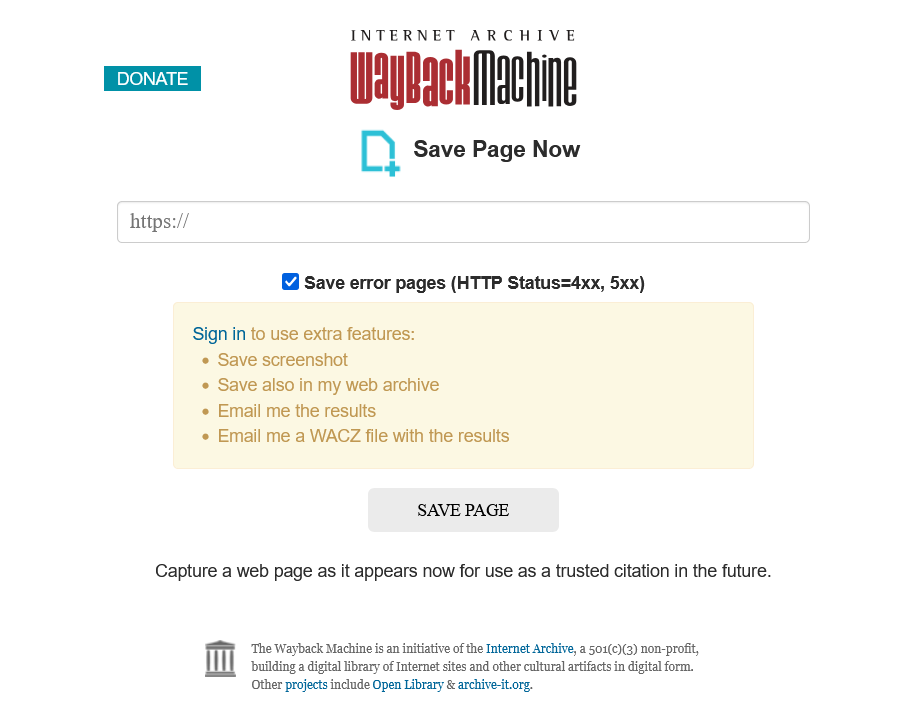
You just need to enter the URL of the article on your website and then click save page, and it will automatically be indexed.
Hash the article and post it on your personal platform account
You can post the article to your own third-party platform account to prove the earliest time you published it. These platforms have to keep the original version of the posts you made, Such as X(twitter), X will limit your edits to the post and keep the original version.
You might not want to post the entire content of the article, so you can generate a SHA256 hash of the full content of your article, and then publish that.
Because the content of an article will only correspond to one specific hash value. It's almost impossible to find two meaningful articles with the same hash, so this hash can be used to represent the content of the article. The hash you publish refers to this article.
Post the generated hash string on your personal account on public platforms like X/Twitter. Their servers will record the posting time and the content you posted, which is the hash value you calculated. For example, you could post something like this on X:
I wrote an article, and its hash value is: xxxxxxxx.
There will be this kind of timestamp below the post
Published on February 8, 2026, at 12:00.
The hash of your article posted on X shows that what X refers to is exactly the text content of your article.
X platform, as a third-party server you can't control, recorded the actual time this post was published.
The fact that you can log into this account to manage it and post proves that the content of this post was published by you.
So you can use X to prove that by February 8, 2026, at 12:00, you already had this article, which is why you were able to post it.
Physically tamper-proof. Uses GPG signature verification and blockchain technology
First, you need to GPG sign your article. Assuming you're using a Linux system, you should install the GPG tool, then enter the following commands and follow the prompts to generate your public and private keys. You need to remember the passphrase you set for your private key.
gpg --full-generate-key
You can check the public key and private key through commands
gpg --list-public-keys
gpg --list-secret-keys
Export the public key as text format. (I set the key's user id as testuser).
gpg --armor --export testuser > public_key.asc
Export the private key if you need to back it up. (You'll need the passphrase you set before to restore it)
gpg --armor --export-secret-keys testuser > private_key_backup.asc
You can sign the entire article or the hash of the article. Here, I am signing the article' hash, so first I should generate a sha256 hash for the article.
I created a simple article content
There's frost on the glass, I can't see outside clearly.
Calculating its hash is
2f9dca2447f298e47b9f8848e5f6e173216cda9f6e7af0bb2b0f5730cfc7921f
Directly save this hash text as a file myarticle.txt.
Use your private key to generate a detached signature for myarticle.txt
gpg --detach-sign --armor --local-user testuser myarticle.txt
When signing, it will ask you to enter the password phrase you set.
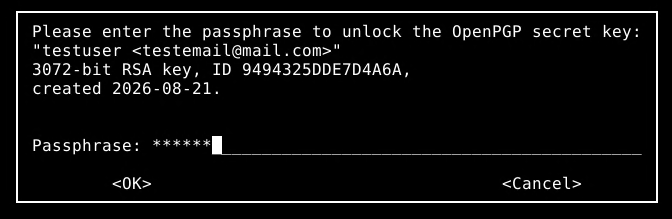
After it's successfully generated, you'll end up with three files.
myarticle.txt # Stored article hash
myarticle.txt.asc # Detached Signature File
public_key.asc # Public key file
If you're signing the entire article directly, you don't need to create myarticle.txt; in the end, you'll get something similar to these three files.
myarticle.md # article itself
myarticle.md.asc # Detached Signature File
public_key.asc # Public key file
You need to merge them into one file
cat myarticle.txt myarticle.txt.asc public_key.asc > merged.txt
This file is a plain text file that contains the contents of myarticle.txt, myarticle.txt.asc, and public_key.asc. Anyone can open it, view it, and restore it to the original files, and use the GPG tool to verify it. If it passes, it means the signature is valid. You can be sure that the signer owns this file and has published the signature.
~# gpg --verify myarticle.txt.asc myarticle.txt

gpg: Signature made Fri 21 Aug 2026 09:39:01 PM CST
gpg: using RSA key 1379F2ED2081345F952D4B6E9494325DDE7D4A6A
gpg: issuer "testemail@mail.com"
gpg: Good signature from "testuser <testemail@mail.com>" [ultimate]
Next, we need to add a timestamp to this signing event.
OpenTimestamps.org is a free, open-source blockchain timestamping tool. Its main function is to use a decentralized method to prove that a certain file or piece of data existed before a certain time and hasn't been tampered with. You can upload any file, and it will generate a unique hash for it and embed this fingerprint into the Bitcoin blockchain.

I checked the merged merged.txt and its size is 3KB. Actually, OpenTimestamps.org doesn't write the entire file content to the blockchain. It only writes its hash value.
You can directly upload the file on the website, just upload this combined file merged.txt.
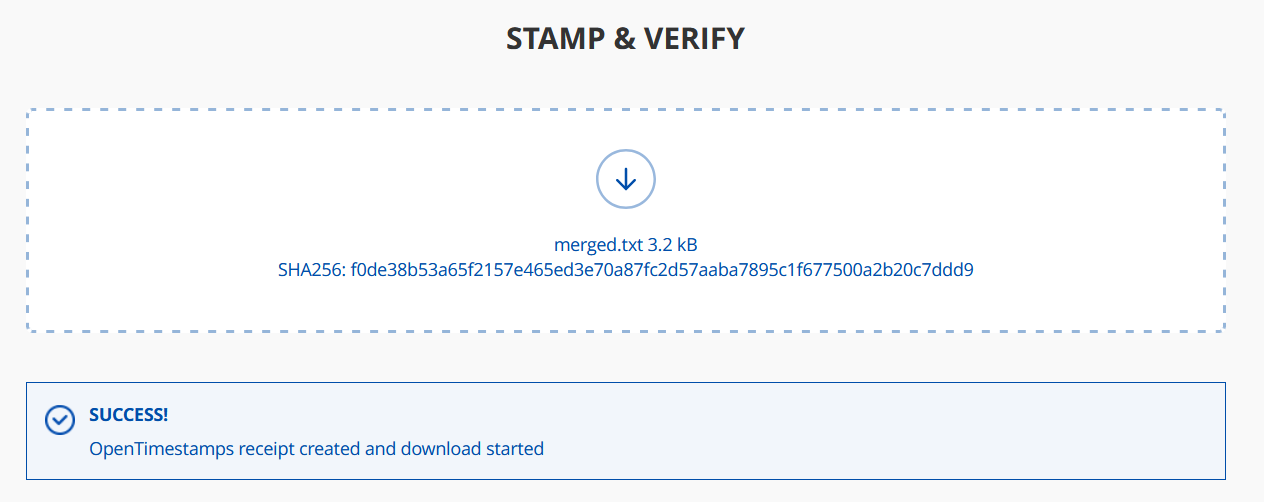
After the upload is complete, a merged.txt.ots file will be automatically downloaded. It's like a timestamp certificate, and you can use this file to find the corresponding transaction record on the Bitcoin blockchain. If the verification passes, it proves that the file existed and hadn't been altered before that point in time.
You need to keep merged.txt.ots files safe. If you lose this timestamp proof, it’s basically useless.
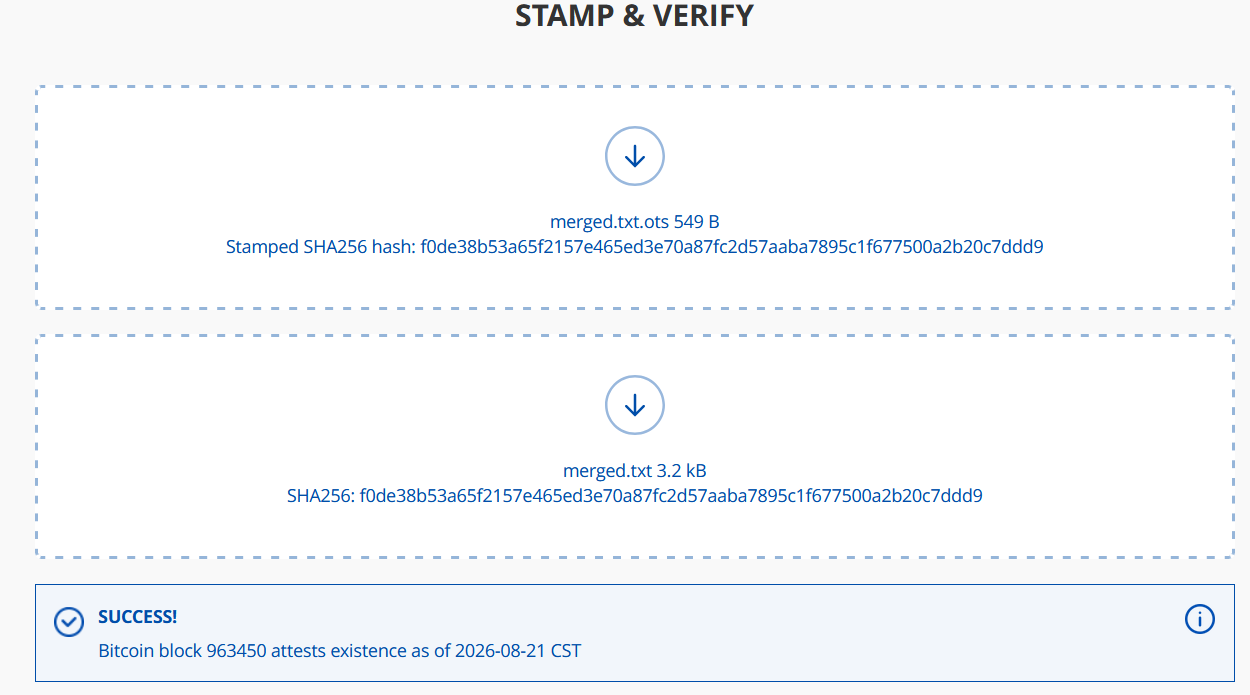
You can also use this website to verify; you just need to upload merged.txt.ots and merged.txt, and it will automatically return the verification result.
In the screenshot, you can see that I used the ots file and the original file to show that they have been recorded on the blockchain, along with a timestamp accurate to the day.
Finally, you need to keep these files safe: the article itself (myarticle.md), the article hash (myarticle.txt), the signature file (myarticle.txt.asc), and the public key (public_key.asc). Even more importantly, the timestamp proof file (.ots) and the private key.
In this way, you can prove that you were the first one who has this article or paper:
With the GPG signature information and the corresponding private key you have, you can prove that you signed this article or its hash; then you pack this info into the Bitcoin blockchain via OpenTimestamps.org. You get the timestamp proof file (.ots), so you can prove the latest time you signed the article content.
In fact, it's like you're writing an immutable piece of information onto the blockchain: the person who has this private key had this specific file at this point in time.
Attachment
The original files and .ots files for this test: