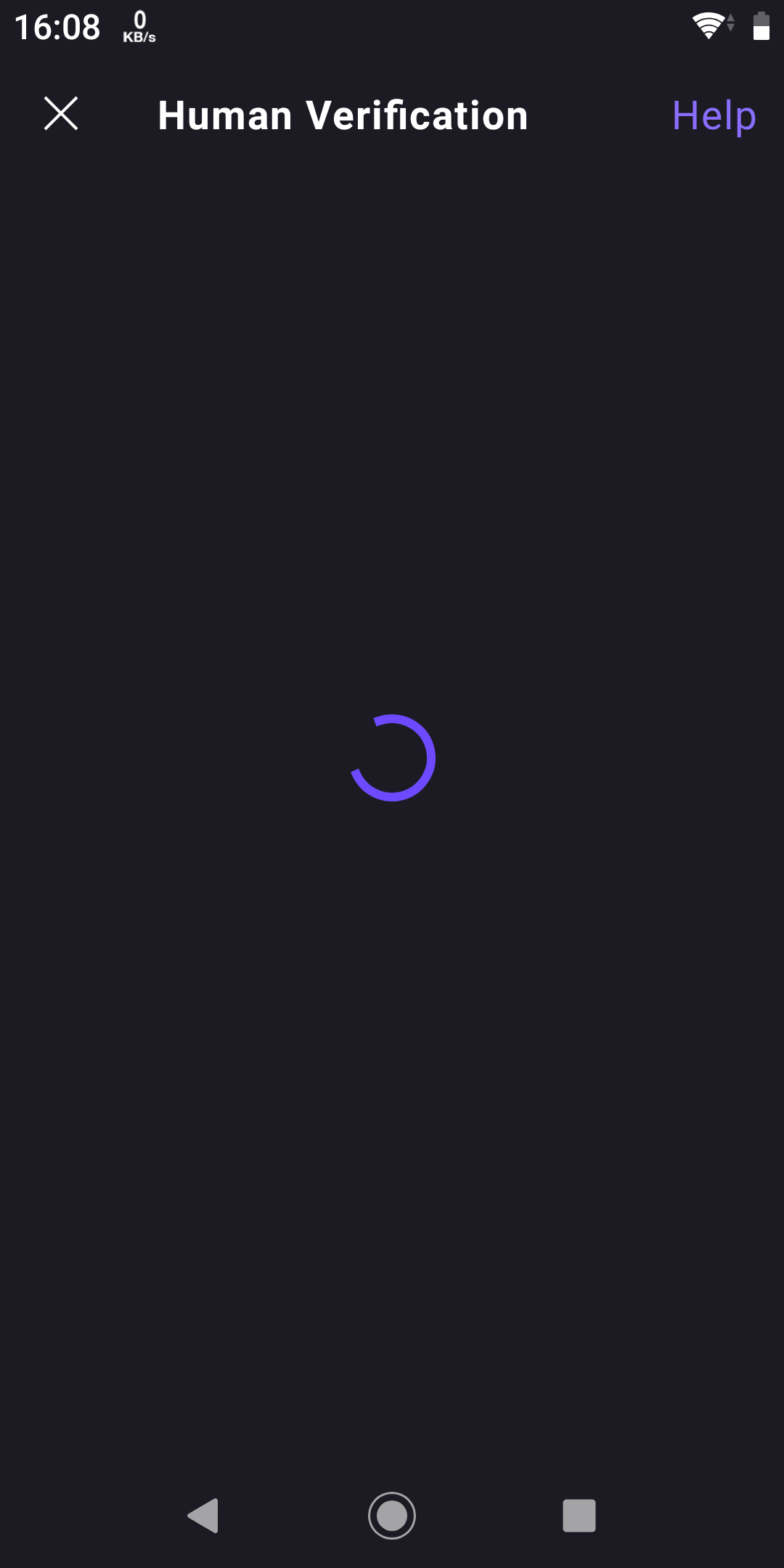
I use my Xperia XZ2 Compact phone to run Proton VPN, but today when I logged in, the human verification page wouldn't pop up. It eventually told me that my browser version is too old to display properly.
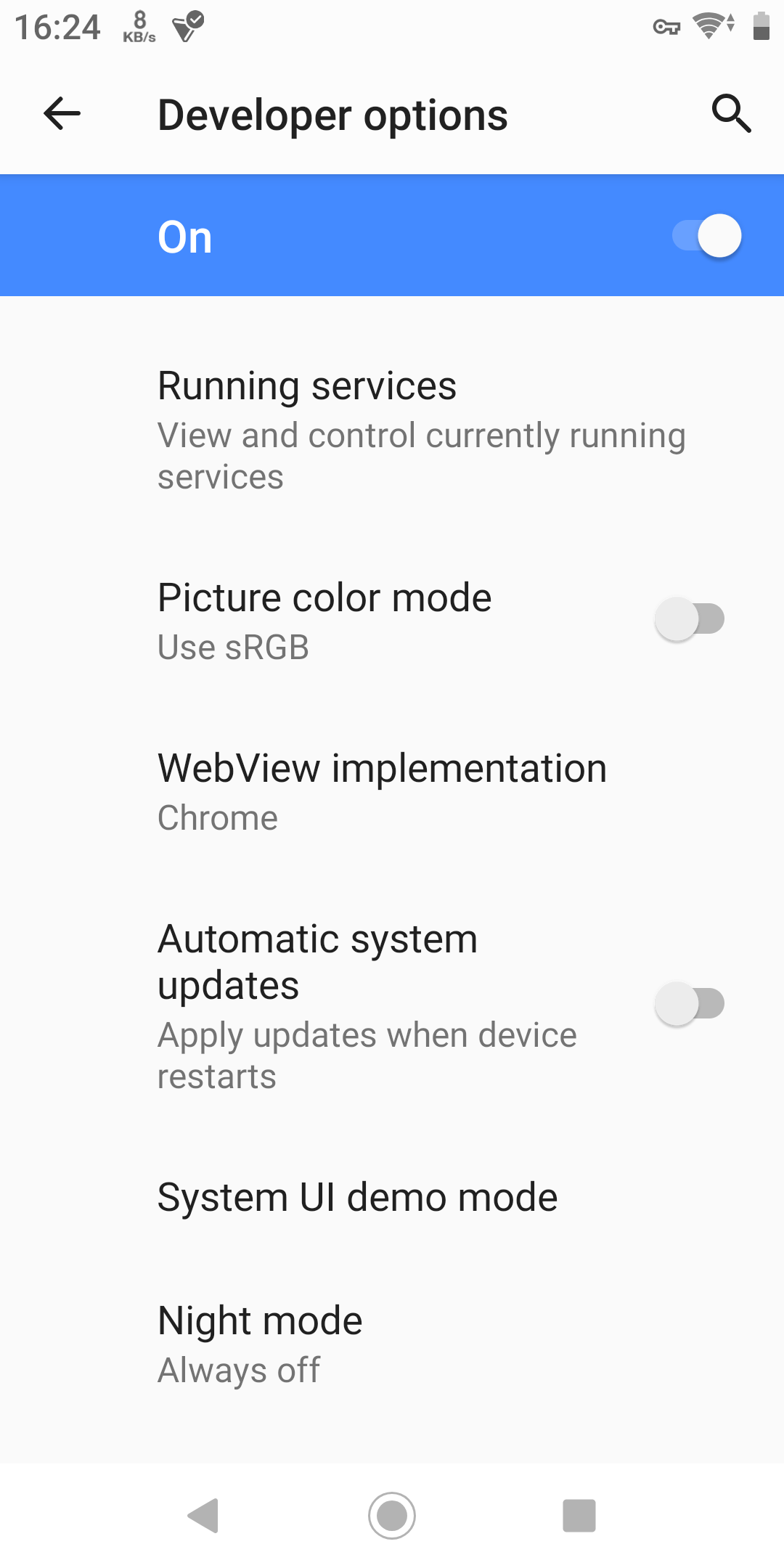
Go to System Settings, Advanced, Developer options, and find WebView implementation
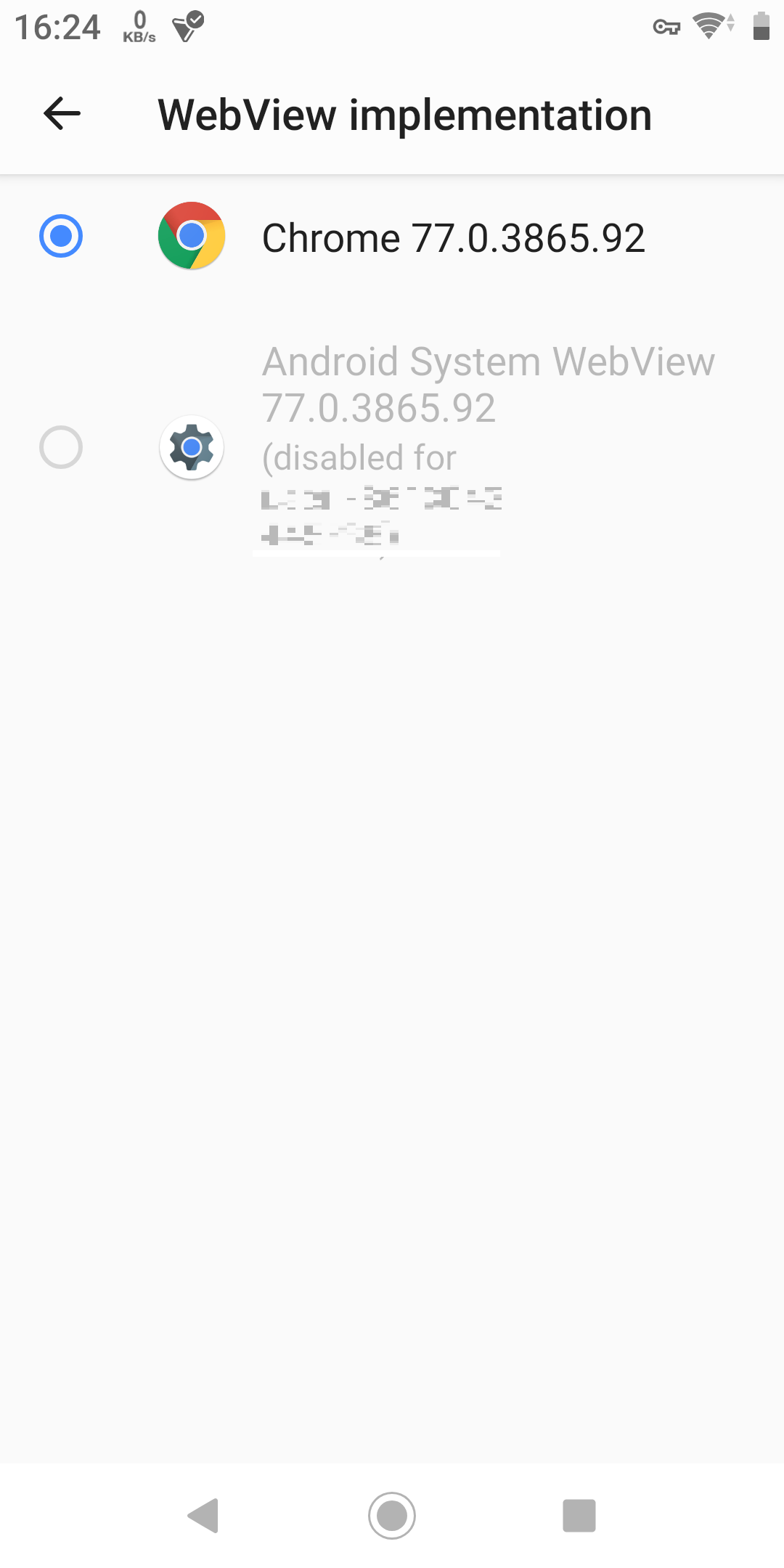
Check whether the WebView is using Chrome or Android System WebView
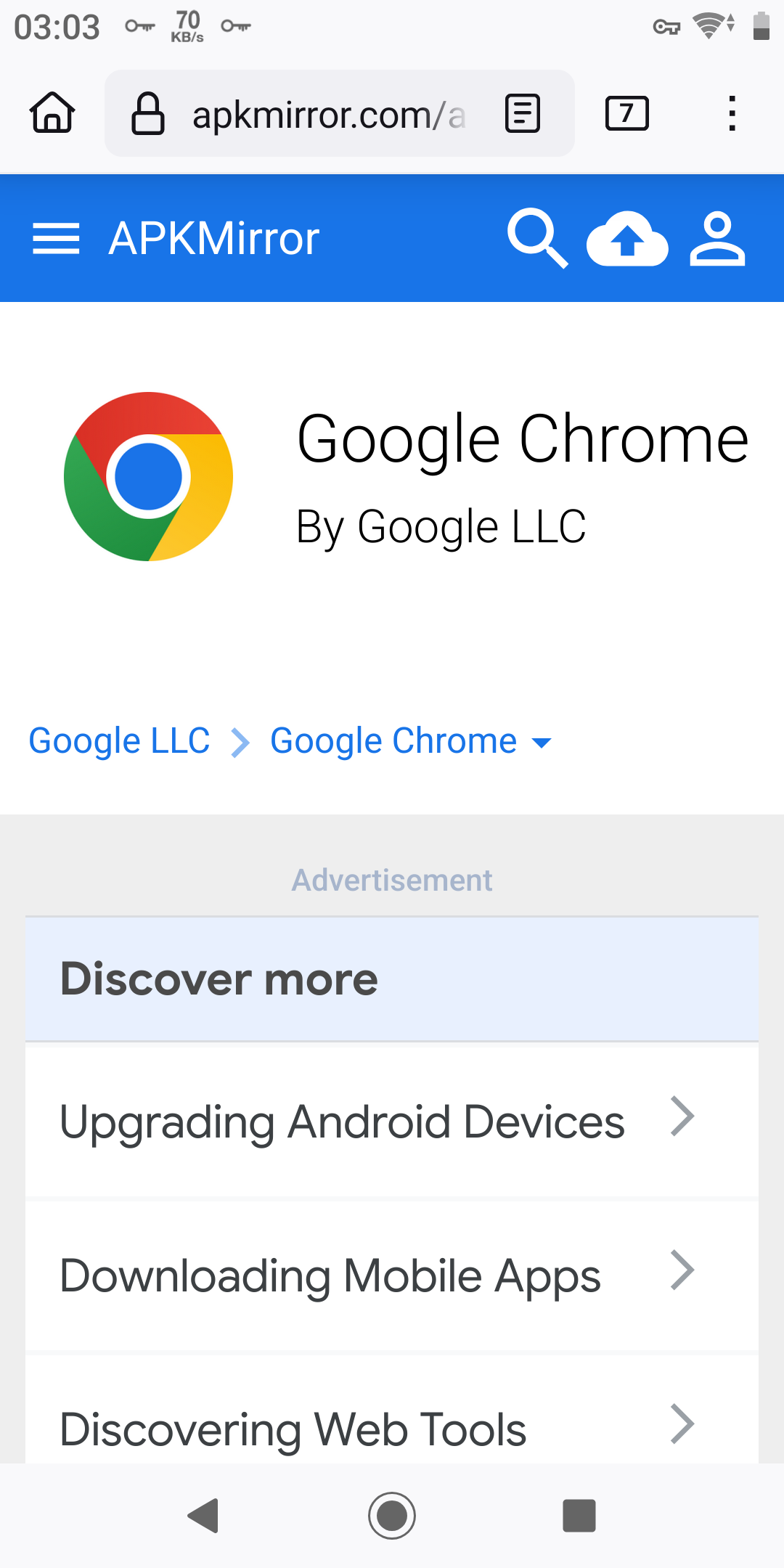
Then you need to go to https://apkmirror.com to download the updated version of the Chrome or Android System WebView APK file.
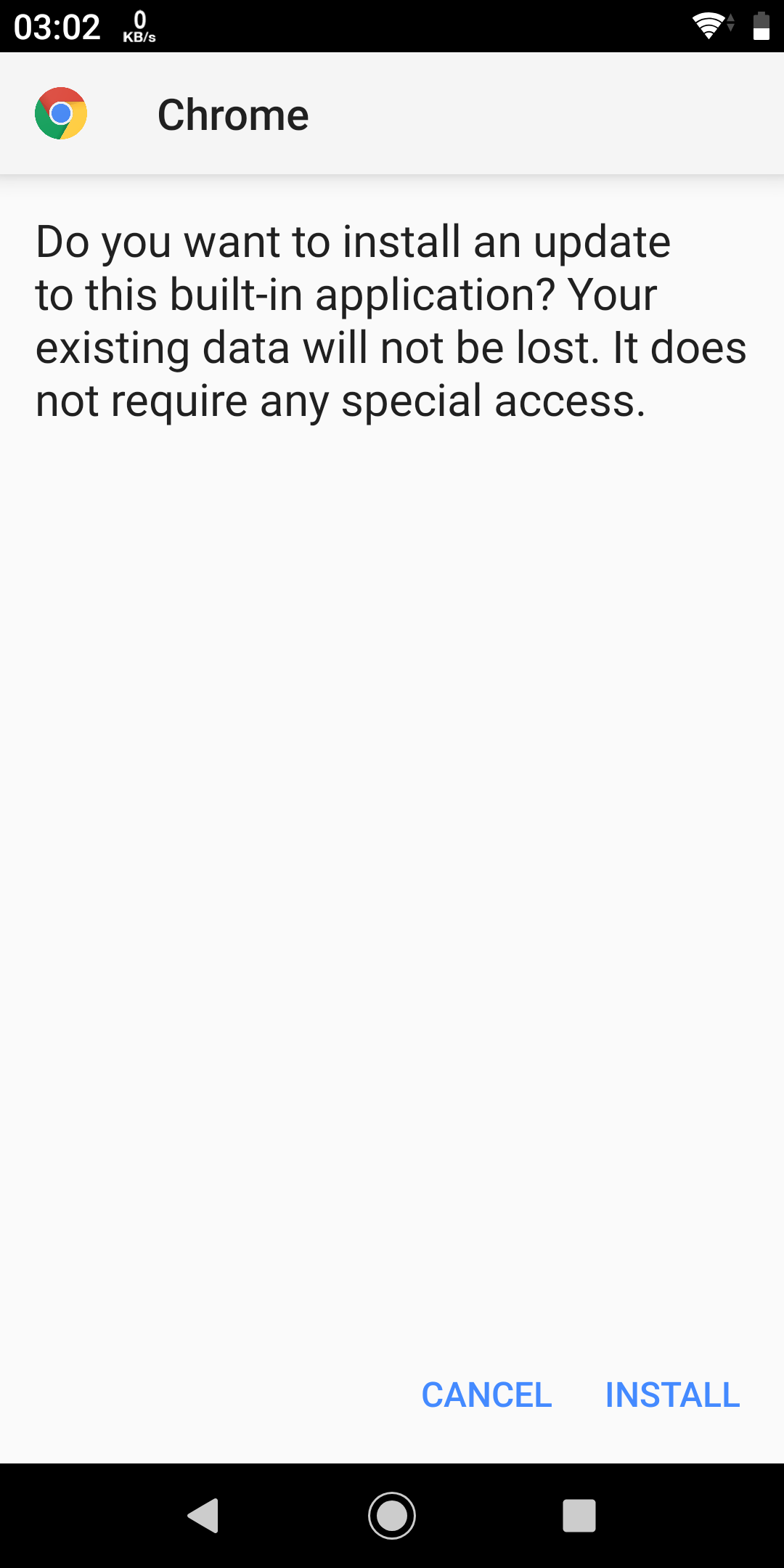
Install the APK. After that, you'll be able to properly browse modern web pages in the app.
The Xperia XZ2 Compact is a phone that was released in May 2018. It runs on Android 9.0. I really like this phone, so I'm still using it today. But it's really too old.