My cloud server needs to switch to a Linux system for testing machine learning. I'm using an Alibaba Cloud ECS Light Instance. I changed the system to Debian through the console.
The default cloud Linux server doesn't come with a desktop environment. I need to install it myself. I connected to the cloud server via SSH and started installing the XFCE desktop.
sudo apt update

sudo apt install -y xfce4 xfce4-goodies xorg
After the installation is complete, I need to use the RDP protocol to connect remotely, and install the open-source software xrdp to enable RDP service.
sudo apt install -y xrdp
To make xrdp automatically start the Xfce desktop when connecting, you need to create a session configuration file for the current user.
echo "xfce4-session" > ~/.xsession
Start the xrdp service and set it to start automatically on boot
sudo systemctl enable --now xrdp
Finally, you need to open port 3389 in the cloud host's security rules. It's the port required for RDP connections.
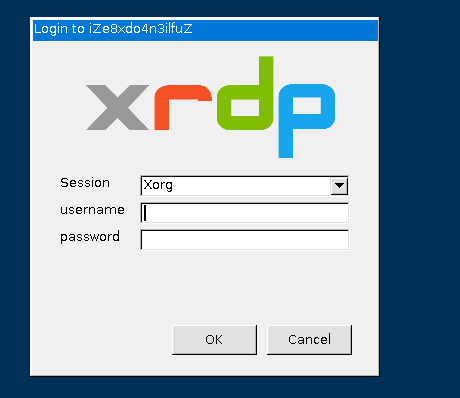
I'm using Windows on the client side to connect via RDP, and it asked me to enter my username and password once when connecting.
Then successfully entered the XFCE desktop
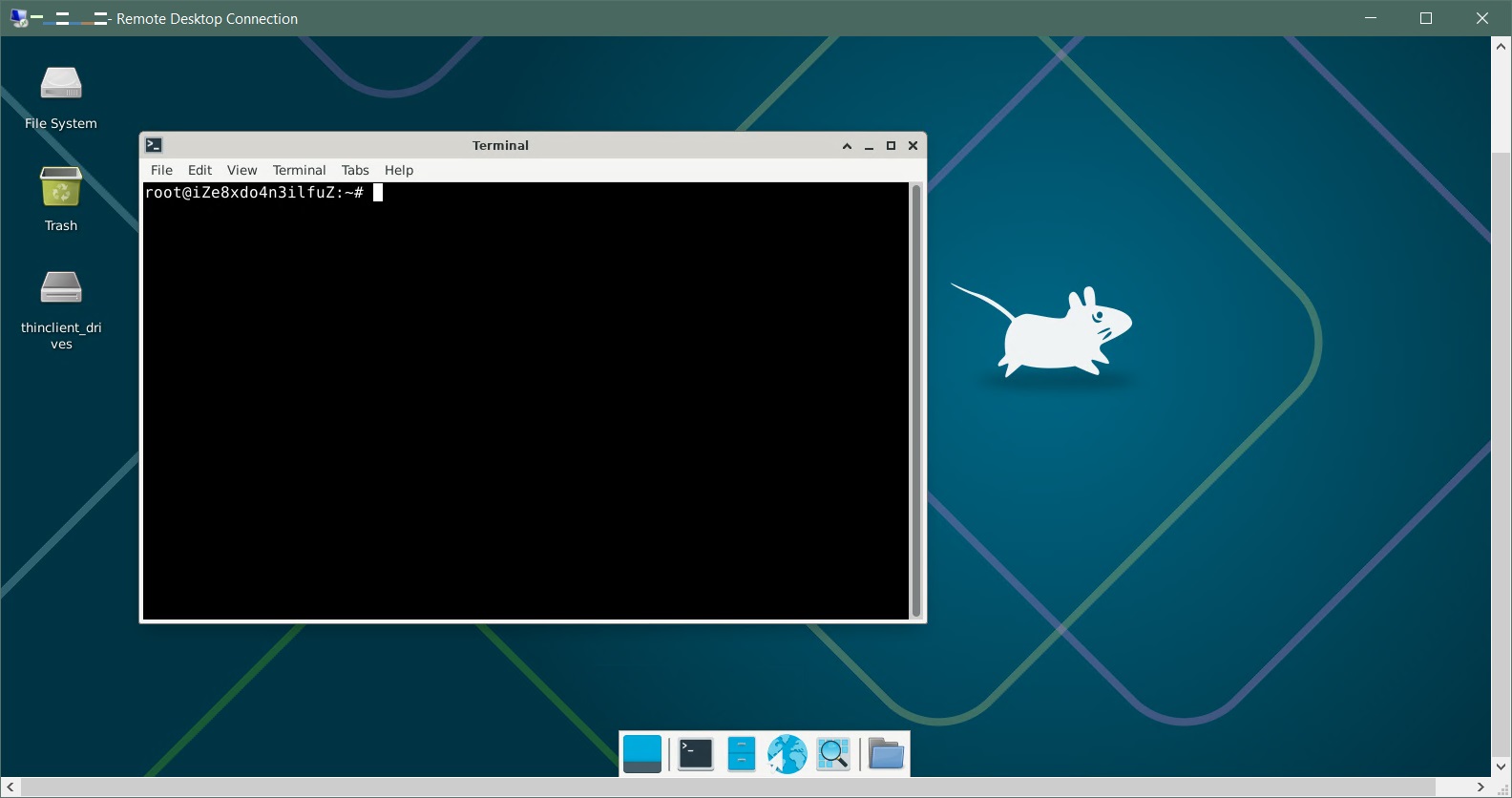
At first, I didn't know that cloud Linux servers don't come with a desktop by default, so I just installed xrdp and tried to connect. It did connect successfully, but it ended up showing a plain command-line interface.
So the correct order is to install the desktop environment first and then set the default startup.
sudo systemctl set-default graphical.target
sudo reboot
Then install xrdp