Both the client and the server are running Windows 10.
Server
You need to install the sshd service on the server. Download OpenSSH:https://github.com/PowerShell/Win32-OpenSSH/releases?page=1
Unzip the compressed file, open cmd and switch to the unzipped directory, then install sshd.
powershell -ExecutionPolicy Bypass -File install-sshd.ps1
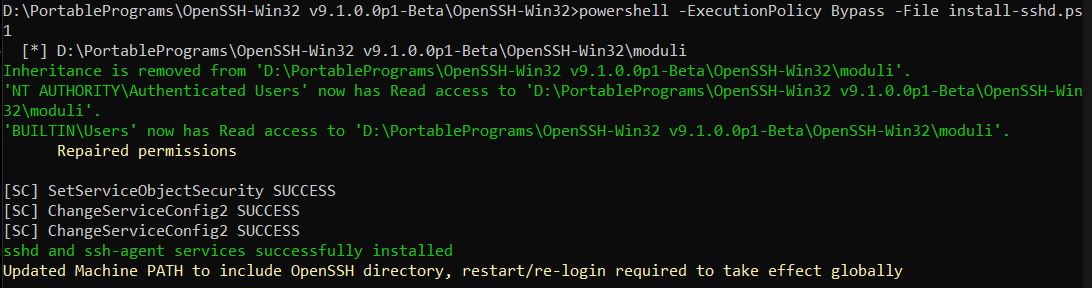
Edit the sshd_config file, located at: C:\ProgramData\ssh\sshd_config, to make users connecting via SFTP default to a specified directory instead of the home directory.
Add this line to set the default directory for the user with the username 'username' after login:F:\
Match User username
    ChrootDirectory F:\\
Saving may require administrator privileges. Alternatively, save to another path and then use administrator privileges to overwrite the original file.
Start the sshd service.
net start sshd

The OpenSSH SSH Server service is starting...
The OpenSSH SSH Server service was started successfully.
Client
Use WinFsp and SSHFS-Win to mount remote SFTP directories. Download:https://winfsp.dev/rel/
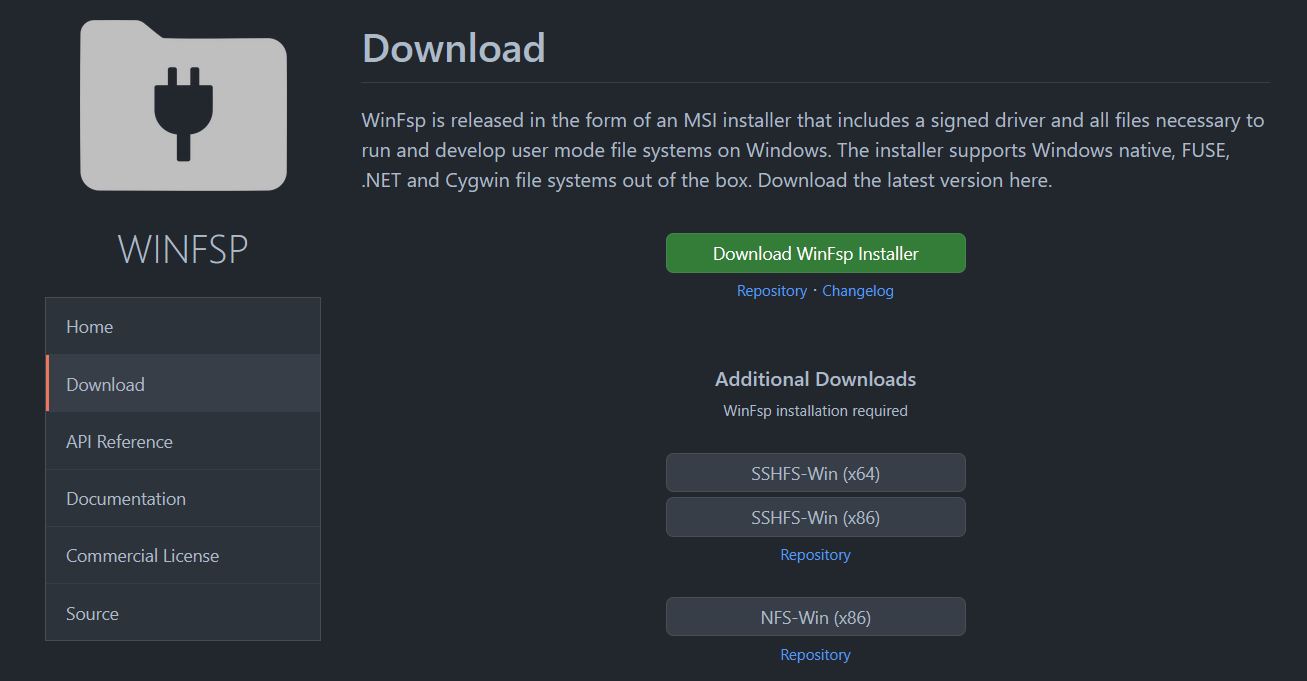
GitHub address of WinFsp:https://github.com/winfsp/winfsp
The GitHub address of SSHFS-Win:https://github.com/winfsp/sshfs-win
After downloading, there are two MSI installation packages. You can just click to install all of them.
After that, you can mount the remote SFTP service. Just enter it directly in Windows Explorer.
\\sshfs\username@hostip!port
Or use a command to mount
net use X: \\sshfs\username@hostip!port
For example, the username is jack, the remote host is 123.123.123.123, and the port is 22
\\sshfs\jack@123.123.123.123!22
A landing window will pop up. After entering the password, you can find that the sftp file directory is mounted to the local disk, and the directory is the F:\ of the remote host set up before, and this disk can be used as a local disk in other programs, which is the purpose of mounting.

I have tried using RaiDrive and Air Live Drive to mount remote FTP, and they work. However, these two programs have a very annoying behavior: They use caching to speed up transmission and cannot be turned off. They store every connected file on the disk. Many users encounter task failures simply because their disk gets full during file transfers.
And setting a disk cache size limit for them still doesn't work. They have to completely copy every file they duplicate into their cache directories. Then they process it according to the cache settings. If a file is 100GB, it will copy 100GB onto the disk. Setting a 100MB cache limit doesn’t help either.
ftpuse is a lightweight tool that can mount and transfer FTP files without caching, but its support for certain file name strings isn't very good.
So in the end, I gave up on FTP mounting and used SFTP instead.