I implemented a file server using libmicrohttpd. It can display the corresponding directory based on previously created share codes, hiding the real path. It also provides file download functionality.
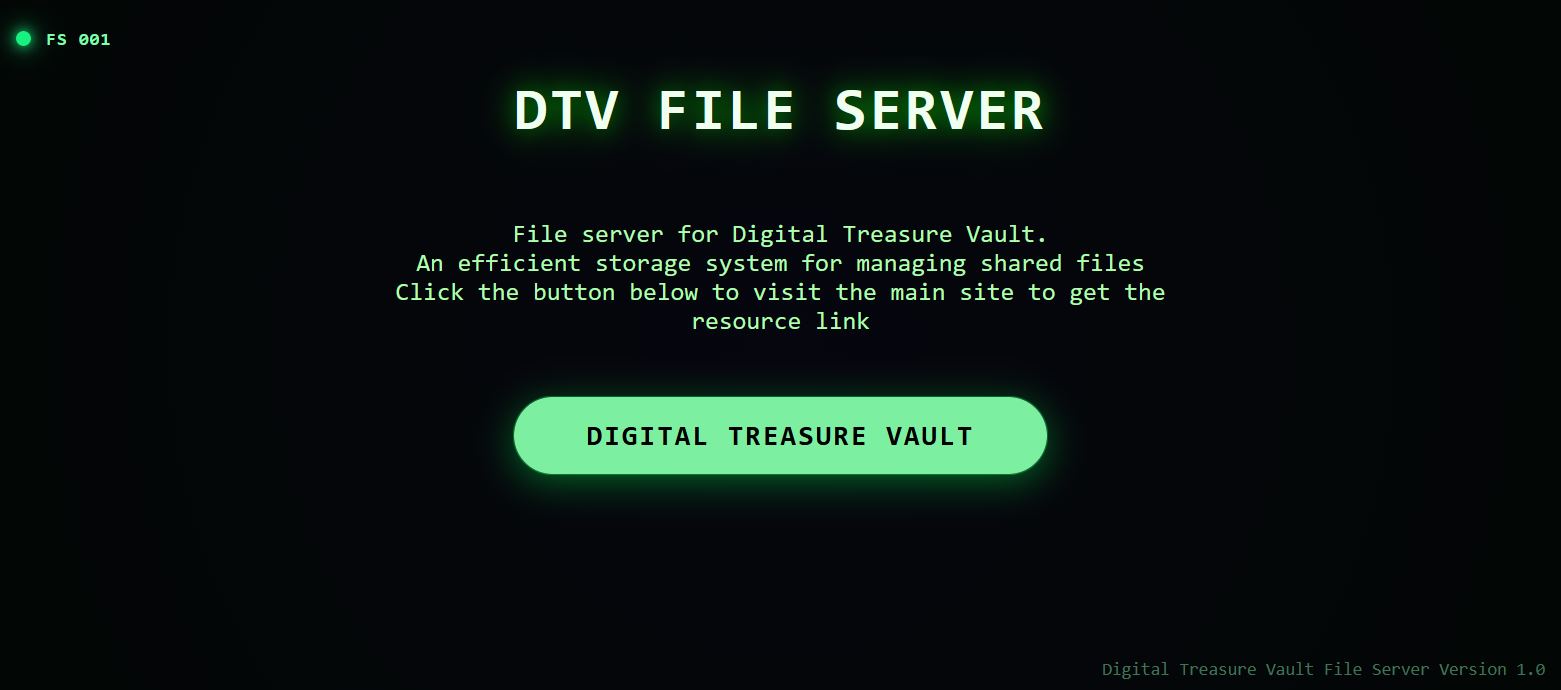
Cloudflare Tunnel can expose internal network services to the public internet. Therefore, it can enable public access to this small file server.
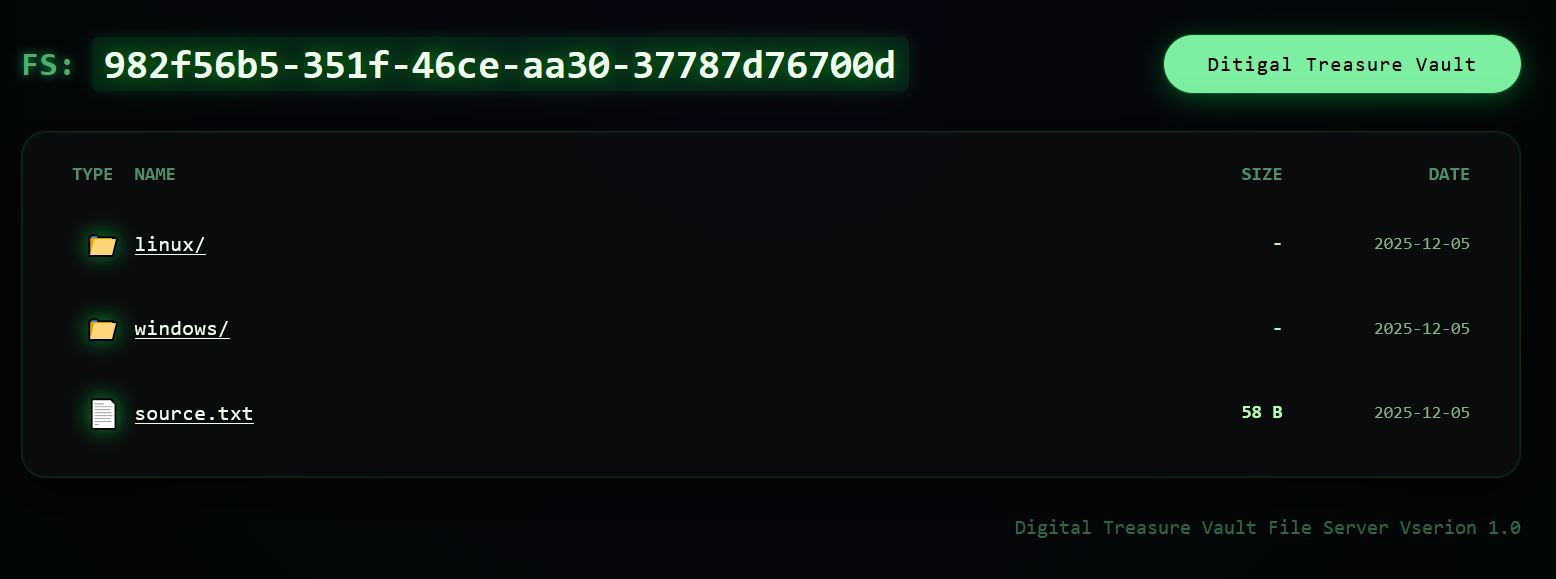
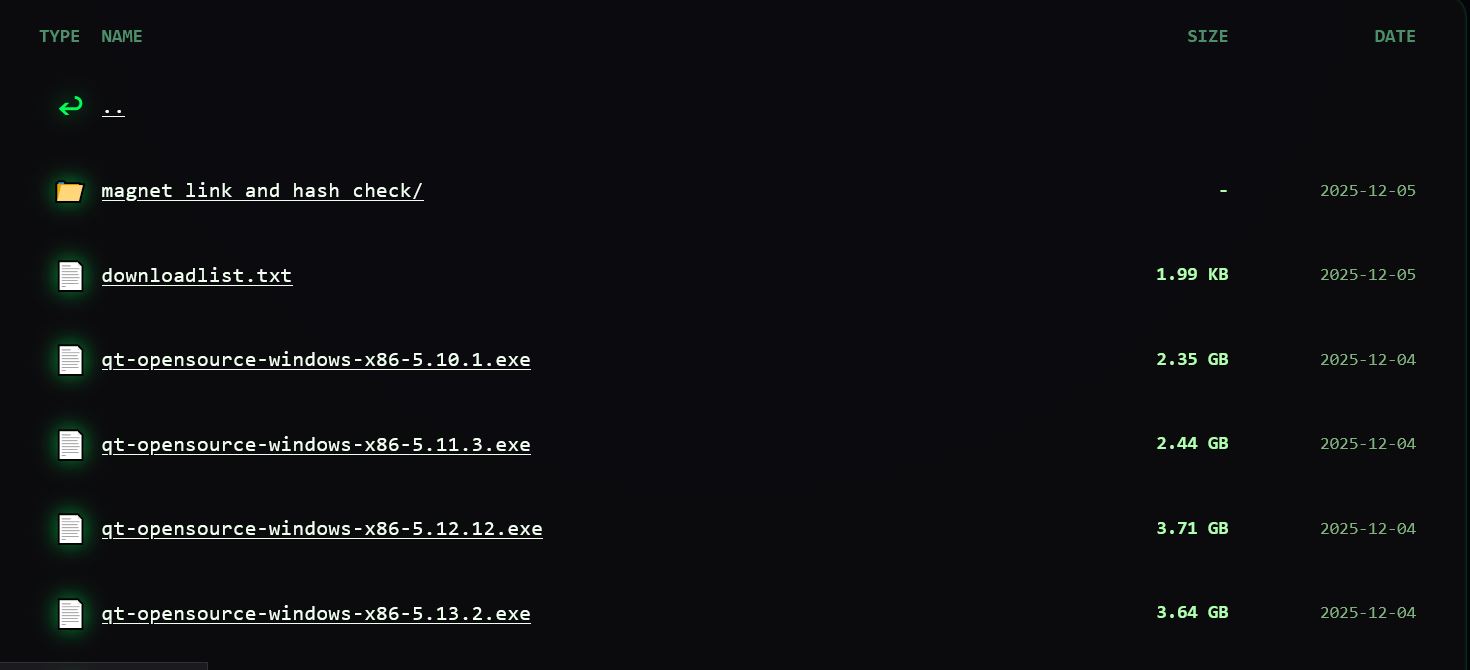
Downloads support resuming. Due to local service bandwidth limitations, each file is restricted to single-threaded download, and the speed of each thread is limited. The principle is that for each link, a token is generated every time the page is refreshed, and each token only allows one download thread with limited speed. Each token expires after 180 seconds. If a download is initiated, it will be converted into a long-term token, which expires after 24 hours.
Repeatedly downloading the same file will trigger restrictions.
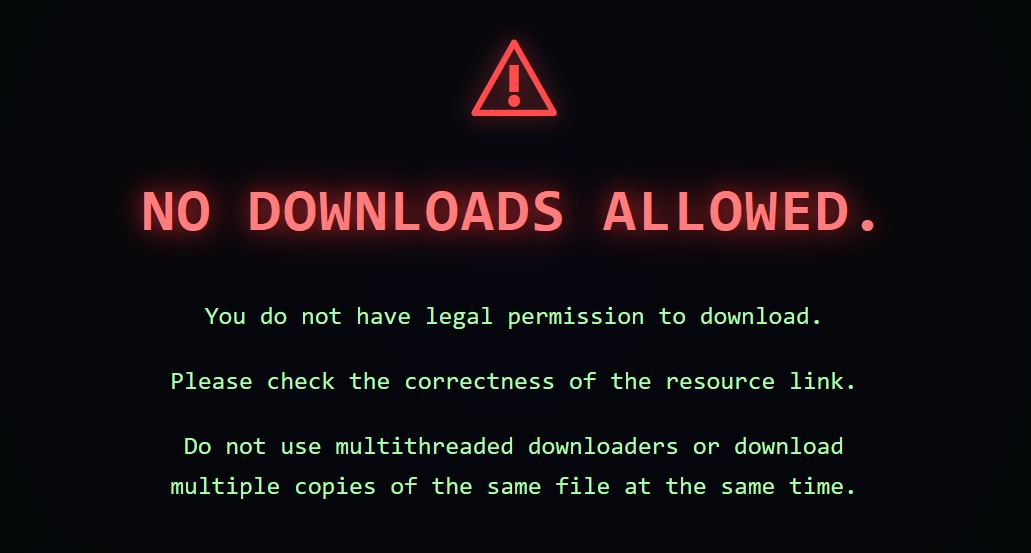
Prompt for entering an incorrect download code
Test downloading files using wget

Testing on an intranet browser shows that downloading the same file multiple times is blocked by the server, but after linking to a CF tunnel, the browser can download the same file multiple times. Checking the server, the upload speed is only that of a single file being uploaded—that is, only one upload connection is being used. I suspect that the CF tunnel is caching the file for me. After the browser requests it, it doesn’t download from my server.
And I tested it, after I canceled the download of my file, the server was still uploading it. It was uploading to the CF Tunnel. It only stopped after the file upload was complete. Later, when I tried to download this file again in the browser, my server had no upload speed. But the browser's download speed exceeded my server's speed limit, which shows that CF Tunnel does cache my file, so when the client downloads it again later, it doesn't access my server and thus isn't affected by the speed limit.