Getting Started
I previously used ollama to load and interact with local language models. Out of curiosity, I asked the AI how ollama achieves this. The AI told me that ollama uses llama.cpp as its underlying inference engine. This means that llama.cpp can use local GGML models.
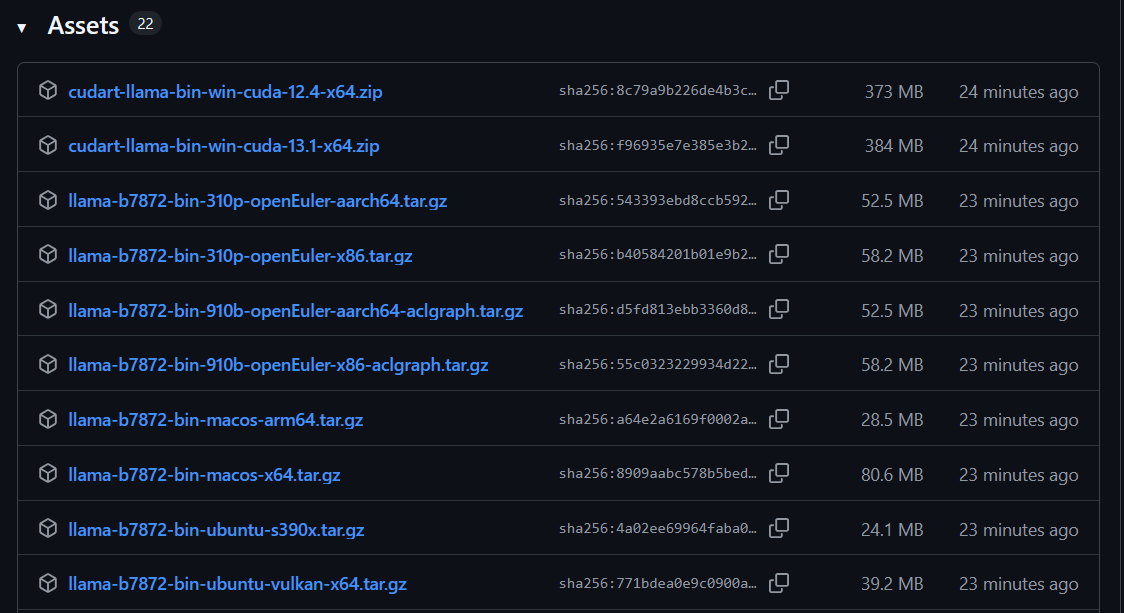
I downloaded llama.cpp from GitHub, which can be found at: https://github.com/ggml-org/llama.cpp.
I discovered that it is updated frequently, with over 5000 releases to date, the most recent being just 3 hours ago.
I downloaded the gemma-3-1b-it-Q4_K_M.gguf model file from Hugging Face:https://huggingface.co/
I downloaded one version, llama-b7813-bin-win-cpu-x64, and am now ready to test it.
cli
I ran the CLI directly using cmd, but an error occurred.
No matter what command parameters I enter, it always outputs only one line of information and then exits. It clearly isn't working properly.
llama-cli.exe --version
load_backend: loaded RPC backend from C:\Users\jack\Downloads\llama-b7813-bin-win-cpu-x64\ggml-rpc.dll
I submitted an issue on GitHub, and someone replied to me.
This usually happens when the application crashes, as Windows does not show a stack trace.
Check the event viewer for application errors related to llama-cli.
I checked the Windows Event Viewer, and sure enough, there was an error.
Faulting application name: llama-cli.exe, version: 0.0.0.0, time stamp: 0x69729670
Faulting module name: MSVCP140.dll, version: 14.31.31103.0, time stamp: 0xf632f325
Exception code: 0xc0000005
Fault offset: 0x00000000000132a8
Faulting process ID: 0x2778
Faulting application start time: 0x01dc8f977a78c879
Faulting application path: C:\Users\jack\Downloads\llama-b7813-bin-win-cpu-x64\llama-cli.exe
Faulting module path: C:\Windows\SYSTEM32\MSVCP140.dll
Report ID: 5d9da1b8-fe20-4807-bb93-857549c66538
Faulting package full name:
Faulting package-relative application ID:
He can't obtain useful information, so let me use procdump to generate a mini dump file and send it to him to find the cause.
Because llama-cli.exe crashes as soon as it starts and can't be attached to at runtime, I used the following command to generate the dump file, which can monitor the program right from startup.
procdump.exe -e -x D:\test C:\Users\jack\Downloads\llama-b7813-bin-win-cpu-x64\llama-cli.exe --version
He looked at my dump file and finally told me
Below is the exception analysis from the dmp file, thank you for providing that.
This appears to be a result from llama.cpp compiled with a newer version of STL libraries than those on your host system. ref: https://github.com/microsoft/STL/releases/tag/vs-2022-17.10
I notice you're running Win 10 1909, which is pretty old. Are you able to install the latest VC++ 2017-2026 redist from https://learn.microsoft.com/en-us/cpp/windows/latest-supported-vc-redist?view=msvc-170#latest-supported-redistributable-version?
If not, you might need to compile llama.cpp yourself to run it on your system.
I installed the VC 2017-2026 redistributable, and it works. The VC Redistributable 2015-2022 I installed before seemed too old.
It outputs the expected content and loaded the AI model.
llama-cli.exe -m "C:\Users\jack\Downloads\gemma-3-1b-it-Q4_K_M.gguf"
load_backend: loaded RPC backend from C:\Users\jack\Downloads\llama-b7870-bin-win-cpu-x64\ggml-rpc.dll
load_backend: loaded CPU backend from C:\Users\jack\Downloads\llama-b7870-bin-win-cpu-x64\ggml-cpu-haswell.dll

Loading model...


▄▄ ▄▄
██ ██
██ ██  ▀▀█▄ ███▄███▄  ▀▀█▄    ▄████ ████▄ ████▄
██ ██ ▄█▀██ ██ ██ ██ ▄█▀██    ██    ██ ██ ██ ██
██ ██ ▀█▄██ ██ ██ ██ ▀█▄██ ██ ▀████ ████▀ ████▀
                                    ██    ██
                                    ▀▀    ▀▀

build      : b7870-eed25bc6b
model      : gemma-3-1b-it-Q4_K_M.gguf
modalities : text

available commands:
  /exit or Ctrl+C     stop or exit
  /regen              regenerate the last response
  /clear              clear the chat history
  /read               add a text file


>
Conversation Test:
> hello ai

Hello there! How can I help you today? 😊

Do you want to:

*   **Chat about something?** (Tell me what's on your mind)
*   **Get information?** (Ask me a question)
*   **Brainstorm ideas?** (We can work on a project together)
*   **Play a game?** (Like 20 questions or a simple riddle)

Let me know what you’d like to do!

[ Prompt: 63.0 t/s | Generation: 29.6 t/s ]
web ui
When I started the HTTP server, I thought a web UI would appear.
llama-server.exe -m C:\Users\jack\Downloads\gemma-3-1b-it-Q4_K_M.gguf
But when I accessed the browser, it showed a JSON page.

I searched online but couldn’t find any issues. In the end, I discovered that the 404 message was due to a missing file, and there was an index.html path in the URL. It turned out that my previous local web service also used this address, so the browser automatically redirected to index.html. I just cleared the cache in Firefox and it worked.
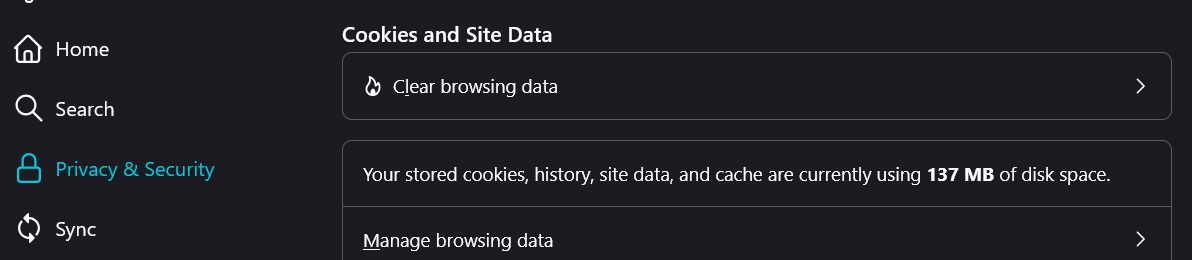
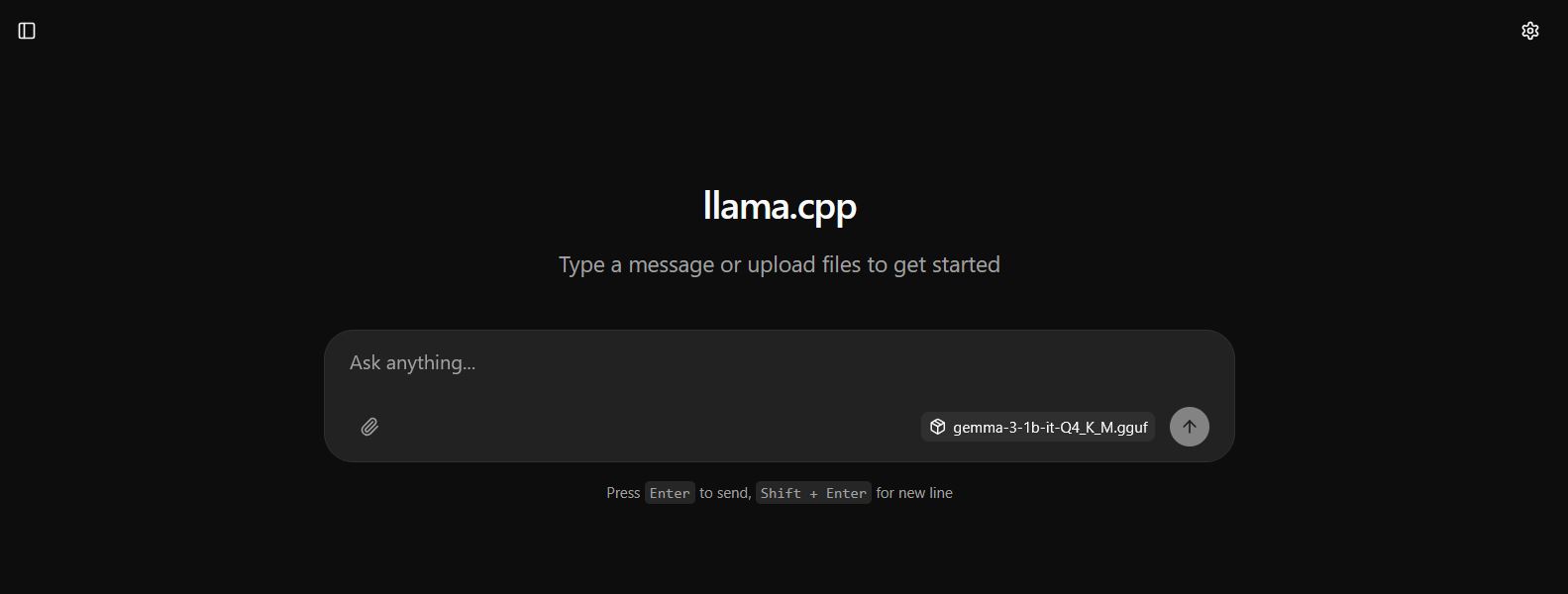
I refreshed the webpage again. The llama web UI appeared.
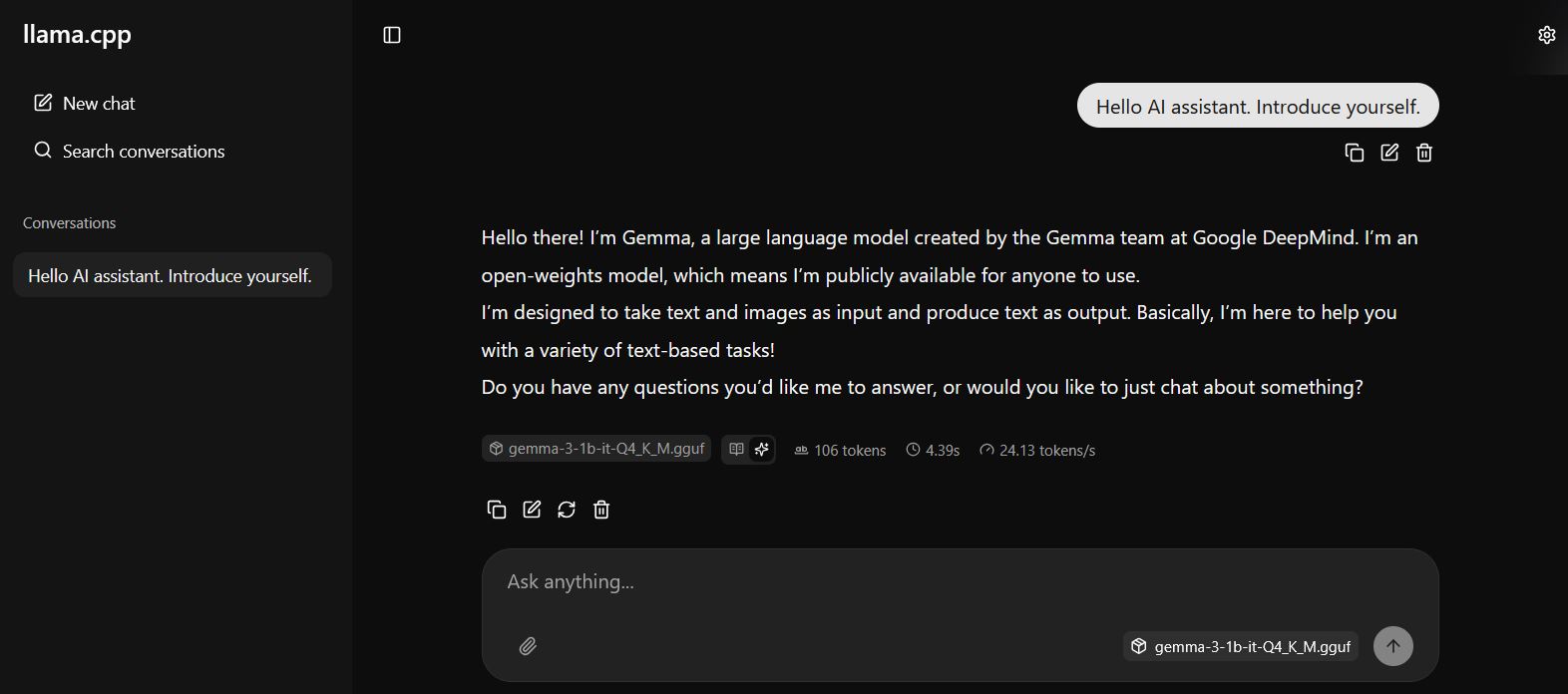
Successfully achieved a conversation
Summary
I feel that llama cpp is a bit easier to use than ollama. The installation package for llama cpp reaches 2GB, but ollama is only 30MB, very lightweight, and it includes many command-line tools and can even run a web UI, like a local AI website.
Loading local models with llama cpp is also simpler; you just need to use the -m parameter with a gguf model downloaded from anywhere. On the other hand, Ollama requires manually creating a model configuration file when using local models.
Ollama's model management and model downloading experience are better, and the model update speed is a bit faster.