When using aria2c to batch download torrents, I didn’t expect that after it finished downloading one torrent, it would start parsing the torrent on its own. It begins downloading the contents inside the torrent and, after finishing, starts seeding it itself. It completely ignores the tasks that come after. When you have hundreds of files waiting for it to download, and then after a day you find that it’s still on the first torrent, downloading and seeding it. The tasks after it haven't been touched at all.
It’s like asking a worker to move a few hundred boxes, and after moving the first box, he opens it up and starts assembling the stuff inside. All the following work just doesn’t get done.
You need to add a parameter --follow-torrent=false to tell it not to do that, or in the config file
follow-torrent=false
When aria2c encounters an error during a batch download task and then quits, if you restart the task, it will only continue downloading the files that weren't finished. But for the files that were already completed, it will download them again and add a .1 to the filename, making your download folder a complete mess. It's like a fool that just can't get things right.
You need to add the -c parameter in the command to tell it to continue downloading so it won’t re-download the files you already have, or add it in the configuration file.
continue=true
There's also a software called AriaNg that uses aria2c as a backend. Because of network issues, some download tasks went wrong. When I clicked retry, it would actually download a new file instead of truly resuming, and in the paused directory, there were tasks with exactly the same file name. In the download list, a few duplicate tasks were renamed with .1, .2.
The original tasks that were organized by folder structure ended up with all sorts of duplicate names and renamed files after retrying a few times due to network errors, and I couldn’t continue at all. I ended up having to delete all the download tasks I had spent half an hour carefully setting up and start over from scratch.
Then I tried again. It failed once more due to network issues. More than a dozen tasks were waiting to be retried. As soon as I retried, it would re-download the files and automatically rename them. No matter how I adjusted the parameters to allow overwrite or resume, it doesn't work. I found that some of these files weren’t downloaded at all, while others were partially downloaded and had complete .aria2c progress files, so resuming should have been fully supported.
I tried turning off aria2c in ariaNG, but I forgot to click the save session button next to it. It didn’t give any warning and just let me close it. This caused all the tasks to disappear after I restarted aria2c.
The Debian mirror site fully supports resume download. But ariaNG keeps saying resume isn't supported, and if the download fails, it has to start over from scratch for a renamed file. Then it leaves a corrupted file with the original name. None of them are usable. What else can you call this kind of tool except stupid?
I've ditched these two pieces of trash. I don't want to waste any more time on them.
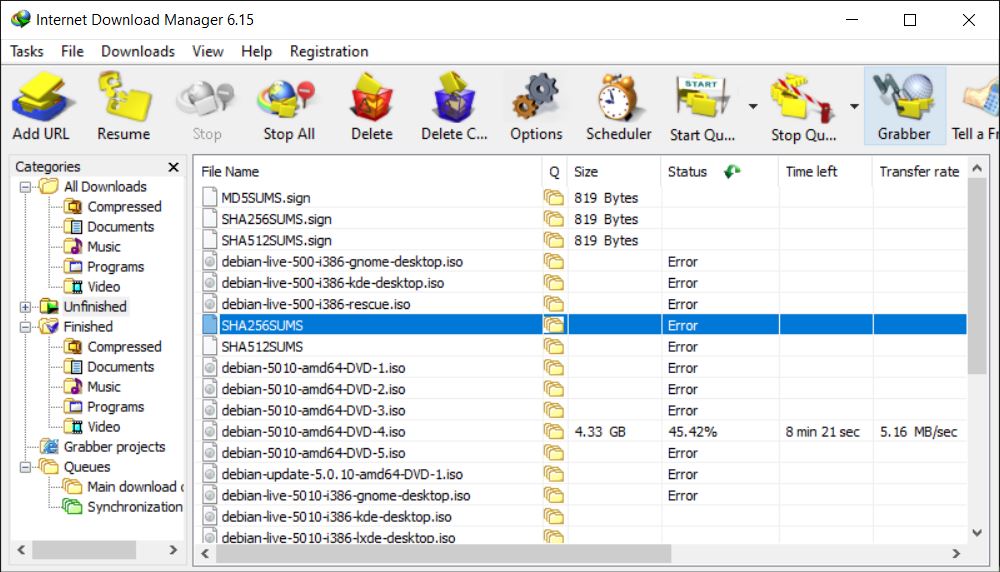
IDM is also a complete piece of junk. You don’t even know the status of each file. Some have errors, some have no info at all. Sometimes it’s only downloading one file globally. When downloading in bulk, it pops up a dozen separate windows, and sometimes the queue starts but nothing is downloading, so you have to manually click resume on each one.The most important thing is that it gives up when it encounters an error and can't try indefinitely.
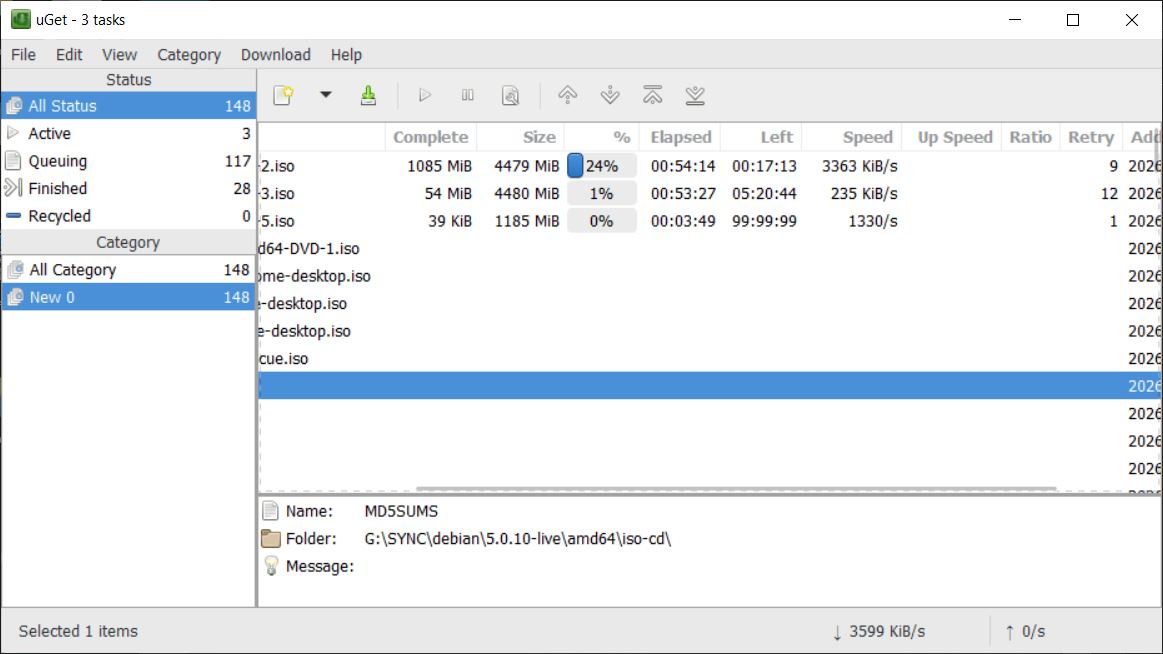
In the end, I found the true downloader: uget. Although it calls aria2c, it can keep trying until the task is done. And it won't make aria2c do this stupid thing: after downloading a torrent file, it directly parses and downloads its contents, and then seeds it.