I need to collect some old versions of Debian images. At first, I downloaded the full ISO files from this address: https://cdimage.debian.org/cdimage/archive/
But some old versions of the images don't have it, they only have the preserved jigdo files. So I decided to use jigdo to download these old version images.
The address for the Windows version of jigdo is: https://www.einval.com/~steve/software/jigdo/download/
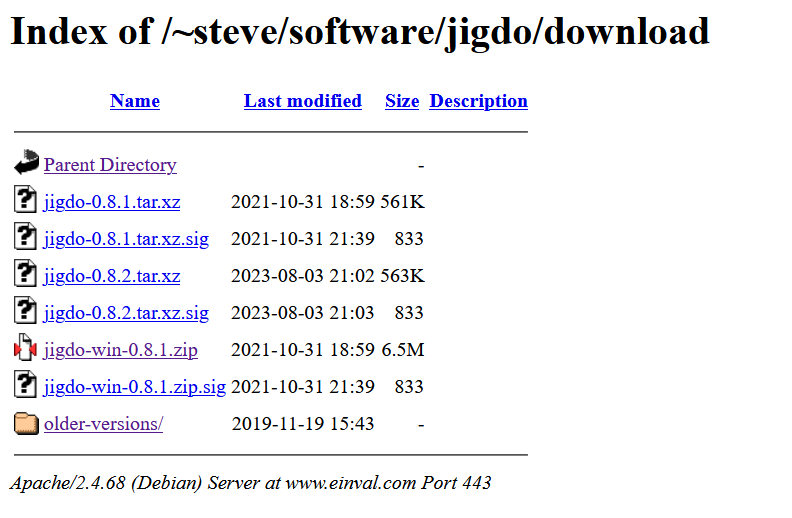
There's another alternative link: http://chiark.greenend.org.uk/~stevem/software/jigdo/download/
After downloading jigdo, unzip it, then click on jigdo-lite.bat inside, and it will prompt you to enter the jigdo file address.
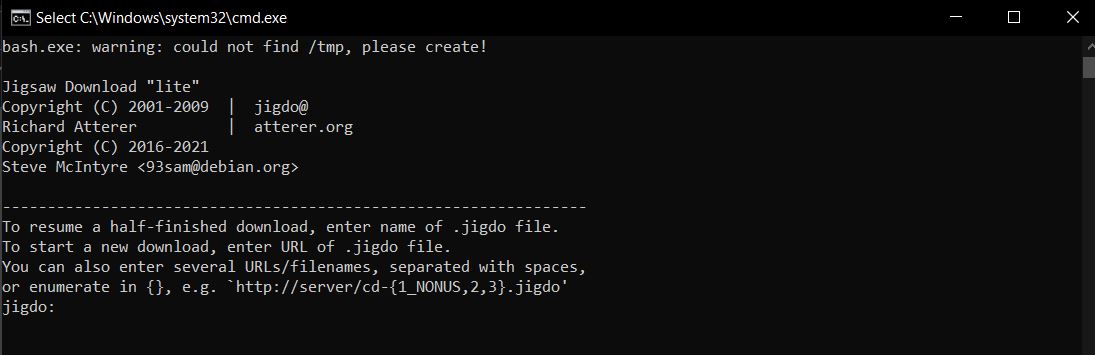
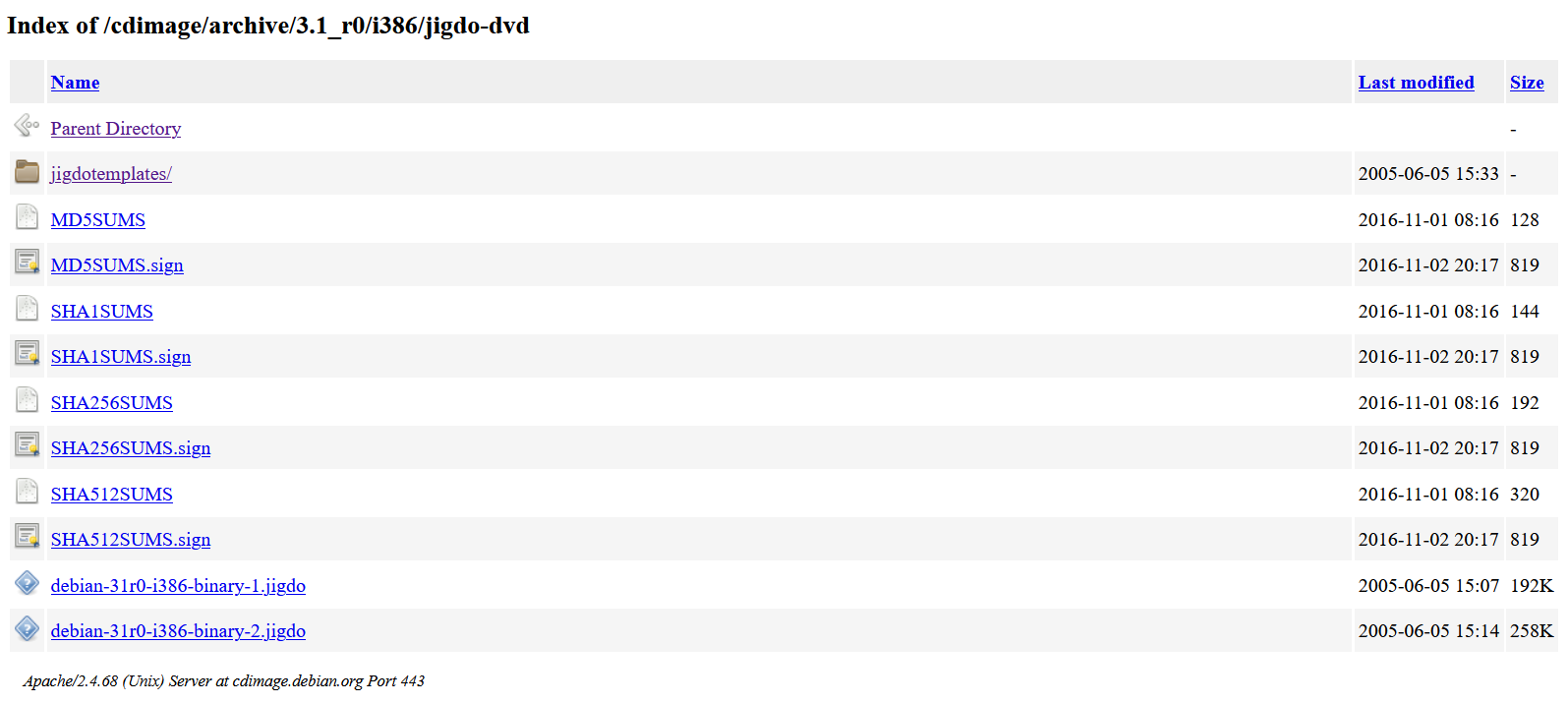
The address of the jigdo file can be found at this link according to the Debian image version you need: https://cdimage.debian.org/cdimage/archive/
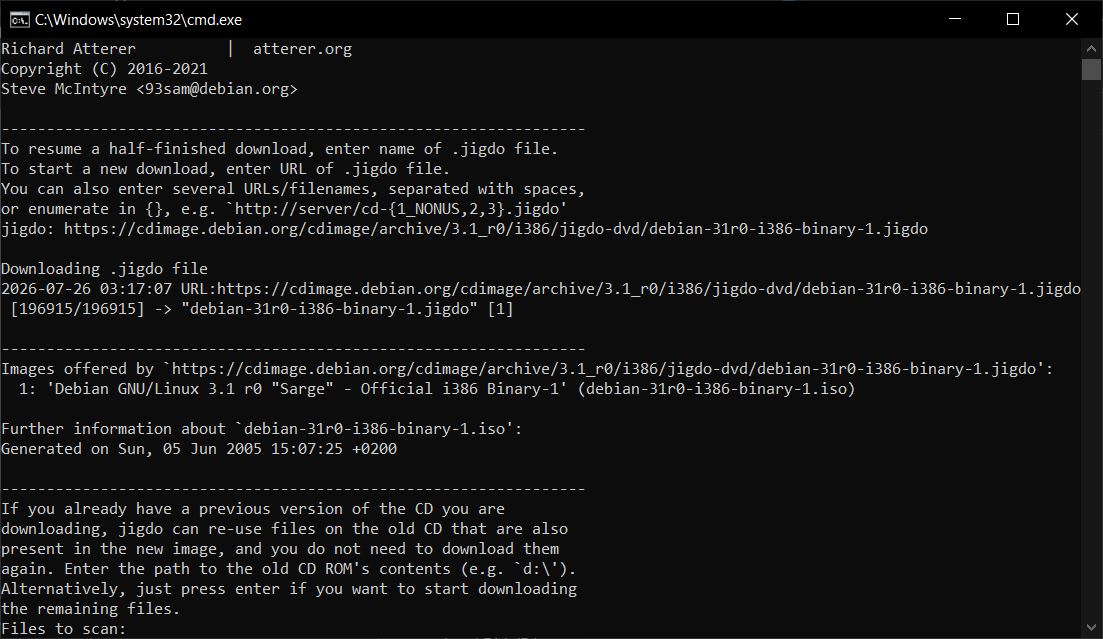
Later, it will prompt you to scan existing image files to speed up the download. I didn't have any, so I just pressed Enter to skip.
It will automatically look for the template file to download
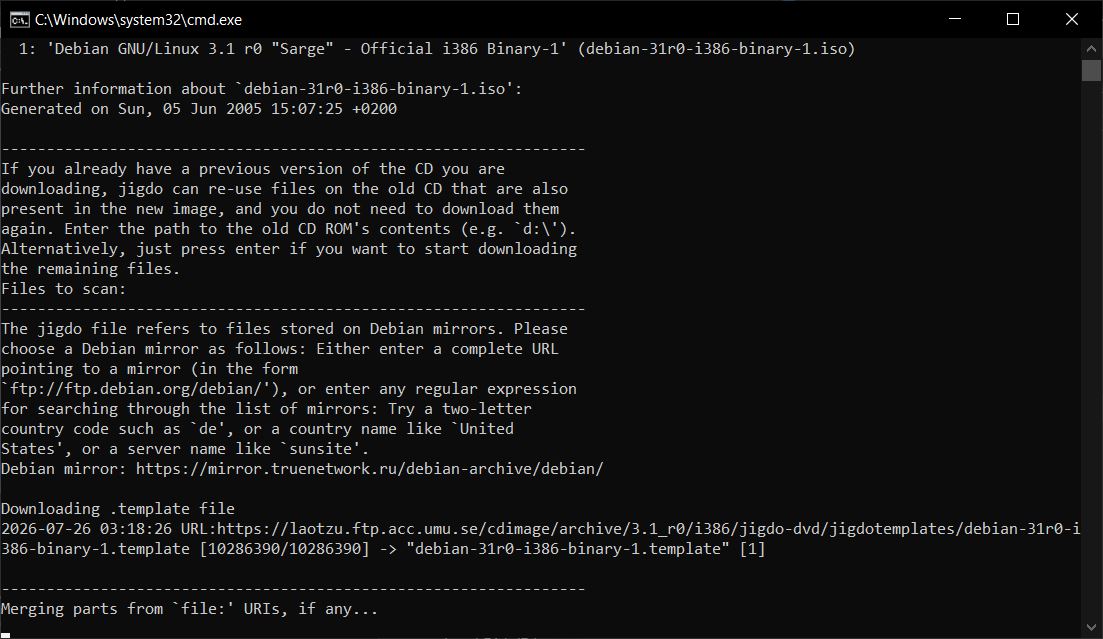
Then it will start downloading
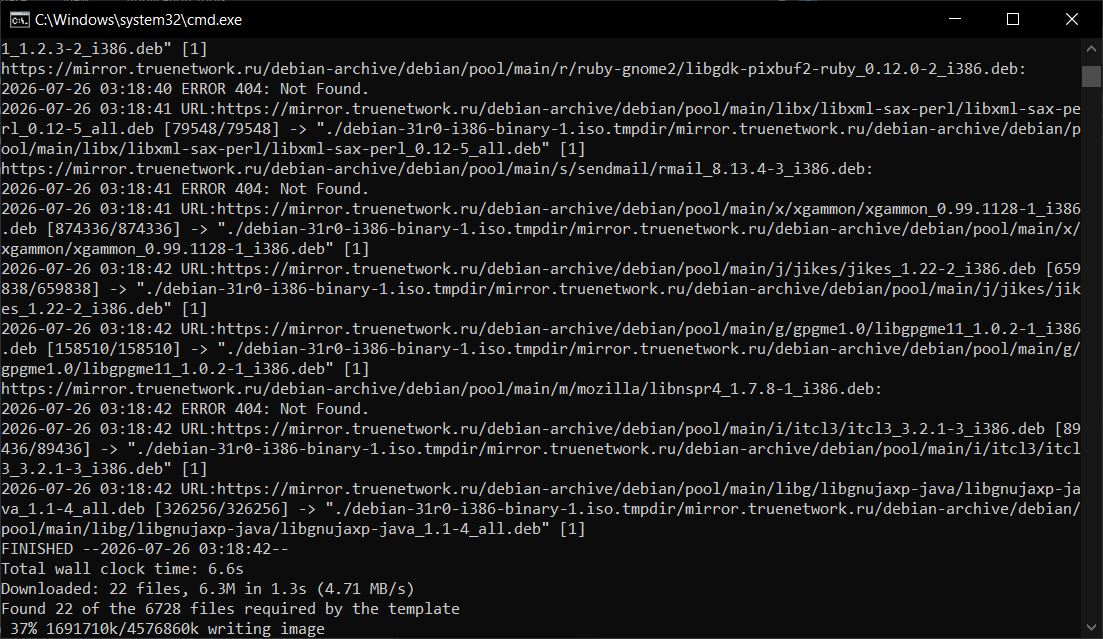
Download finished
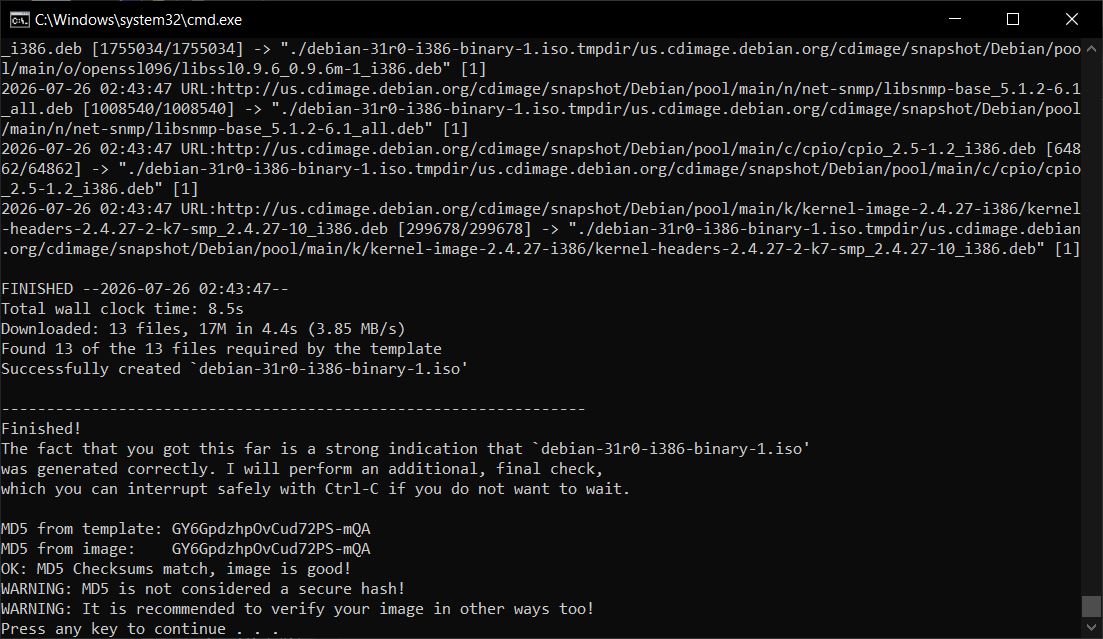
I found the image file, jigdo file, and template file in the jigdo tool directory.
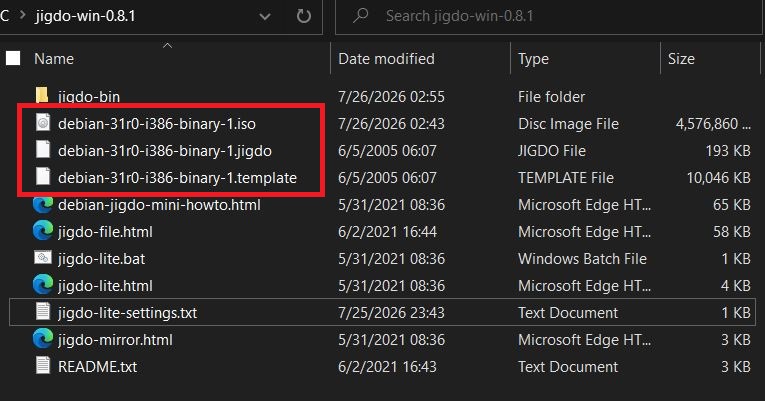
I used 7z.exe to check the SHA256 info of the image:
Name: debian-31r0-i386-binary-1.iso
Size: 4686704640 bytes (4469 MiB)
SHA256: 9cf418dbb8985b98d15a2772da98d0c5ba6fd569d23b6b5a586fac42bc32b7a4
I compared the sha256sum file from the original website: https://cdimage.debian.org/cdimage/archive/3.1_r0/i386/jigdo-dvd/SHA256SUMS
9cf418dbb8985b98d15a2772da98d0c5ba6fd569d23b6b5a586fac42bc32b7a4  debian-31r0-i386-binary-1.iso
6668cfe6d7593c8e30d89ee3fa43c0cc7865b8b0c2322f143ba04ca4f29d54c4  debian-31r0-i386-binary-2.iso
Exactly right. The download was successful.
After the first download, jigdo will generate a jigdo-lite-settings.txt file. Its content looks like this
jigdo='https://cdimage.debian.org/cdimage/archive/3.1_r0/i386/jigdo-dvd/debian-31r0-i386-binary-1.jigdo'
debianMirror='https://mirror.truenetwork.ru/debian-archive/debian/'
nonusMirror=''
tmpDir='.'
jigdoOpts='--cache jigdo-file-cache.db'
wgetOpts='-nv --passive-ftp --dot-style=mega --continue --timeout=30'
scanMenu=''
filesPerFetch='30'
After that, you can just edit this file to download the Debian image through the configuration.
So, jigdo is a powerful tool. Very few operating system images can still be downloaded in their very old versions, but Debian made it possible with jigdo.
Here are some sources that can be used to download old Debian images with jigdo.
| Mirror Address (HTTP) | Location |
|---|---|
http://archive.debian.org/debian/ |
Netherlands |
http://archive.kernel.org/debian-archive/ |
USA |
http://debian.dynamica.it/debian-archive/ |
Italy |
http://debian.ethz.ch/debian-archive/ |
Switzerland |
http://debian.inf.tu-dresden.de/debian-archive/ |
Germany |
http://debian.koyanet.lv/debian-archive/ |
Latvia |
http://debian.snt.utwente.nl/debian-archive/ |
Netherlands |
http://debian.volia.net/debian-archive/ |
Ukraine |
http://ftp.hosteurope.de/debian-archive/ |
Germany |
http://ftp.kaist.ac.kr/debian-archive/ |
South Korea |
http://ftp.ticklers.org/archive.debian.org/ |
United Kingdom |
http://mirror.eu.oneandone.net/debian-archive/ |
Germany |
http://mirror.mephi.ru/debian-archive/ |
Russia |
http://mirror.nl.leaseweb.net/debian-archive/ |
Netherlands |
http://mirror.one.com/debian-archive/ |
Denmark |
http://mirror.truenetwork.ru/debian-archive/ |
Russia |
http://mirrors.accretive-networks.net/debian-archive/ |
USA |
http://mirrors.advancedhosters.com/debian-archive/ |
USA |
http://repo.jing.rocks/debian-archive/ |
Japan |