My broadband has a dynamic public IP. After setting up port forwarding on the optical modem, I can expose local services to the public network. However, because the public IP is dynamic, it may change from time to time. At this point, it is not feasible to tell others the new service IP address every time the IP changes. Using a DDNS service can solve this problem: it dynamically maps a domain name to an IP address, and when the IP address changes, the mapping automatically updates, so others only need to access the domain name to reach the service.
I used a free DDNS service website:https://dynv6.com/
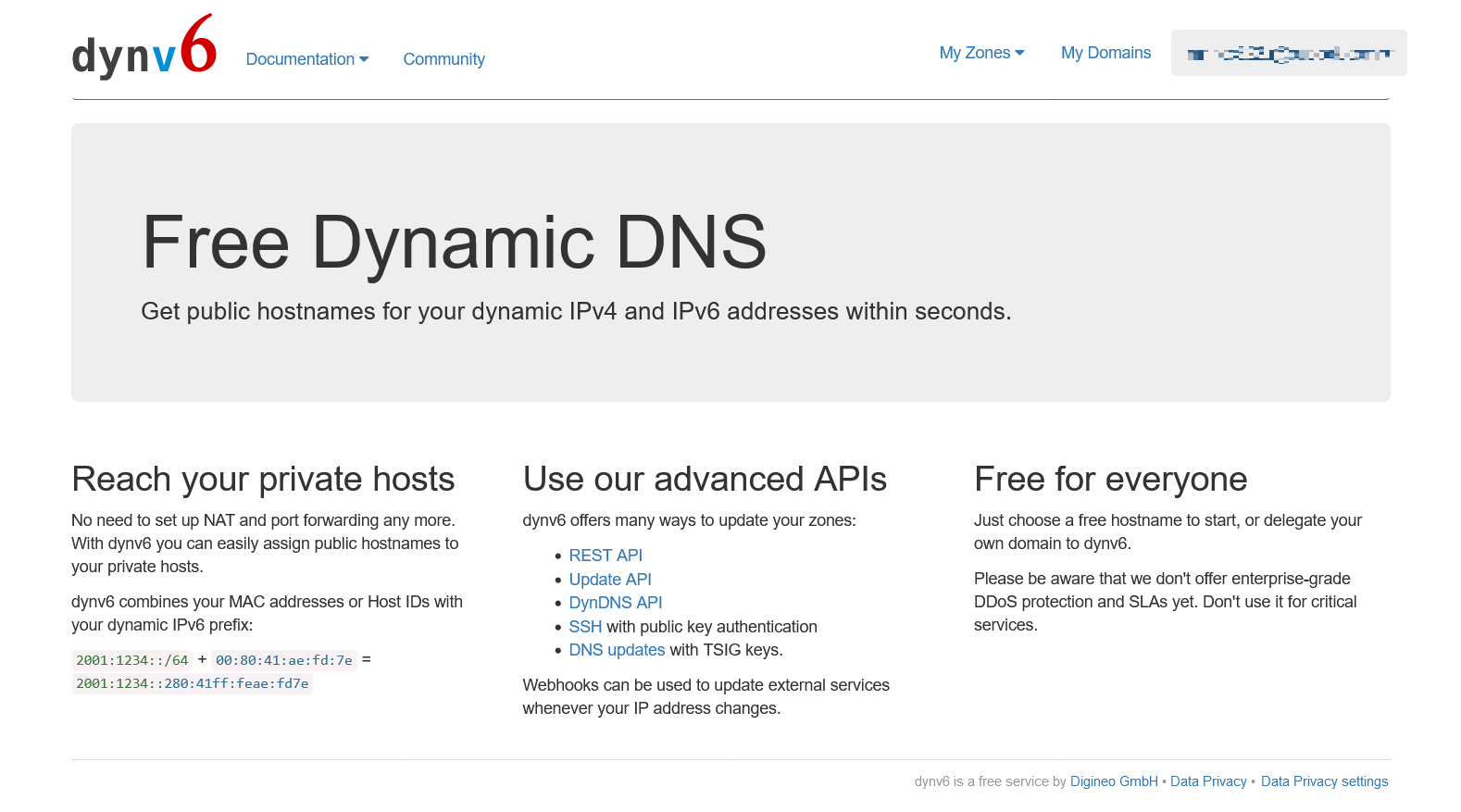
dynv6 will give you a free subdomain, and with this subdomain, you can set up a DDNS service. My server runs a download service. It does not require a special custom domain, so using dynv6's free subdomain is very suitable.
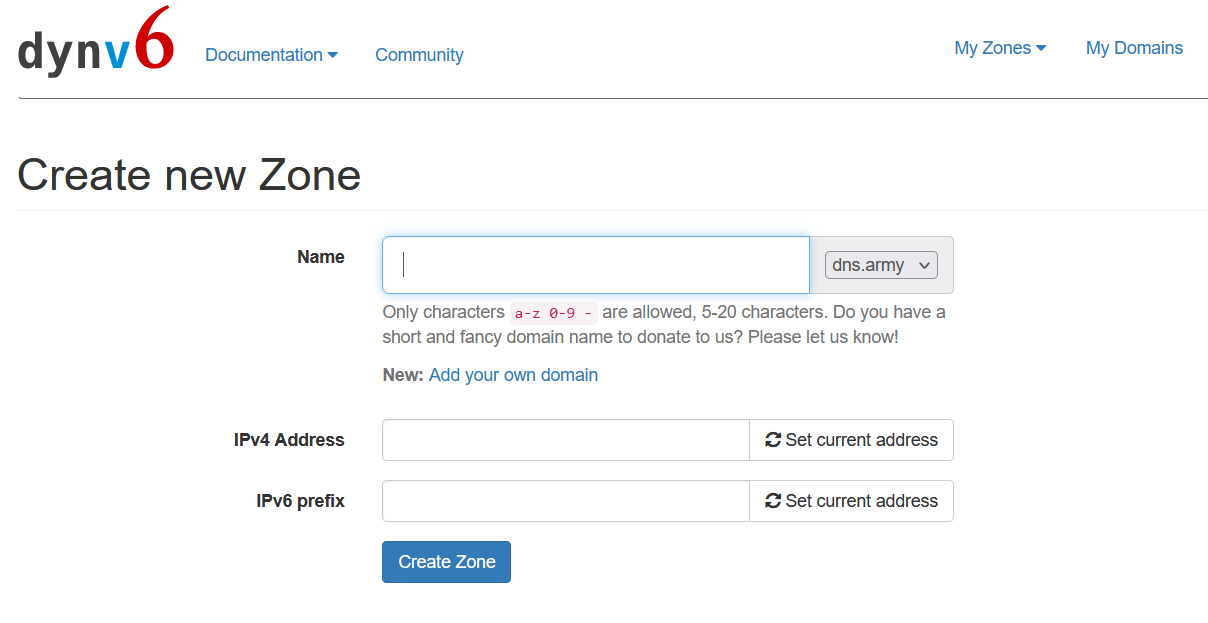
First, register and log in to your account. At this point, it will ask you to Create new Zone, where you can define a domain name prefix and choose a domain name suffix, and then set the initial IP address.
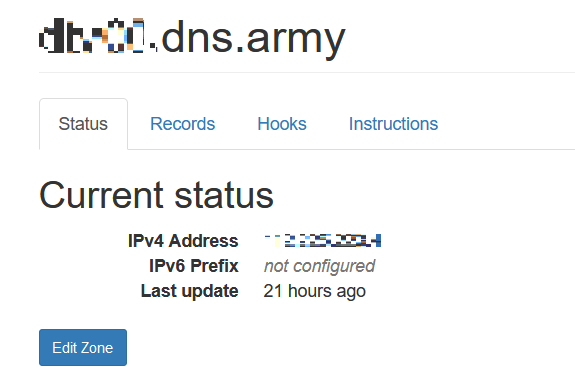
The created information shows the IP address that your created domain name is currently mapped to.
Click on Account, Keys
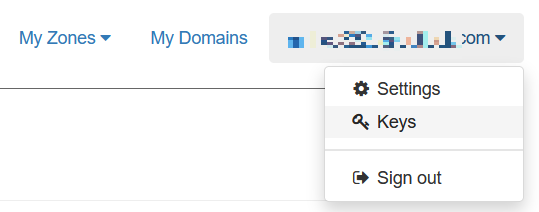
You will see the default HTTP Token that was created. You can delete, modify, or create a new token. However, it needs to correspond to the domain name you just created, so that it will be effective for future DDNS configuration.
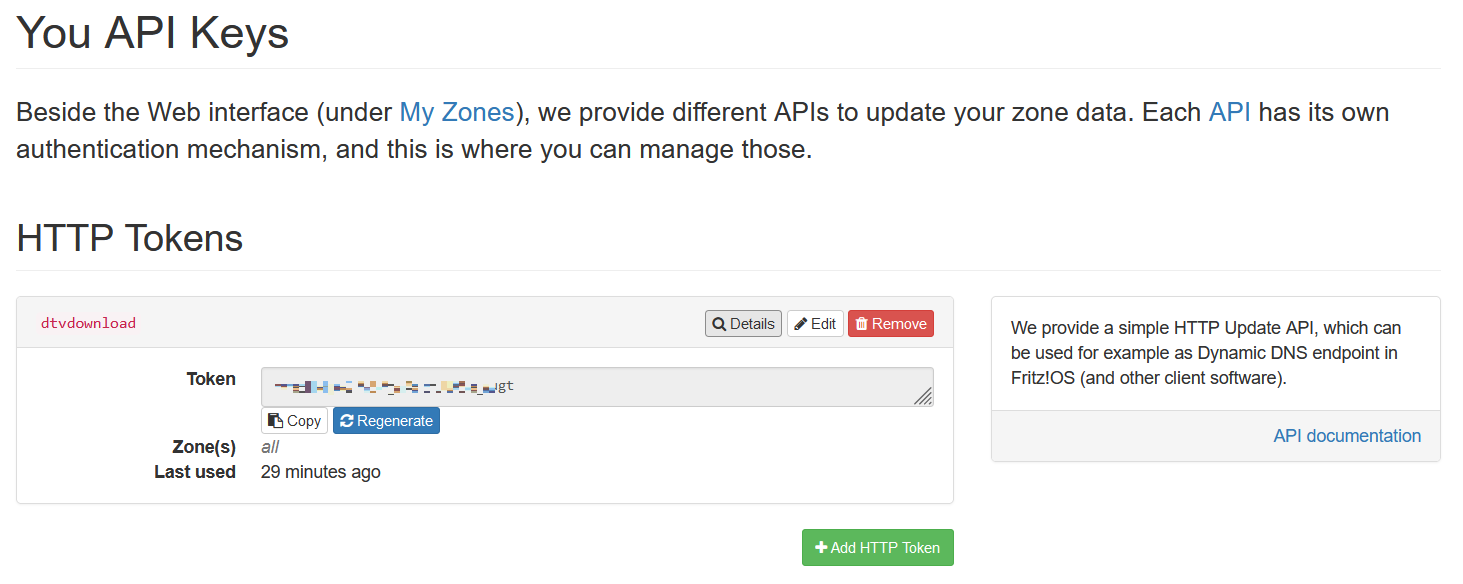
At this time, you need to use a bat script to dynamically update the IP address, and its API is very simple. The official website is at: https://dynv6.com/docs/apis
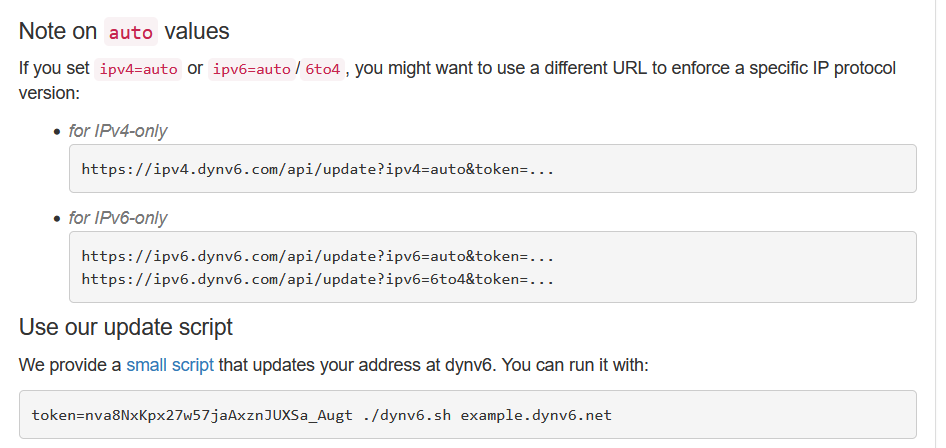
Windows system only needs to edit the bat script
@echo off

:loop

echo.
echo %date% %time% - refreshing DDNS...

rem refresh ipv4 address
curl -k "https://ipv4.dynv6.com/api/update?zone=zzzzzzzz.dns.army&token=xxxxxxxxxxxxx&ipv4=auto"

rem refresh ipv6 address
rem curl -k "https://dynv6.com/api/update?zone=zzzzzzzz.dns.army&token=xxxxxxxxxxxxx&ipv6=auto"

rem wait 600s
timeout /t 600 /nobreak > nul

goto loop
Here, zone=zzzzzzzz.dns.army is your custom subdomain, and token=xxxxxxxxxxxxx is the token set previously. You just need to run this bat script, and it can automatically update the IP address at regular intervals, achieving DDNS service.
I tried to use this domain name to access the file service at my home, but it didn't work at first. Later, I discovered that it was because my broadband connection is dialed and routed through an optical modem. If I use my broadband network to access local services, the optical modem will detect that the address initiating the access is its own IP address and cannot handle it, because my optical modem does not support local loopback. If I switch to a router, I can use my broadband network to access local services, because the router supports local loopback.
So when I tried to access this domain using the external network or mobile 4G network, I found that I could normally access the home file service, which indicates that the DDNS configuration was successful.