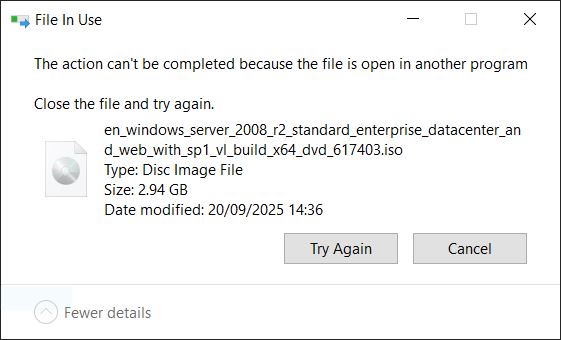
I encountered a common Windows error message when I was deleting a file:
The action cant be completed because the file is open in another program
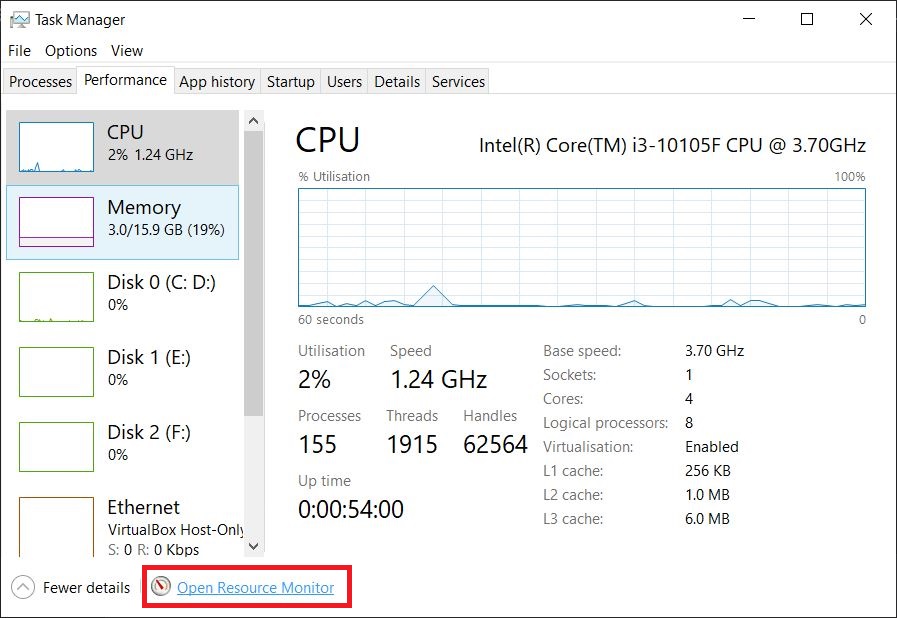
First, press Ctrl + Alt + Delete to open Task Manager, switch to the Performance tab, and click the Open Resource Monitor below.
Switch to the CPU tab in Resource Monitor, and search for the occupied file in the search box in the Associated Handles area.
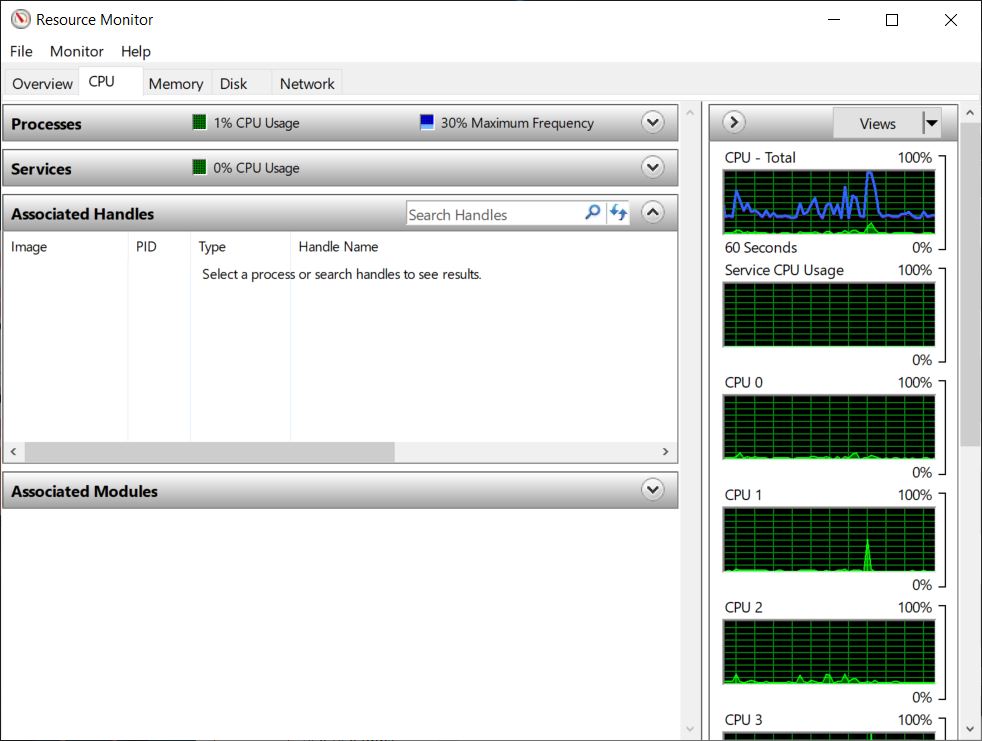
You will find the program that is occupying the file

Right-click directly on the program that is occupying the file and select 'End Process' After that, your file should be operable.
