I reinstalled the Windows 10 system, and after that, the git for windows I installed was deleted. When I reinstalled git for windows and then opened git gui in the repository directory, it popped up the following error.
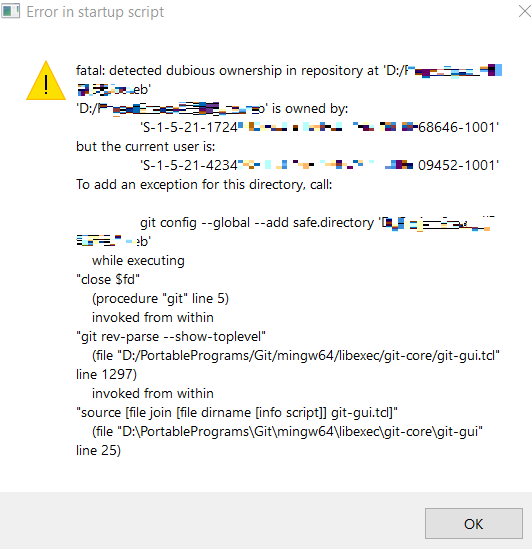
detected dubious ownership in repository at xx is owned by xx but current user is xx
This is because I reinstalled the system, causing the owner of the current folder to not match the currently logged-in Windows user, so Git refuses to perform the operation to prevent possible permission abuse.
The solution is to have Windows completely change the ownership of this folder back to the current user.
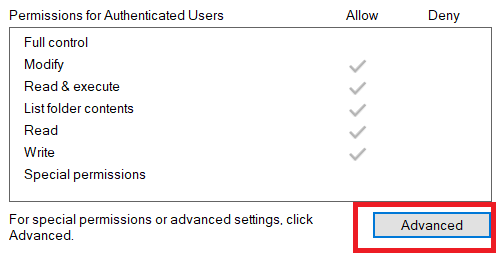
Right-click the repository directory folder. Properties, Security tab, click Advanced,
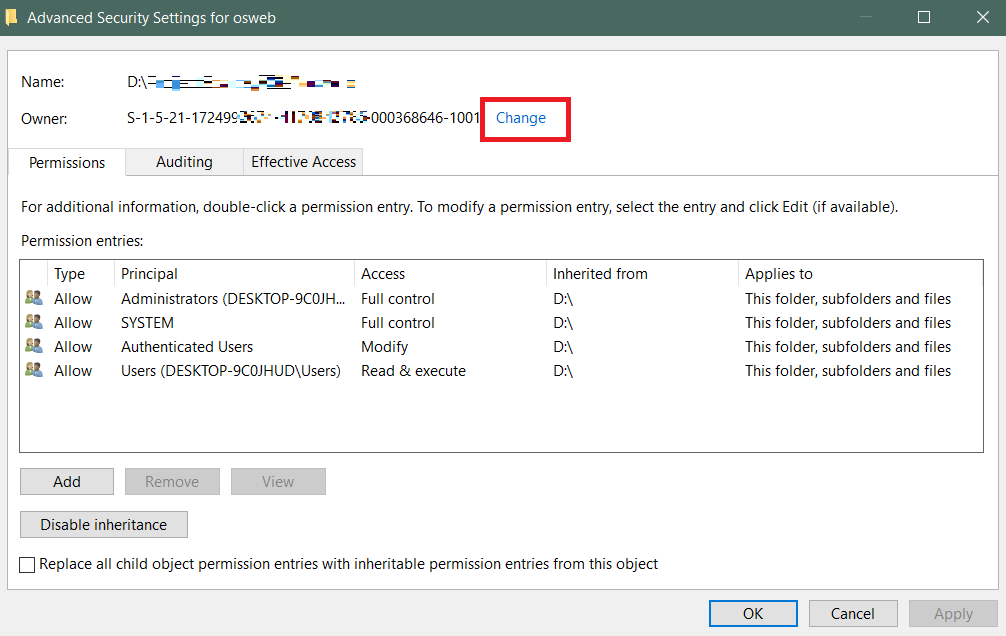
In the Advanced Security Settings window, click Change Owner
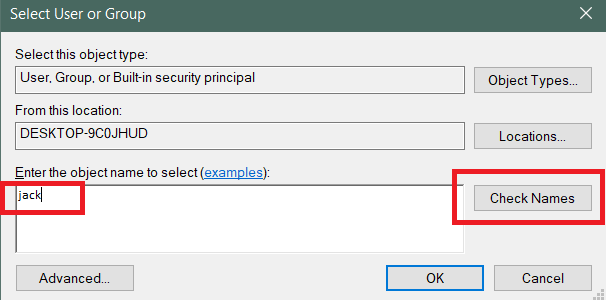
Enter your own login name, then click Check Names on the right. After the correct name is displayed, click OK.
Then check 'Replace owner on subcontainers and objects' in the window, and click OK.
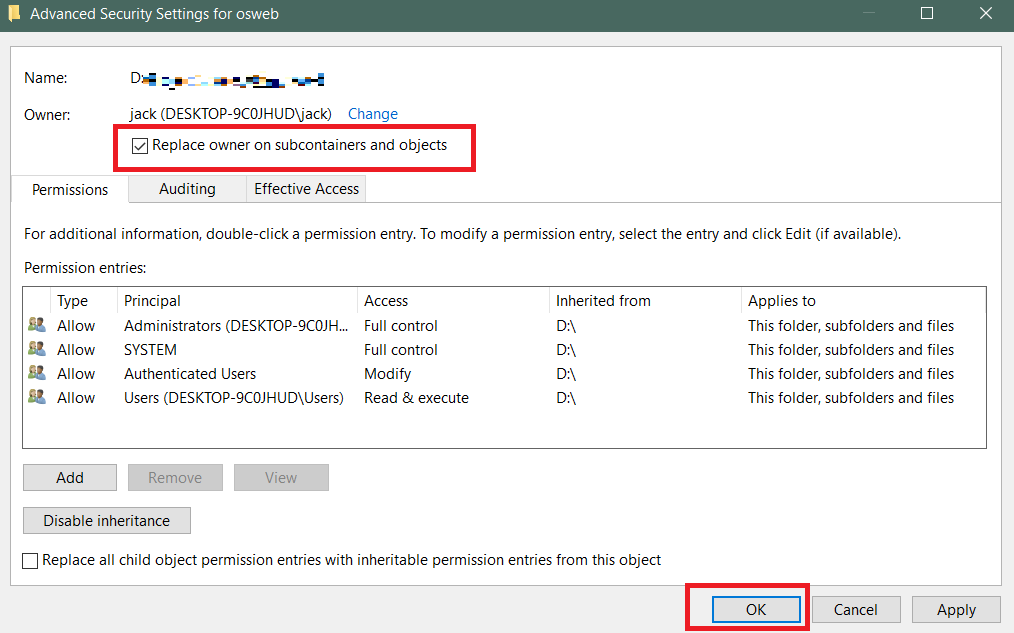
This way, the folder is owned by the current user. You can then open Git GUI and operate normally.