Using Lucky Patcher requires the phone to have root access, and my Google Pixel 2 already has root access.
Download PVZ2
Archive.org has historical Android versions of PVZ2. Old versions: https://archive.org/details/pv-z-2-android, choose a version to download.
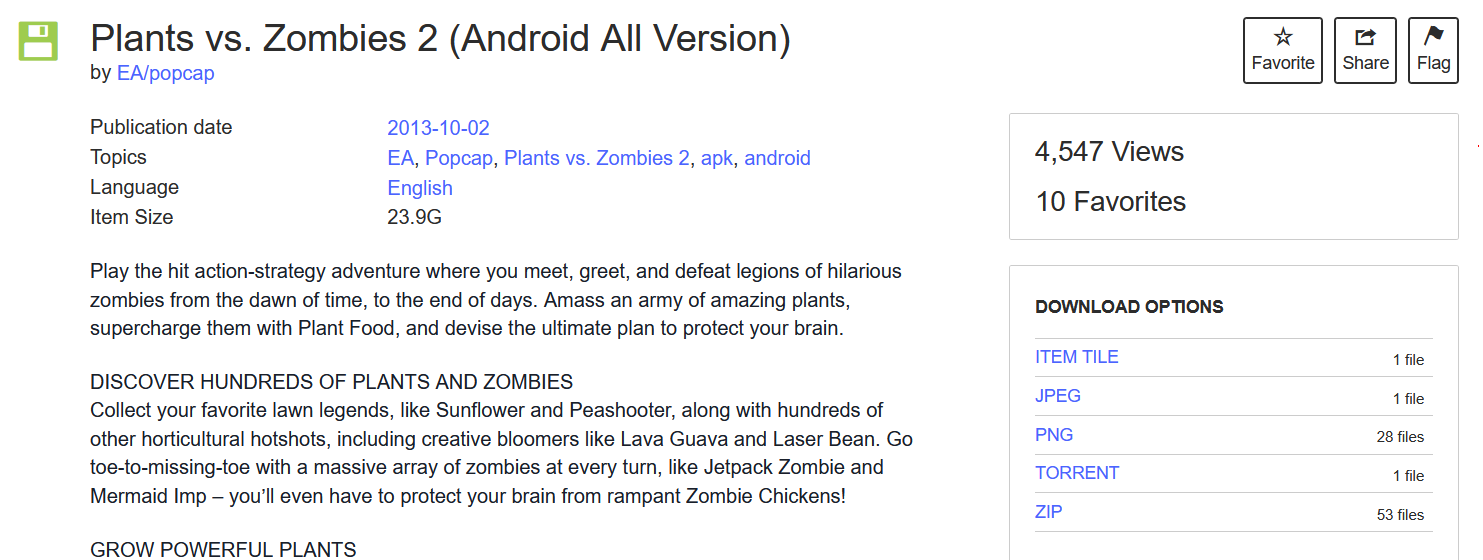
You need an Android file manager that can handle files, like Mixplorer or File Manager +, Unzip the PVZ2 zip file. You'll get an apk file and a folder containing obb data files.
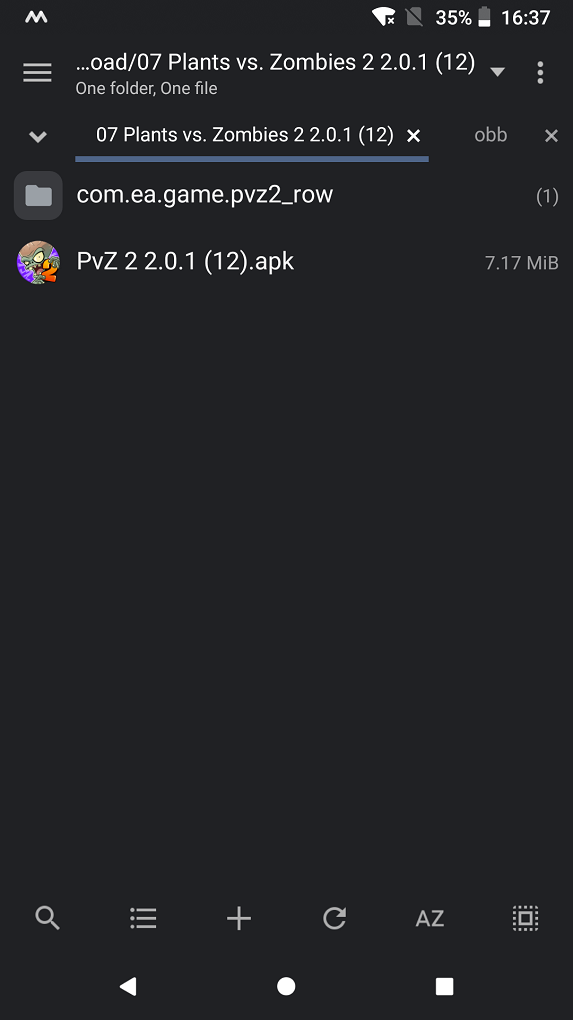
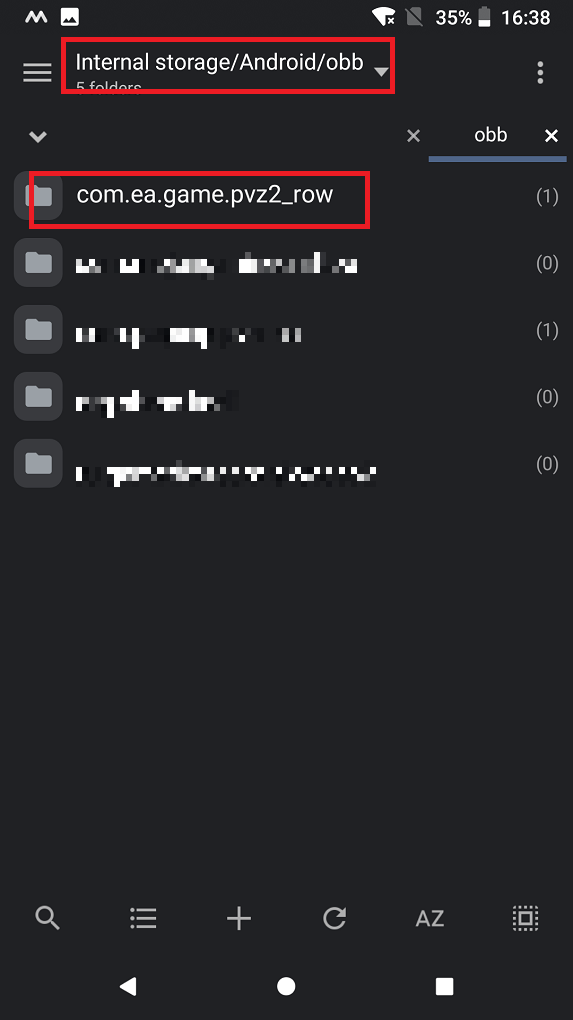
Now install the APK file, then move the folder containing the OBB data files to the Android/obb/ directory in your phone's internal storage.
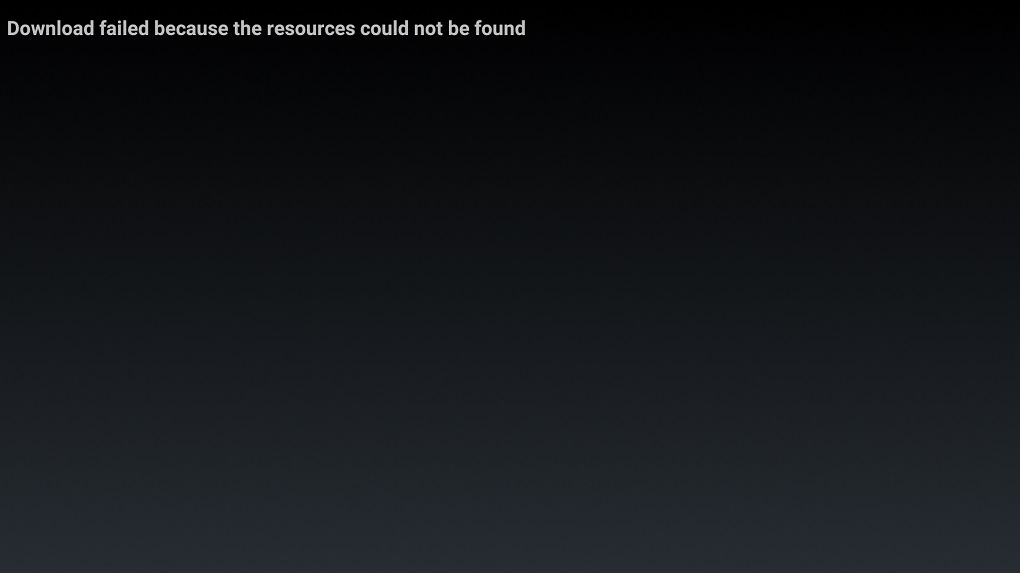
If you open the game at this time, it will prompt that it cannot download the data files. It's not that the data package is in the wrong place, but that Google verification cannot be performed.
Download Lucky patcher
Lucky Patcher is a free Android app that can mod many apps and Games, Block ads, remove unwanted system apps, backup apps before and after modifying, Move apps to SD card, remove license verification from paid apps and games, etc.
The author of Lucky Patcher is ChelpuS, and its official download link is: https://www.luckypatchers.com/download/
After downloading, install it. You'll need to give it root access. From the app list, select PVZ2 and click on the menu of patches.
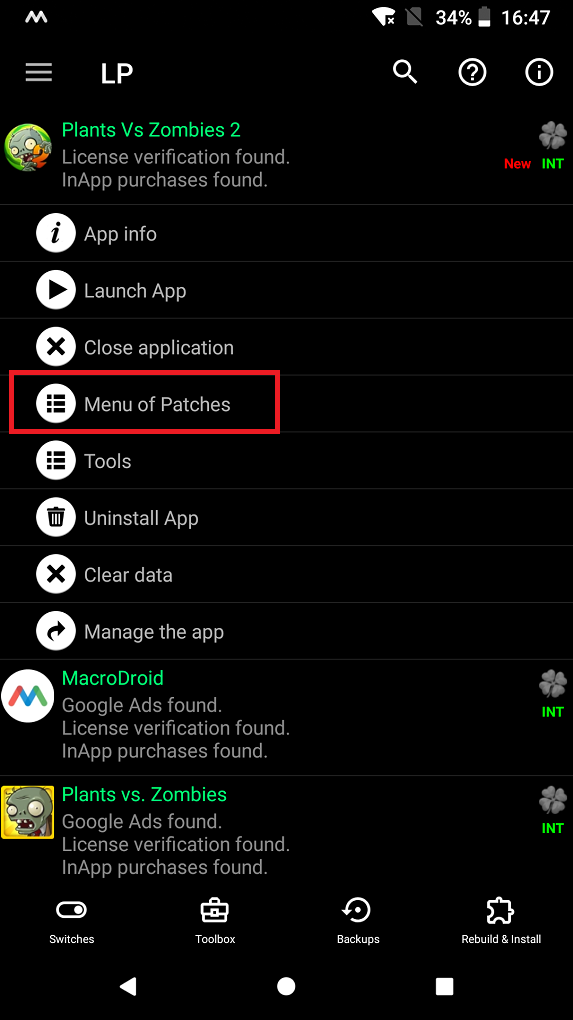
click remove liscense verification
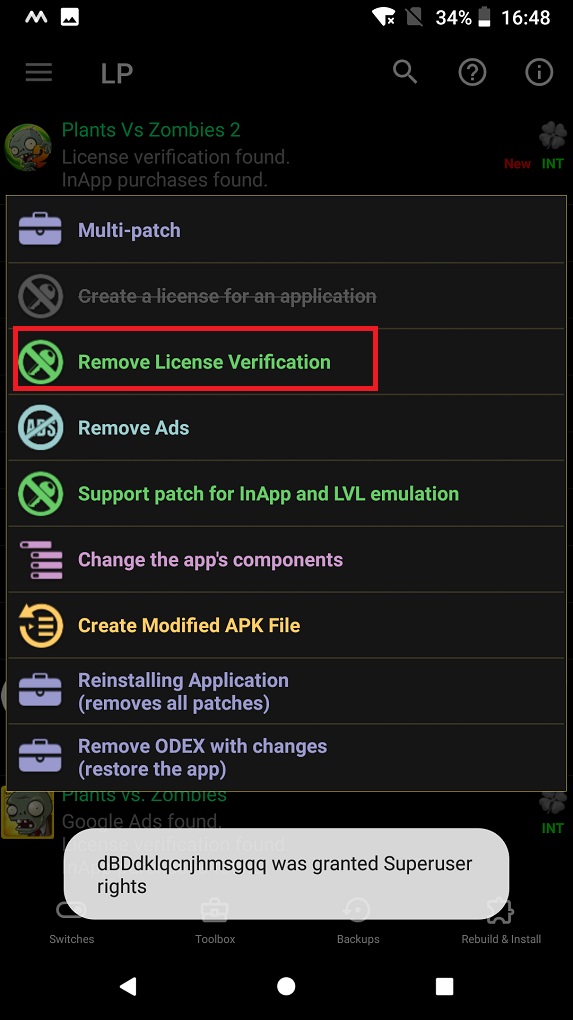
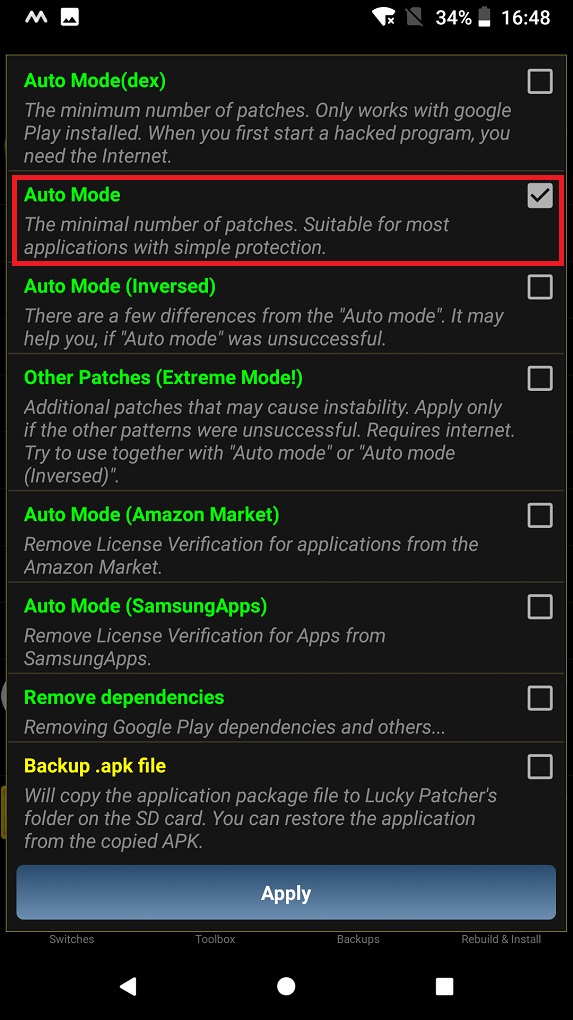
select auto mode
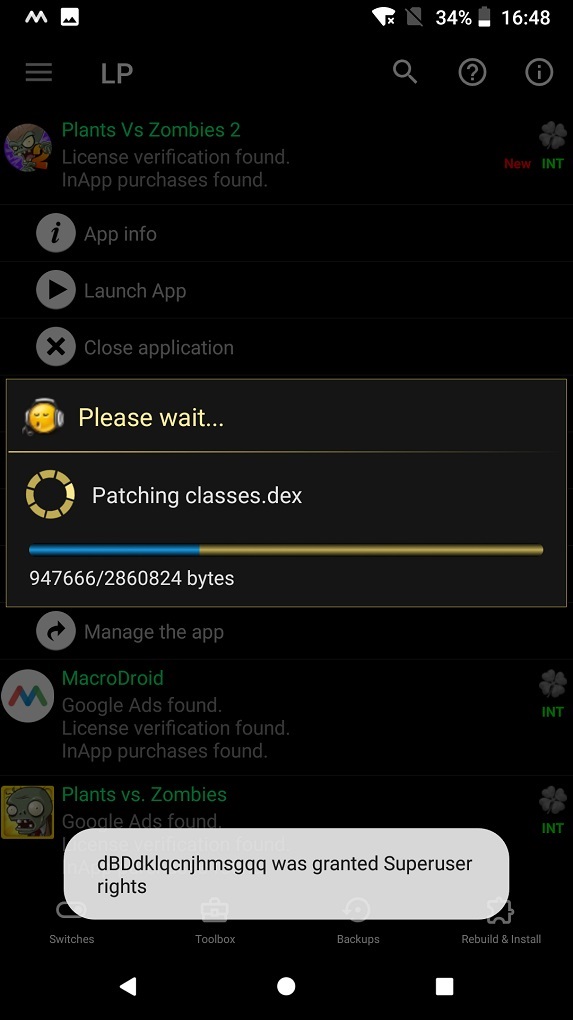
patching
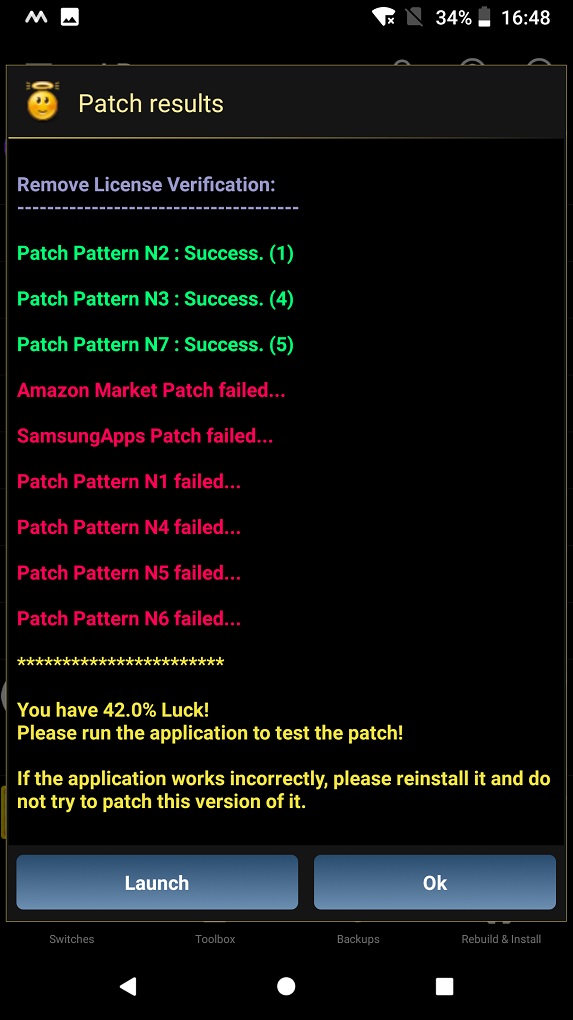
patch finished
Then you can reopen the game and you'll see the loading progress bar. Once it's done loading, you can enter the game.